
BrowseReporter: Boost productivity with full visibility into employee activity
CurrentWare’s BrowsReporter gives you full visibility into your employees’ activity, shows productivity gaps, and allows you to enforce policies across remote, hybrid, and in-office teams, without micromanagement.
Plans start at $12 per user/ month.
*No credit card required · 14-day free trial · For on-prem pricing, contact Sales
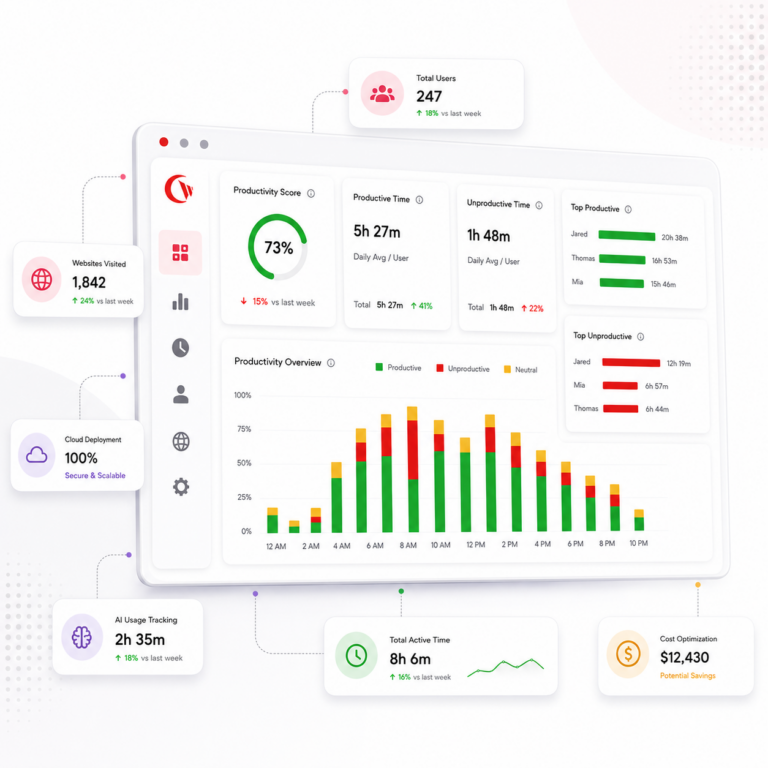







Key BrowseReporter Features
App & Web Reports
See which websites distract your employees. You can easily compare website usage by individual or team, and use the data from these reports to back your decision-making.
Track Idle Time
Track when your employees are working and when they’re not. BrowseReporter tracks active, idle, and total work time using keyboard and mouse activity, and lets you set idle thresholds that fit your teams’ workflows.
Location-Based Insights
BrowseReporter allows you to compare how employee productivity looks across remote, hybrid, and in-office setups. You can gauge where your employees’ focus time is the strongest, where it’s not, and use that to build flexible work policies that hold up.
Schedule Adherence
Know when your employees start and finish their day, including startup, sleep, and shutdown events, making it easy to verify working hours and break patterns, so you know what they are really doing
Everything You Need in One Console
One lightweight agent. One web console.
Full visibility into activity, reporting, and AI tool usage across every endpoint.
Internet & web monitoring
See which websites employees visit, how long they use them for, and how their usage stacks up across teams, live.
Screenshot monitoring
Capture device screenshots for audits and investigations, with OCR search across captures.
Bandwidth tracking
Pinpoint bandwidth-heavy apps and users to control network load and catch suspicious data activity.
Scheduled email reports
Set up automated emails for sharing productivity, usage, and risk reports with HR, IT, and managers on a schedule you prefer.
Mouse jiggler detection
Ensure your idle and active time data stays clean by detecting fake activity from mouse jigglers and auto-clickers.
Windows & macOS support
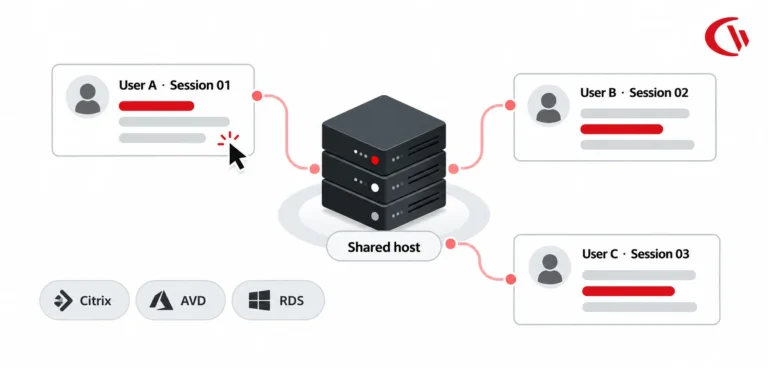
Monitor endpoints across remote desktops and terminal servers, from one console.
The Latest From BrowseReporter
Recently shipped capabilities that give you deeper visibility and faster, simpler deployment.
OCR keyword search New
BrowseReporter can now read the text inside captured screenshots. Search for sensitive data, policy keywords, or risky terms, not just URLs and app names.
Cloud deployment New
No on-premise server to manage. Deploy CurrentWare in the cloud in minutes and manage every endpoint from anywhere, while keeping the on-prem option if you need it.
AI usage trackingNew
See which AI tools your team is using, how often, and where company data might be slipping out. Make AI governance decisions based on what’s actually happening, not assumptions.
Measurable Impact Where It Matters
of companies that implemented monitoring software saw an increase in employee productivity.
of employers have found an employee working a second job while on the clock, thanks to monitoring software.
of desktop software and 29% of SaaS spend is underutilized or wasted.
How BrowseReporter Benefits Your Organization
BrowseReporter converts everyday endpoint activity into results leaders can see, prove, and act on.
Boost productivity and focus
Once you know where time is going, you can have real conversations with employees about where it should go instead.
Support flexible work
Location insights let you refine remote and hybrid policies without taking an all-or-nothing approach to accountability.
Cut SaaS spend by up to 48%
Unused licenses and redundant tools drain budgets quietly. Clear usage reports make the waste visible and easy to act on.
Improve employee engagement
Monitoring done transparently builds trust, not resentment. When people see data used to support their success rather than to punish them, the dynamic shifts.
Strengthen compliance
Automated reports go straight to HR, IT, and compliance teams, with risk alerts included. When issues come up, your audit trails are already there.
Optimize software costs
Cost Insights connects actual usage to licensing costs, so you can spot inactive accounts, underused apps, and overlapping tools before the next renewal.
Productivity Insights for AI Usage at the Workplace
AI tools have become part of how work gets done, but most organizations have very little visibility into how they’re being used, leaving room for productivity blind spots, data leakage, and shadow IT that grows quietly in the background.
BrowseReporter helps you get a handle on it. Here’s how:
Monitor AI tool usage
See which tools like ChatGPT, Copilot, and others are being used, by which teams, and how often.
Detect risky patterns
Spot behavior tied to AI and web activity that could indicate a problem before it becomes one.
Enforce AI policies
Let approved tools through and block the rest, without disrupting legitimate work.
Prevent data exposure
Combine filtering with device control to keep sensitive data from reaching AI platforms it shouldn’t.
Productivity, Privacy & Cost Control
Productivity Intelligence
- Measure app and website usage
- Identify time-wasting patterns
- Use real data to improve how work flows
Privacy-First Monitoring
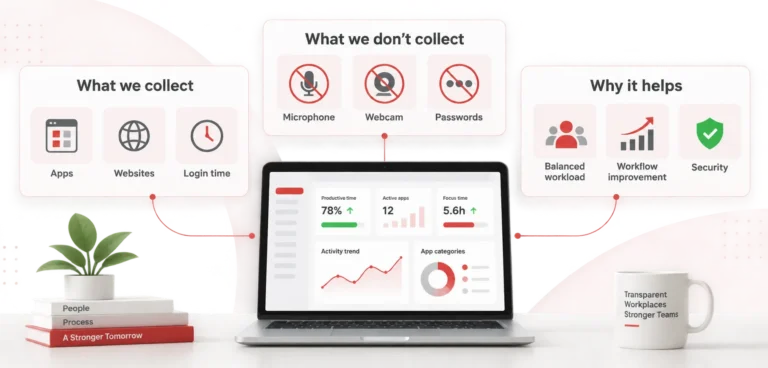
- Screenshots are optional and off by default
- Scheduling limits when data is collected
- Monitoring can be restricted to specific teams
Cost Optimization
- Identify unused licenses
- Right-size IT budgets at renewal
- Reduce SaaS sprawl before it gets out of hand
Get Started with BrowseReporter
No Credit Card Required
All subscriptions include ongoing updates and direct support from our team.
Why BrowseReporter Outperforms Other Competitors
A lot of employee monitoring tools go too far in one direction: they’re either surveillance-heavy with little regard for privacy, or they’re analytics-only with no way to act on what they find. BrowseReporter sits in a different spot. It combines real-time activity monitoring, policy enforcement, and cost insights with privacy controls you can actually configure, and tracking that’s transparent to employees.
| Feature | BrowseReporter | Other Solutions |
|---|---|---|
| App & Web Productivity Insights | ✓ Yes | Limited |
| Active vs Idle Time Tracking | ✓ Yes | Limited |
| Privacy-First Controls (screenshots off by default) | ✓ Yes | ✗ Rarely |
| Software Cost / License Optimization | ✓ Yes | ✗ No |
| AI Tool Usage Tracking | ✓ Yes | Limited |
| On-Premises Deployment Option | ✓ Yes | ✗ Rarely available |
| Compliance Reporting (GDPR, CCPA, NIST, ISO 27001) | ✓ Yes | Limited |
BrowseReporter for Every Team
From IT to HR to operations, BrowseReporter gives each team the productivity visibility they need to monitor employee internet usage, track employee behaviour and productivity, and act on real data, all from one console.
IT & Security Teams
Monitor internet usage and app activity across every endpoint. Flag risky or non-compliant behavior before it becomes a bigger problem.
HR & People Ops
Bring objective data into performance reviews, attendance tracking, and investigations. Fair, defensible, and grounded in what actually happened.
Compliance & Legal
Maintain audit-ready activity trails and demonstrate due diligence when regulators come asking.
Finance & IT Cost Owners
Cut software waste and make smarter renewal decisions using real usage data, not estimates.
Operations & Team Leads
See where focus time is being spent, where idle time is creeping in, and where the bottlenecks are.
Managed Service Providers
Deliver productivity monitoring and internet usage visibility to multiple clients from a single console.
Solutions for Every Industry
Explore tailored controls that help you meet industry standards, boost efficiency, and protect sensitive data across remote and in-office teams.
Healthcare
HIPAA-ready controls to protect PHI with USB management and insider-threat visibility.
Government
Cybersecurity and policy enforcement aligned to NIST 800-171 and CMMC.
Legal Services
Keep client data protected, billable hours productive, and software costs in check.
Manufacturing
Productivity monitoring and internet visibility for both the shop floor and back office.
Financial Services
Enforce access policies and protect sensitive financial data with audit-ready trails.
Schools & Libraries
CIPA-compliant web filtering to qualify for E-Rate and keep students safe online.
Small Business Employee Productivity
Track unproductive web browsing and idle time to detect time-wasting.
Managed Service Providers
Deliver the monitoring, data-loss prevention, and web filtering your clients need, now with faster deployment, and easier management.
Simple, Transparent Pricing
BrowseReporter (Standalone)
(*Contact Sales for On-prem & Add-on pricing)
SaaS Offering
Employee Monitoring & Analytics
- Web & App Use
- Productivity Reports
- Location Insights
- + Screenshot Monitoring (Add-on)
- Active vs Idle Time
- Bandwidth Use
- Customer Support
Full CurrentWare Suite
AccessPatrol + BrowseReporter + BrowseControl + enPowerManager
- Everything in BrowseReporter
- Web browsing monitoring
- Website blocking
- Bandwidth management
- Power management
- Comprehensive reporting
- Multi-tool integration
Volume Discounts Available: Save up to 30% for teams of 100+ users
What would this visibility be worth to you?
BrowseReporter’s usage data drives two of the calculator’s levers: recovered productivity and unused software licences. Estimate both against your own headcount and software spend.
Who Needs BrowseReporter?
From small teams setting up their first employee monitoring program to regulated enterprises that need productivity visibility and the ability to monitor employee internet usage across thousands of endpoints.
Remote & Hybrid Teams
Keep visibility consistent across home, office, and everywhere in between.
Medium to Large Enterprises
Track productivity and app usage across thousands of computers from one place.
Small Businesses
Get employee monitoring up and running fast, without needing a large IT team.
Government & Public Sector
Meet strict data-protection requirements with on-premise deployment.
Healthcare & Regulated Industries
Stay audit-ready with HIPAA-, NIST-, and CMMC-aligned privacy controls.
Schools & Libraries
Monitor internet usage and report on activity to support acceptable-use and CIPA-aligned policies.
Deploy on your terms
Run BrowseReporter in the cloud or fully on-premises – same features, your choice of infrastructure.
Cloud
Fastest to launch · fully managed
- No servers or database to maintain
- Automatic updates & backups
- Up and running in hours
- Scales effortlessly as your team grows
On-Premise
Your network · your data residency
- Data never leaves your infrastructure
- Meets strict compliance & air-gap needs
- Connect to your own SQL Server
- Full control over data retention & access
Built to Support Your Compliance Program
Discover how organizations use CurrentWare’s employee monitoring software to improve visibility, strengthen compliance efforts, and manage employee activity more effectively.
-
CMMC Compliance →

CMMC
Endpoint Restriction to Protect CUI & FCI
-
NIST 800-171 Compliance →
NIST 800-171/53
Protect Controlled Unclassified Information
-
ISO 27001 Compliance →

ISO 27001
Increase the Maturity of Your ISO27K ISMS
-
HIPAA Compliance →

HIPAA
HIPAA protects sensitive patient data
-
Cyber Essentials Compliance →

Cyber Essentials
Critical Security Controls For Your Assessment
-
GDPR Compliance →

GDPR
EU’s data protection and privacy law
-
NERC CIP Compliance →

NERC CIP
Protect TCAs & BCSI From Insider Threats
-
CIPA Compliance for Education →

CIPA for Education
Qualify for the FCC’s E-Rate Program
Pick & Plug Into Your Existing Stack
CurrentWare works alongside the identity, security, and directory tools you already use, including support for SAML, OIDC, and CEF standards. Cloud connectors are on the way.
- Tested & supported
- Generic standards (SAML, OIDC, CEF)
- On the roadmap (Cloud)










How Businesses Use BrowseReporter

Trusted by teams across the United States, Canada & the United Kingdom
Join 100,000+ professionals across 55 countries.












What verified reviewers say
90% of reviewers would recommend BrowseReporter (average likelihood to recommend: 9 out of 10).
Read all BrowseReporter reviews on CapterraHow Businesses Rely on BrowseReporter
-
★★★★★
“CurrentWare is a gamechanger! We use it nearly every day to get insights into things like software adoption rates, employee productivity, and proof of work for our clients. “

-
★★★★★
“My main reasons for choosing CurrentWare was the very fair cost per user and overall solid product that gave more options with a lower price tag, high accuracy, and solid customer support. CurrentWare has a long history of being there. Whenever we need something, I can call you guys up and you're there. You go above and beyond in helping. “

-
★★★★★
“BrowseReporter gave us the visibility we needed to stop shadow IT and stay compliant—without eroding trust.We’re a small company that wears a lot of hats. Before CurrentWare, we didn’t have a clear way to see where burnout was happening or where inefficiencies lived. “

Featured resources
Helpful guides, templates, checklists, and planning resources to support your monitoring strategy and rollout.
-
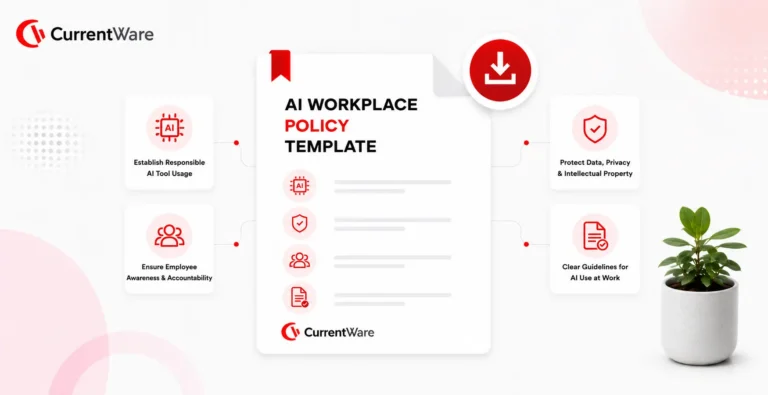
Download free AI Usage Governance Policy template
Download → -
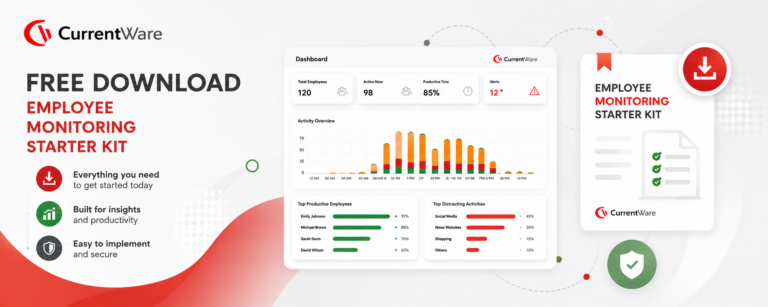
Get Your Free Employee Monitoring Starter Kit
Download → -
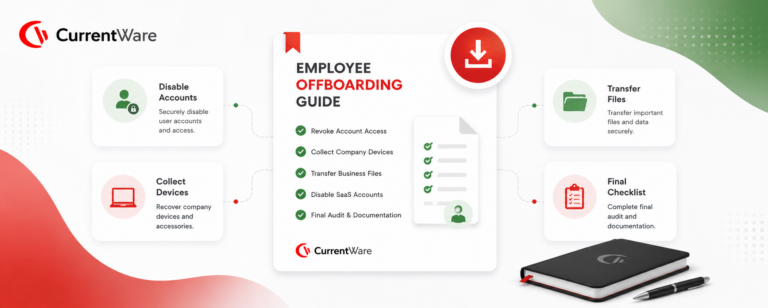
How to Keep Data Safe When Offboarding Employees
Download → -
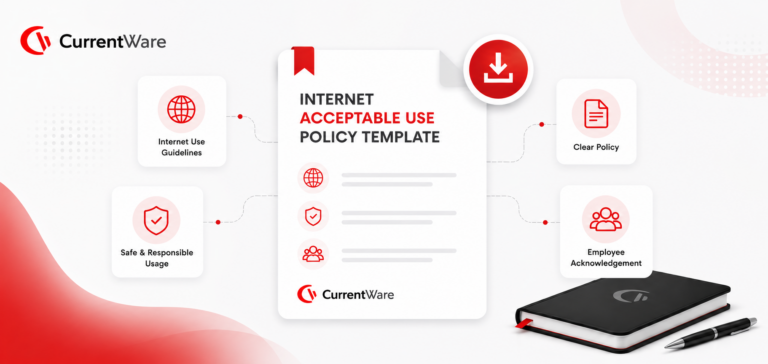
Internet Acceptable Use Policy Template
Download → -
Download the Removable Media Policy Template
Download → -
Workplace Monitoring Policy Template
Download → -
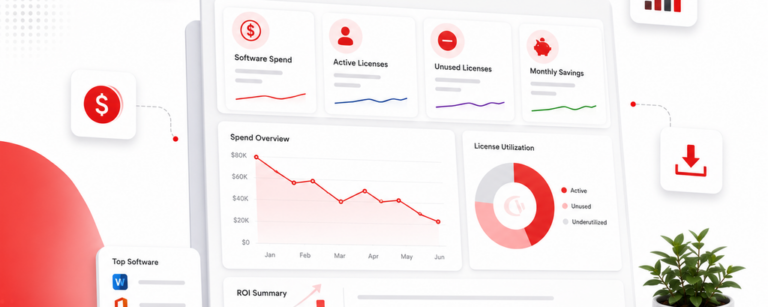
Stop Guessing. Start Saving. Calculate Your True ROI on Software Costs
Download →
Go Deeper With BrowseReporter
Feature guides, comparisons, blog reads, and solutions to help you get the most from employee productivity monitoring.
Bandwidth Tracking
BrowseReporter is a valuable bandwidth monitoring tool for Windows endpoints.
Screenshots by Website Category
Set up screenshot capture rules using predefined website categories, instead of adding websites one at a time.
Computer Activity Reports
BrowseReporter’s computer and internet activity reports, alerts, and dashboards provide detailed real-time user activity data—even on Terminal Server and Remote Desktop Services!
Employee Monitoring Reports To Email
BrowseReporter’s computer activity reports can be sent to email inboxes for convenient employee monitoring.
Idle Exclusion List
Ensure accurate productivity analytics by excluding approved communication and upskilling apps and websites (e.g., Teams, Zoom, Meet, Coursera for training) from idle detection.
Idle Time Tracking
Separate genuine work time from inactivity, and set thresholds that match how your team operates.
Internet & Web Monitoring
See which websites employees visit, how long they spend there, and how those patterns shift over time.
Mac Employee Monitoring
Bring macOS endpoints into the same productivity view as the rest of your team.
Mouse Jiggler Detection
Detect non-human activity patterns & unauthorized automation tools
Schedule Adherence
Check when employees log in and out, and confirm that working hours and breaks line up with expectations.
Screenshot Monitoring
Turn on optional screenshot capture when you need a closer look during audits or investigations.
Search Your Screenshots
BrowseReporter extracts and indexes text from every screenshot, transforming captured screen activity into searchable, exportable records instead of static image files.
Track Application Usage
Find out which apps your team actually relies on and how much time goes into each one.
Workforce Cost Summary
Connect real software usage to what you’re paying for licenses, and cut the tools nobody is using.
AI Usage Insights
See every AI tool your team uses, govern what’s allowed, and stop sensitive data from leaking into ChatGPT, Copilot, and beyond without any guesswork.
Computer Monitoring
Wondering how your team’s computers are being used? With CurrentWare’s Computer Monitoring Software, you can.
Employee Investigation
CurrentWare is the digital witness you need to gather proof of employee misconduct—whether they’re working from home or in the office.
Employee Monitoring Software
Get a clear picture of how work actually happens across every team, location, and device.
Email Monitoring
Get full visibility into how your team uses webmail- without reading the conversations.
Types of Employee Monitoring
A Complete Guide to 13 Methods and How They Work.
What Is
Employee monitoring tracks how staff use company resources at work.
Employee Productivity
Spot what’s pulling focus away from real work and give your team what they need to perform better.
Office Attendance Tracking
Improve Presence & Productivity with Office Attendance Tracking.
Remote Employee Management Software
Keep your distributed team on the same page without hovering over anyone’s shoulder.
Software License Optimization
Track what’s actually being used, find what isn’t, and stop paying for tools that collect dust.
User Activity Monitoring
Gain Real-Time Visibility & Control with User Activity Monitoring.
Workforce Optimization Software
Take what you learn from usage data and use it to remove friction from how your team works day to day.
BrowseReporter Knowledge Base
Set up, configuration, reporting, and troubleshooting help from the CurrentWare Knowledge Base.
What is BrowseReporter?
Get familiar with what BrowseReporter tracks and how it fits into your team’s workflow.
Setup & Configuration
Get BrowseReporter installed and configured the right way, one step at a time.
Reporting Features
Build the reports you need and schedule them to land in the right inboxes automatically.
Dashboards
Read your productivity data at a glance and shape the dashboards to show what matters most to you.
How Time Tracking Works
Understand exactly how BrowseReporter measures the time your employees spend at work.
Troubleshooting & FAQ
Run into a problem? Start here to find answers to the most common questions and issues.
Keep reading
Articles
-
-
Employee Monitoring
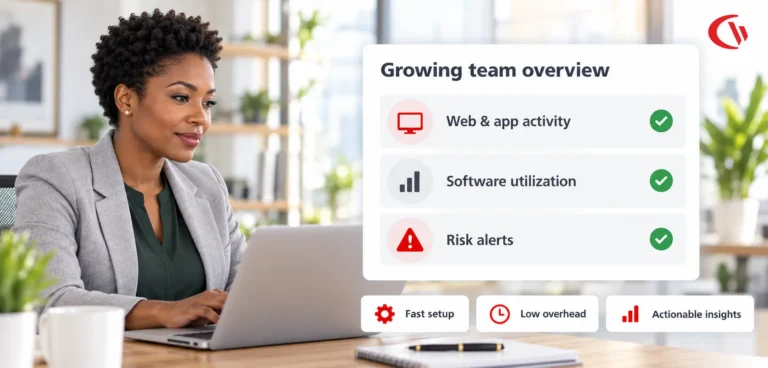
Scalable Employee Monitoring for Growing Teams
The fast-growing company does not have a large IT team, resources dedicated to security, or weeks to deploy an enterprise…
-
Compliance
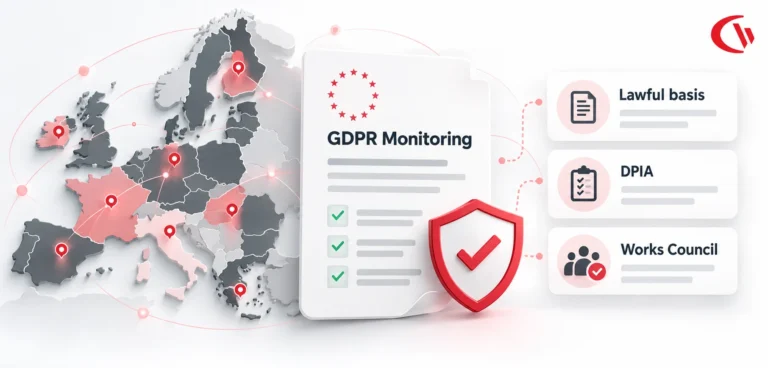
GDPR Compliance Employee Monitoring and DPIA Guide
When using employee computer monitoring software across the European Union (EU), companies have to find a balance between two legitimate,…
-
Compliance
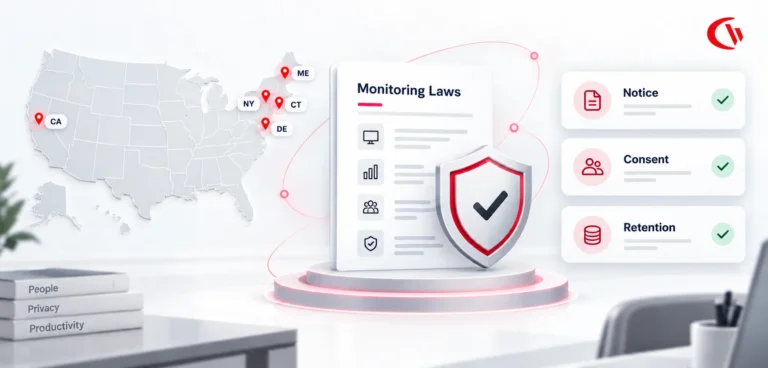
US Employee Monitoring Laws by State
The location from which employees log in remained the same with the introduction of hybrid working; instead, it was the…
-
Employee Monitoring
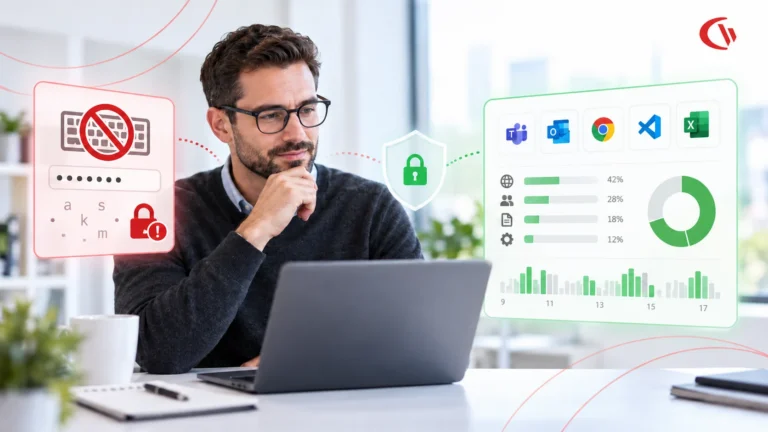
Keystroke Logging vs. Application Tracking
As hybrid and distributed work matures into 2026, enterprises' visibility challenges become more nuanced than whether an employee is logged…
-
Employee Monitoring
Introduce Employee Monitoring Without Losing Trust
Some workplace innovations can seem like a good idea in a management meeting and take a completely different shape when…





Frequently asked
Frequently Asked Questions:
-
BrowseReporter tracks employee activity such as websites visited, applications used, and active vs idle time in real time. It generates detailed reports showing how time is spent across tasks, helping identify productivity gaps, software usage patterns, and policy violations. Optional features like screenshots and bandwidth tracking provide additional context when needed.
-
Yes, BrowseReporter can monitor employees regardless of location, including remote and hybrid teams. It tracks activity across distributed environments, including remote desktops and terminal servers, giving managers consistent visibility into workforce productivity from anywhere.
-
BrowseReporter is commonly used by IT, HR, compliance, and operations teams. IT teams use it for visibility and policy enforcement, HR for productivity and attendance insights, compliance teams for audit-ready reporting, and leadership for workforce analytics and cost optimization decisions.
-
Yes, BrowseReporter is legal when used in accordance with local labor laws and with proper employee transparency and consent. It includes privacy-first controls that allow organizations to define what is tracked, limit monitoring scope, and align with internal policies and regulations.
-
BrowseReporter is deployed via a lightweight agent installed on employee devices, managed through a central console. Setup is typically straightforward and can be completed within hours for smaller teams, with scalability for larger enterprise deployments.
-
Yes, BrowseReporter supports GDPR and CCPA compliance through policy-driven monitoring and configurable data collection controls. Organizations can define what data is collected, restrict monitoring to work hours, and ensure transparency to meet regulatory and internal compliance requirements.
-
Yes, BrowseReporter tracks both active and idle time to provide accurate productivity insights. This helps distinguish between engaged work and inactivity, enabling more precise reporting and workforce utilization analysis.
-
BrowseReporter supports optional screenshot monitoring for audits or investigations, but it does not rely on invasive practices like continuous keystroke logging. Organizations can enable or disable screenshots based on their privacy and compliance requirements.
-
BrowseReporter starts at approximately $12 per user per month* (For on-prem pricing, contact Sales), with a fully functional free trial available. The trial typically allows deployment on a limited number of devices for a set period, enabling teams to evaluate the software before purchase.
-
BrowseReporter focuses on balancing workforce visibility with privacy and compliance. Unlike surveillance-heavy tools like Teramind or analytics-only platforms like ActivTrak, it combines real-time activity monitoring, policy enforcement, and cost insights with configurable privacy controls and transparent tracking.
-
Yes, BrowseReporter can detect unusual or risky behavior by tracking visits to unauthorized or high-risk websites, monitoring software usage, and generating alerts based on predefined policies. This helps identify insider threats, shadow IT usage, and non-compliant activity early.
-
Yes, BrowseReporter allows organizations to restrict monitoring to defined work hours, shifts, or specific teams. This ensures monitoring aligns with company policies while maintaining employee privacy outside working hours.
-
“BrowseReporter is deployed via a lightweight agent installed on employee devices and managed through a central console. It supports both on-premises and cloud environments, giving your IT team the flexibility to deploy within your existing infrastructure or security requirements. Most organizations are up and running within hours.”
-
Yes. BrowseReporter tracks the application or website the employee is actively using, whichever display it’s on. Active and idle time come from keyboard and mouse input, not from what happens to be open on screen. Live Capture can also view a user’s second monitor.
-
BrowseReporter does not track any background activity as the user is not interacting with the background process. The majority of user activity is done on the foreground application/window so only those are considered by BrowseReporter.
-
Yes. You can create operator accounts for managers and limit each one to specific groups of computers or users, and to specific CurrentWare features. With Active Directory sync, users can be grouped by AD attributes, such as manager, so each manager’s access mirrors their team. Read-only operator permissions are also available.
-
The CurrentWare client keeps tracking and enforcing policies when the computer is disconnected. Data is stored locally and uploaded automatically once the client can reach the CurrentWare server again.
-
BrowseReporter does not log keystroke content. We never record what a user types. We do detect keyboard/mouse activity to measure active time, but not the content of it. The one place sensitive data could theoretically appear is in an optional screenshot, if something like a password happens to be on-screen at capture time; screenshots are fully opt-in and configurable to your privacy policy. We’re actively building automated PII detection and redaction for screenshots, so sensitive content like passwords gets blocked out before anyone views it.
Still have questions?
Talk to a CurrentWare specialist who has deployed monitoring at 200+ law firms.