
Currentware’s controls for cyber essentials compliance
Seeking to become certified to the Cyber Essentials standard? CurrentWare’s solutions help you safeguard your business with advanced awareness and control over computer activity.
- Essential Cybersecurity Controls
Address critical cybersecurity gaps to strengthen your security posture - Advanced Awareness & Control
Monitor and restrict user activity to protect your business against malicious and negligent insider threats - Software Usage Monitoring
Ensure no unauthorized apps are being used with granular insights into application usage
*No credit card required · 14-day free trial · Easy setup







How CurrentWare’s Security Solutions Align With Cyber Essentials Compliance Goals
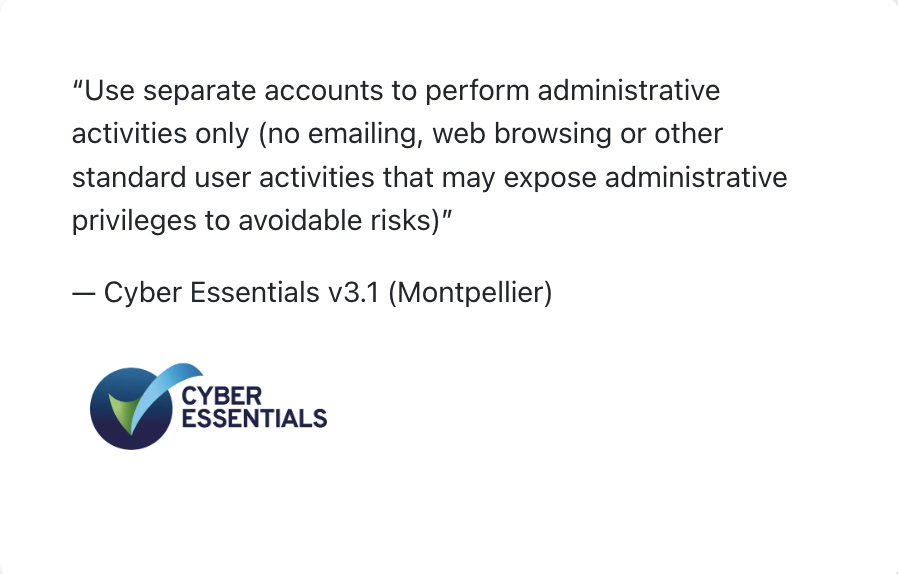
Monitor Activity on Privileged Accounts
Prevent administrator accounts from being used to carry out every day tasks with CurrentWare’s user activity monitoring and restriction capabilities
- Audit privileged account activity for excessive use
- Get automated user activity reports in your inbox
- Proactively restrict access to unnecessary websites to limit exposure to the internet
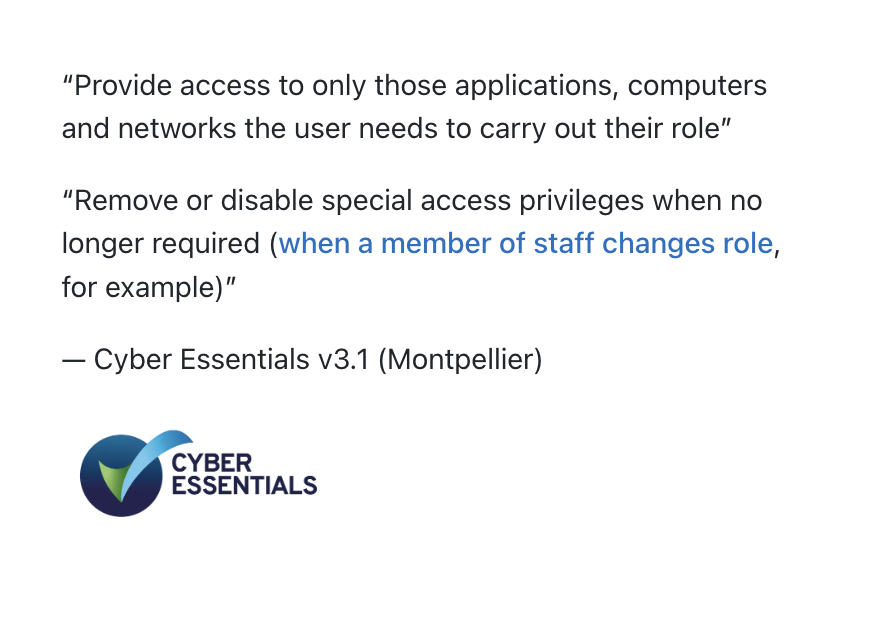
Enforce the Principle of Least Privilege
Leverage CurrentWare’s understanding of user activities to design granular RBAC policies
- Restrict access to applications, websites, peripheral devices, and more to further enforce user access restrictions
- Monitor user activity to see who is accessing sensitive applications and websites
- Assign specific access permissions to user groups based on their job functions
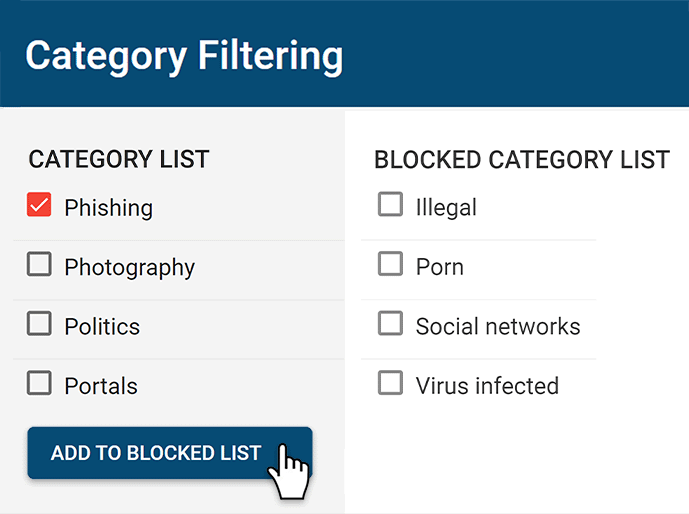
Restrict Access to High-Risk Sites
Enforce internet use policies and improve internet security with granular internet access control policies
- Block websites based on URLs and content categories
- Effortlessly block millions of websites across 100+ URL categories
- Limit internet use to an Allow List for optimal endpoint security
Monitor & Control Software Usage
CurrentWare monitors software usage, helping you identify unauthorized applications running on devices.
- Audit user activity to identify the use of unauthorized software
- Proactively block the launching of specific applications
- Prevent the downloading of executable files such as .msi and .exe
Ensure the Integrity of Airgapped Devices
While airgapped computers are protected from internet-based threats, there are still threats such as infected peripherals that need to be mitigated to truly keep them secure.
- Prevent the use of unauthorized USB storage devices to mitigate the risk of introducing malware to air-gapped systems
- Restrict network ports, WiFi, and internet access to further enforce airgaps
- Evaluate user behavior on airgapped systems for potential security threats
The Benefits of Cyber Essentials Certification
Cybersecurity Threats Are on the Rise
74% of large and 70% of medium businesses in a 2024 DSIT survey reported experiencing a recent cyber attack
Ensure Business Continuity
59% of buyers in an Arcserve report said they are likely to avoid companies that suffered from a recent cyberattack
Build Trust
70% of consumers believe that businesses aren’t doing enough to keep their personal information secure
How to Improve Data Security With CurrentWare
Go beyond the minimum Cyber Essentials compliance requirements with all of the security controls available in the CurrentWare Suite
Block & Audit Storage Devices
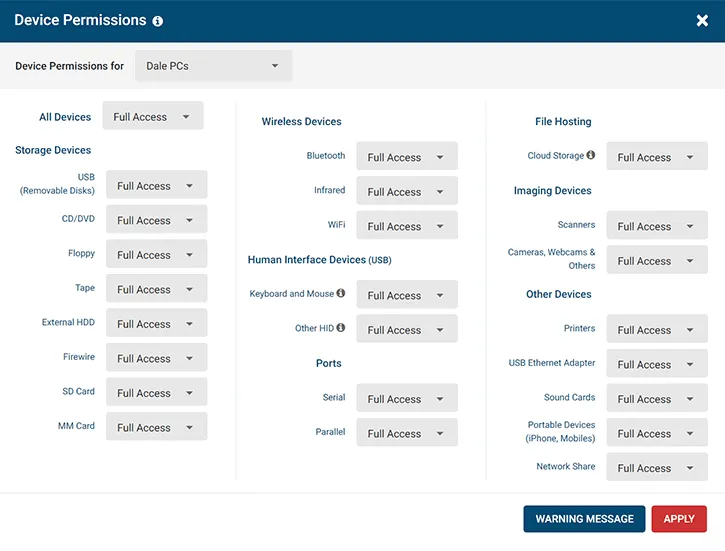
Control who can use portable storage devices and set security policies to limit what devices are allowed. Monitor data transfers to removable media and network storage devices to ensure that your data security policies are being followed.
Prevent Data Loss to Cloud Platforms
Protect sensitive data against the risks of cloud file sharing sites. Block cloud storage sites/apps, restrict uploads/downloads, and monitor file transfers for high-risk or anomalous activity.
Audit User Activity for Insider Threat Risks
Monitor employee computer usage for signs of insider threats. Track file transfers, web browsing, app use, and login/logout times for high-risk, anomalous, or inappropriate activity. Receive automated alerts straight to your inbox when specific events occur.
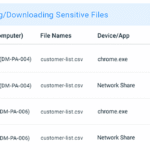
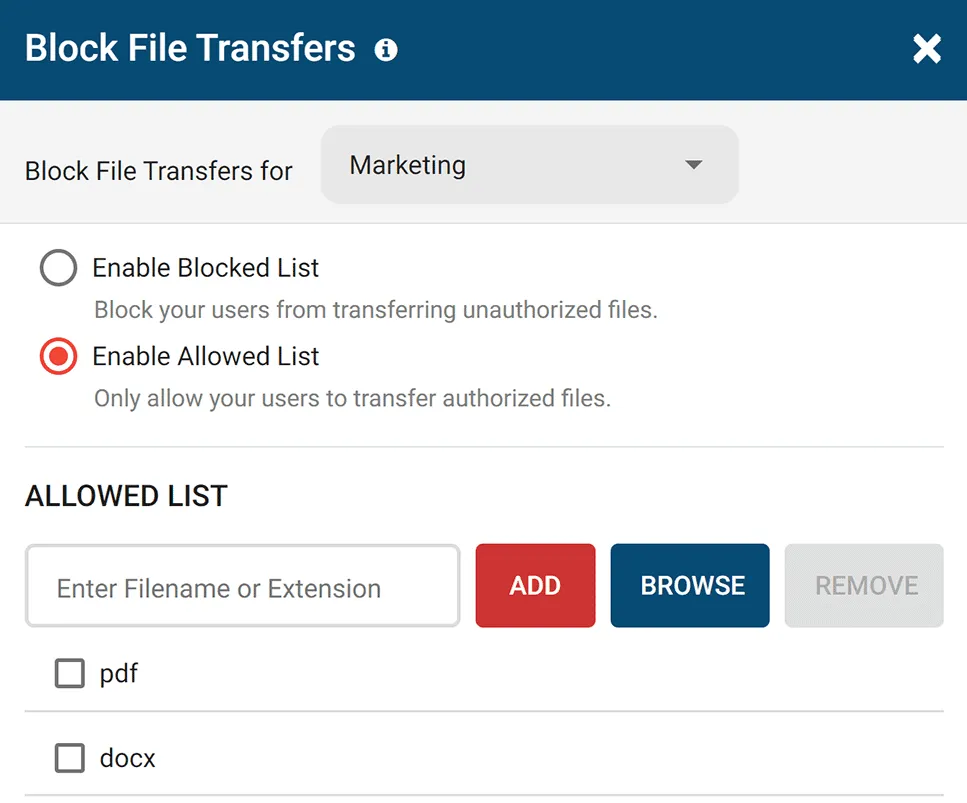
Block Data Transfers to Portable Storage & Uploads/Downloads
Go beyond simply blocking unauthorized devices; ensure optimal data protection with your trusted devices, too. Block file transfers to portable storage devices based on file extension and file name.
Use the File Filter to prevent the uploading and downloading of specific files such as EXEs.
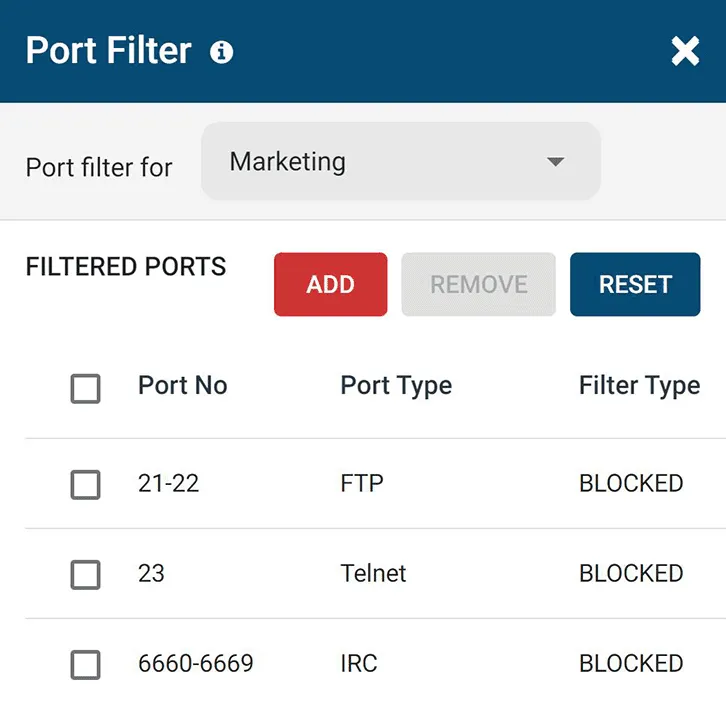
Block High-Risk Network Ports
Block unused TCP/UDP ports to reduce the attack surface of your network. Improve data protection by mitigating the threat of data leakage over FTP, SFTP, IRC, and other high-risk network ports.
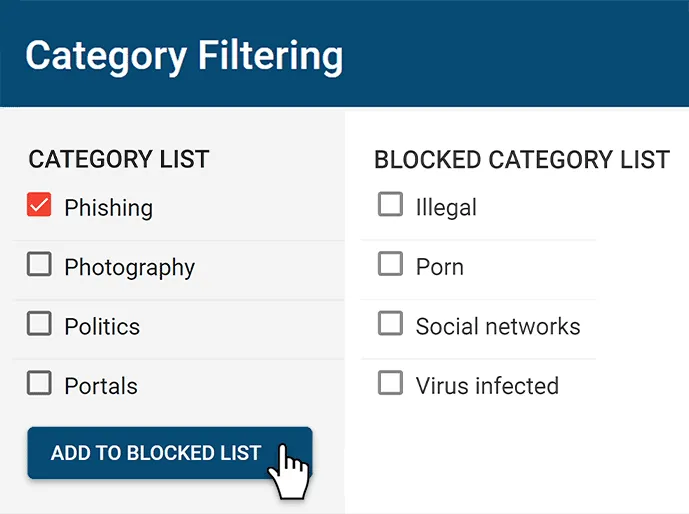
Block Risky Sites
BrowseControl’s web content category filtering database provides you with a convenient way to block millions of websites across over 100 URL categories. Easily block users from accessing social media, porn, games, known virus-infected websites, and more!

CASE STUDY
Boston Centerless Scales Production & Secures Their Remote Workforce
CurrentWare has been nothing but supportive of us since we started. This is probably one of the best systems that we’ve ever invested in.
Once we got CurrentWare installed it opened the door for remote work for us; we could control the equipment and make sure our people were being productive and safe.
CurrentWare’s Key Features
User Activity Monitoring
Track web browsing, software use, search queries, and more
Screenshot Monitoring
Take automatic screenshots or remotely view desktops
Track Software Usage
Get insights into software usage trends in your organization
Transparent & Stealth Modes
Run silently in the background or provide notice of monitoring
Block USB & Other Devices
Set full access, read only or no access on storage devices
Allowed List Device Whitelist
Allow only authorized storage devices to be used
Block File Transfers
Prevent files from being transferred to portable storage
Reports DLP Activity Reports
Track file transfers, storage device use, file operations, and more
Block Websites
Block websites based on URLs & content categories
Block Downloads/Uploads
Prevent uploading and downloading based on file type
Application Blacklisting
Block specific Windows applications from launching
PC Power Management
Remotely track and control PC power states
Central Web Console
Save time with a central admin console; optionally integrate Active
Directory OUs or security groups
Platform Security
Protect your CurrentWare console with 2FA, passwords, privilege management, and more
Offsite Management
Extend onsite security policies to computers running outside the corporate network
SQL Server Supported
Database scaled for enterprise and large business operations using
Microsoft SQL Server
Get Started Today With a Free Trial
Solutions That Work Across Industries
Tailored controls that help you meet industry standards, boost efficiency, and protect sensitive data across remote and in-office teams.
Healthcare
HIPAA-ready controls to protect PHI with USB management and insider-threat visibility.
Government
Cybersecurity and policy enforcement aligned to NIST 800-171 and CMMC.
Legal Services
Keep client data protected, billable hours productive, and software costs in check.
Manufacturing
Productivity monitoring and internet visibility for both the shop floor and back office.
Financial Services
Enforce access policies and protect sensitive financial data with audit-ready trails.
Schools & Libraries
CIPA-compliant web filtering to qualify for E-Rate and keep students safe online.
Small Business Employee Productivity
Track unproductive web browsing and idle time to detect time-wasting
Managed Service Providers
Deliver the monitoring, data-loss prevention, and web filtering your clients need, now with faster deployment, and easier management.
Built to Support Your Compliance Program
Discover how organizations use CurrentWare’s employee monitoring software to improve visibility, strengthen compliance efforts, and manage employee activity more effectively.
-
CMMC Compliance →
CMMC
Endpoint Restriction to Protect CUI & FCI
-
NIST 800-171 Compliance →
NIST 800-171/53
Protect Controlled Unclassified Information
-
ISO 27001 Compliance →

ISO 27001
Increase the Maturity of Your ISO27K ISMS
-
HIPAA Compliance →
HIPAA
HIPAA protects sensitive patient data
-
Cyber Essentials Compliance →
Cyber Essentials
Critical Security Controls For Your Assessment
-
GDPR Compliance →

GDPR
EU’s data protection and privacy law
-
NERC CIP Compliance →

NERC CIP
Protect TCAs & BCSI From Insider Threats
-
CIPA Compliance for Education →
CIPA for Education
Qualify for the FCC’s E-Rate Program
Pick & Plug Into Your Existing Stack
CurrentWare works alongside the identity, security, and directory tools you already use, including support for SAML, OIDC, and CEF standards. Cloud connectors are on the way.
- Tested & supported
- Generic standards (SAML, OIDC, CEF)
- On the roadmap (Cloud)




Meet Cyber Essentials Compliance With CurrentWare
Keep reading
Articles
-
Workforce Productivity
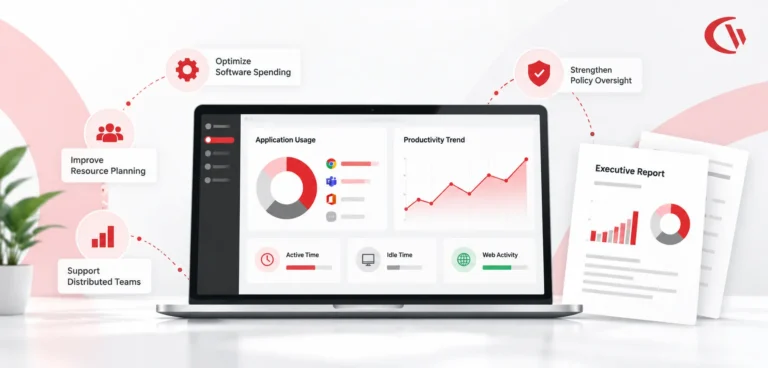
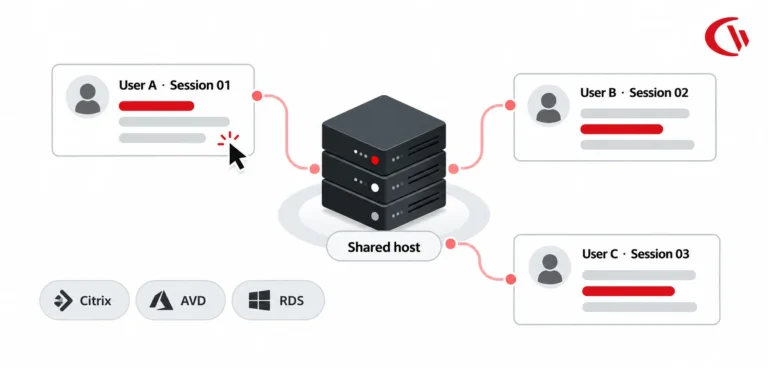
Workforce Activity and Application Usage Reports
Successful executive leadership goes beyond monitoring employees' every move; it also needs a clear, factual picture of digital workflows, which…
-
-
-
-
Product Updates
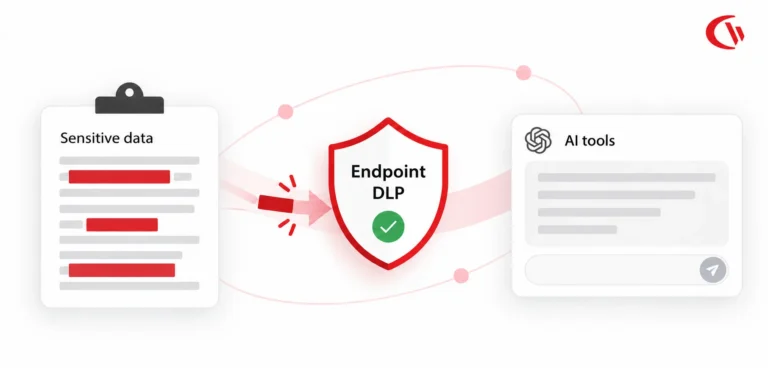
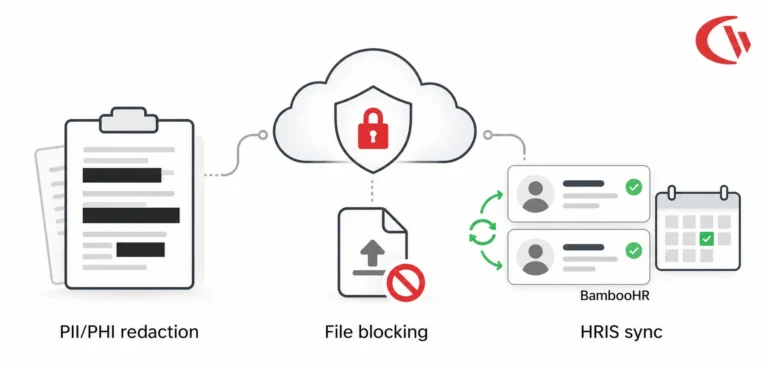
CurrentWare Cloud Update: Sync HRIS, Redact Data, Block Files
Our latest cloud release offers three new capabilities that are focused on one goal: to protect the data you can’t…
-
Employee Monitoring
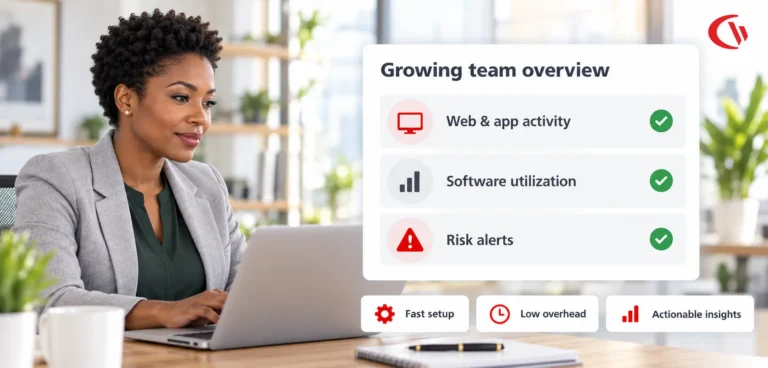
Scalable Employee Monitoring for Growing Teams
The fast-growing company does not have a large IT team, resources dedicated to security, or weeks to deploy an enterprise…




Frequently asked
Frequently Asked Questions:
-
Cyber Essentials compliance software helps UK-based organizations meet government-mandated cybersecurity standards by enforcing security policies, monitoring user activity, and controlling endpoint devices.
CurrentWare’s suite, including AccessPatrol, BrowseReporter, and BrowseControl, provides these capabilities to protect IT environments and streamline audit readiness for Cyber Essentials.
-
Yes. CurrentWare supports compliance with Cyber Essentials by enforcing access restrictions, blocking unauthorized USB devices, monitoring user activity, and generating audit-ready reports.
These tools help IT teams implement and demonstrate adherence to Cyber Essentials’ five security control themes across both on-premises and remote work environments.
-
Cyber Essentials outlines five key technical control themes:
- Secure configuration of devices
- User access control
- Internet boundary and application gateway protection
- Patch management and malware protection
- Logging and monitoring of activity
CurrentWare helps enforce these controls across your environment with tools that:
- Restrict USB and peripheral device access (AccessPatrol)
- Monitor internet and software usage (BrowseReporter)
- Block unapproved websites and applications (BrowseControl)
- Log endpoint activity for auditing (BrowseReporter)
-
To prepare for a Cyber Essentials audit:
- Implement endpoint logging and access control policies
- Restrict external device usage
- Monitor and report on user activity
- Ensure devices are patched and secure
With CurrentWare’s solutions, IT teams can generate compliance reports, enforce access rules, and maintain centralized visibility into user behavior, essential for audit readiness.
-
User activity monitoring supports Cyber Essentials by:
- Maintaining user accountability
- Detecting policy violations
- Providing audit-ready evidence of compliance
CurrentWare’s BrowseReporter tracks endpoint-level user behavior, enabling IT administrators to verify secure usage, generate reports for auditors, and maintain a continuous compliance posture.
-
Yes. Cyber Essentials compliance applies regardless of user location.
CurrentWare supports hybrid and remote teams by:- Monitoring user activity on off-site endpoints
- Enforcing internet and device usage policies
- Centralizing compliance controls via remote agent support
This ensures your organization meets compliance requirements even with distributed workforces.
-
Cyber Essentials requires protection from malware infections and data leaks, particularly via removable media such as USB drives.
AccessPatrol, CurrentWare’s USB control solution, prevents unauthorized devices from connecting to corporate endpoints, minimizing the risk of malware delivery and data exfiltration through USB storage.
Still have questions?
Talk to a CurrentWare specialist who has deployed monitoring at 200+ law firms.