







Product Comparisons
Employee login monitoring software
Tracking account logon activity one system at a time for an entire Active Directory network is tedious and time consuming.
Use enPowerManager to easily audit logon events in real-time within your Active Directory domain, Citrix virtual desktops, and workstations.
- Meet Compliance Regulations
- Detect Security Threats
- Boost Productivity
- $6 USD user/month
*No credit card required · 14-day free trial · For on-prem pricing, contact Sales
700+ organizations trust CurrentWare's employee monitoring software for visibility & control
Why Use Employee Login/Logout Monitoring Software?
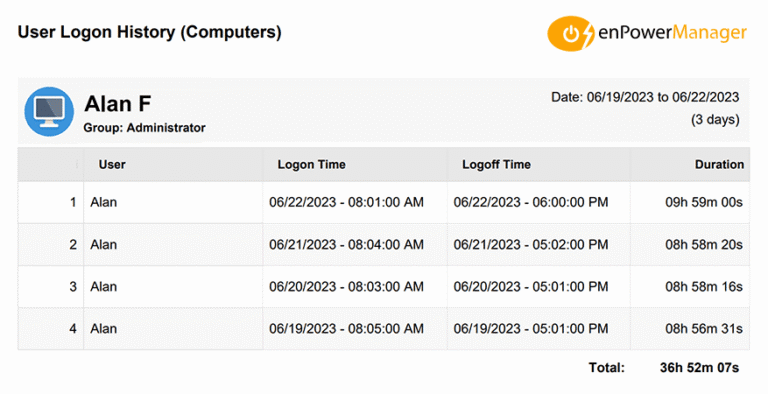
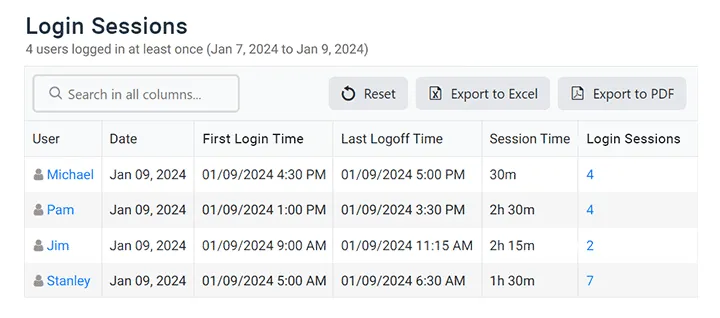
User logon audit reports simplify tracking logon sessions by presenting employee system login names,logon/logoff times, and PC power events in easy-to-understand reports.
Verify Employee Attendance
- Flexible Work Hours: Real-time Login and logout monitoring gives insights into employee attendance, allowing for flexible work hours while ensuring employees still work their expected hours.
- Detect Absenteeism: Ensure that employees are logging in during their scheduled hours; combine enPowerManager’s real-time login monitoring features with BrowseReporter’s employee productivity reports for complete insights.
- Time Theft: Compare logon and logoff times to your existing time sheets is the best way to spot users that are misrepresenting their work hours.
Detect Insider Threats
- Cybersecurity Threats: Audit logon events within your Active Directory domain for internal users with access to sensitive data for high-risk or anomalous behavior such as regularly logging in outside of core working hours
- Compliance Regulations: The CurrentWare Suite collects valuable data that administrators can use for diverse audit, compliance, and operational needs
Improve Visibility of Remote Workers
Compare Productivity of Remote & In-Office Employees
Without reduced visibility into workflows, how can you be certain that your employees are as productive working from home as they are in the office?
Combine enPowerManager’s logon tracking features with BrowseReporter’s productivity monitoring features to identify employee productivity trends no matter where they work.
Provide Opportunities for Flexible Employee Schedules
How do you keep a pulse on the activity levels of your remote workforce when everyone is so disconnected from each other?
Remote employee login/logout tracking software provides you with a clear picture of when employees are working on their computers so you can rest assured that they are engaged no matter how they like to schedule their time.
CurrentWare Suite — Choose Your Solution
Get all 4 modules for the best value or choose the exact solutions you need
BrowseReporter
Get Advanced Activity Insights
BrowseReporter is a versatile computer activity monitoring software to track productivity, web browsing, and app use.
- Make informed decisions
- Enforce company policies
- Improve productivity
BrowseControl
Block Harmful Websites
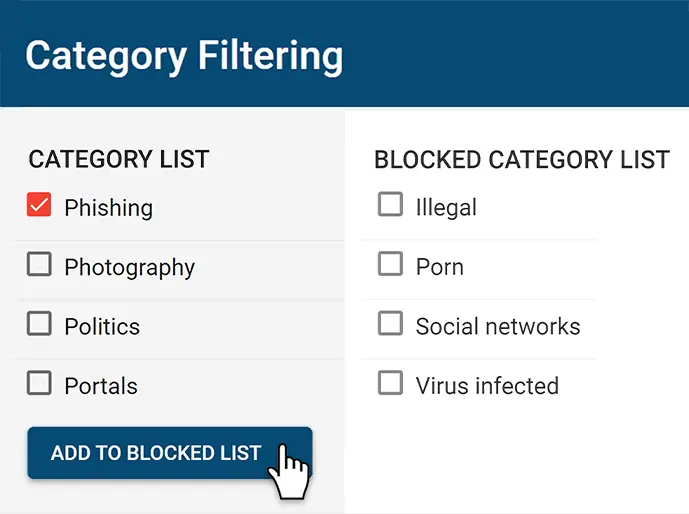
BrowseControl is an easy-to-use website blocking software for restricting internet access.
- Block URLs & categories
- Block unwanted apps
- Website allow & block lists
AccessPatrol
Stop Data Theft to USB Devices
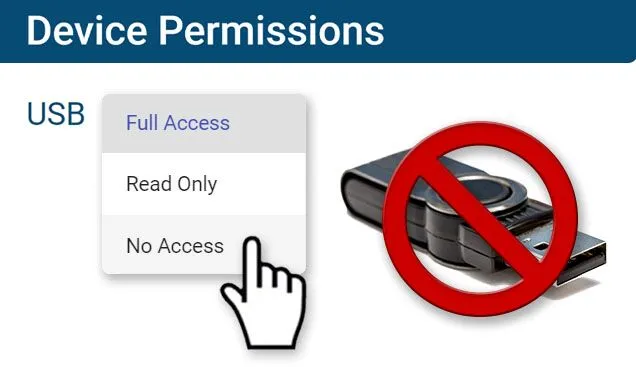
AccessPatrol is USB control software to protect sensitive data against theft to portable storage devices.
- Block USB devices
- USB file activity alerts
- Block file transfers
enPowerManager
Control PC Power States
enPowerManager is a remote PC power manager for centrally managing power settings across all endpoints.
- Track logon and logoff times
- Log PC power event history
- Remotely shutdown PCs
Looking for More User Activity Insights?
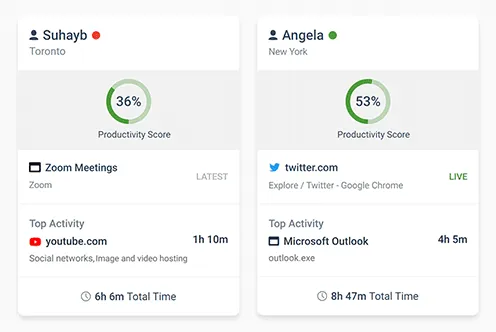
Combine enPowerManager with BrowseReporter employee monitoring software to track idle time, productivity, web browsing, application usage, and more!
Improve business intelligence width advanced insights into web browsing, app usage, bandwidth consumption, productivity, and more!
- Identify productivity leaks
- Enforce company policies
- Detect software waste
Try enPowerManager for Free
Fully functional. Easy to use. $6 USD user/month
Flexible Deployment Options
With CurrentWare’s cybersecurity, web filtering, data loss prevention, and user activity monitoring solutions you’re in complete control of how your data is stored, secured, and retained. Your employees’ data cannot be accessed by CurrentWare.
On Premises
Keep Control of Your Data
Install the management software on a standard computer, then deploy the client software to your users’ computers
Remote Workers
Monitor & Manage on Any Network
Connect your remote employees’ computers to the management software with simple port forwarding rules.
Self-Managed Cloud & VDI
Citrix, Azure, AWS, GCP, and More!
Enjoy the scalability and availability of the cloud alongside the security, control, and flexibility of our on-premises solution
Try enPowerManager for Free
Fully functional. Easy to use. $6 USD user/month
enPowerManager’s Key Features
Start, Restart & Shutdown
Remotely control the power state of your computers
Wake on LAN
Automatically boot up computers at the beginning of a work day
Track Startup/Shutdown
Track when your users startup and shutdown their computers
Audit Logon Events
Track when your users logon or logoff their computers
Power Scheduler
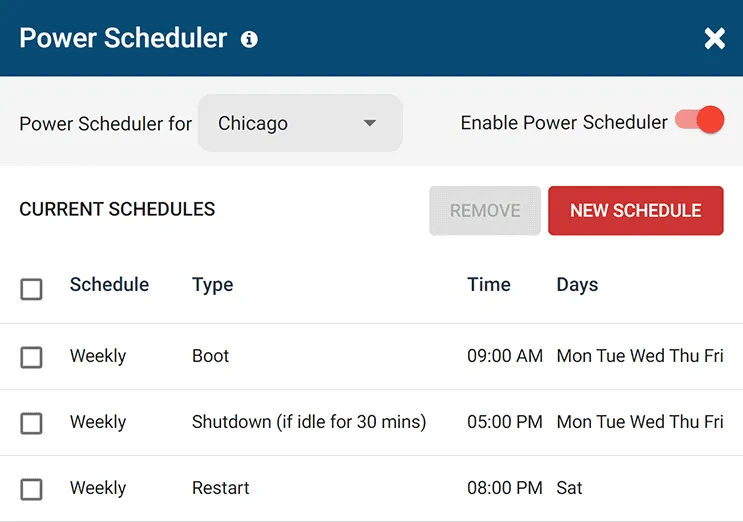
Automatically trigger computer power states on a set schedule and turn off idle computers
Delayed Shutdown
Shutdown the computer only if it is idle to prevent work interruption and lost progress
Advanced Policies
Control power status of laptops when when they are plugged in vs. running on batteries
Hibernate and Standby
Turn off the monitor, power down the hard drive, hibernate and go into standby mode
Central Web Console
Save time with a central admin console; optionally integrate Active
Directory OUs or security groups
Platform Security
Protect your CurrentWare console with 2FA, passwords, privilege management, and more
Offsite Management
Extend onsite security policies to computers running outside the corporate network
Internet Off
SQL Server Supported Database scaled for enterprise and large business operations using Microsoft SQL Server
Solutions That Work Across Industries
Tailored controls that help you meet industry standards, boost efficiency, and protect sensitive data across remote and in-office teams.
Healthcare
HIPAA-ready controls to protect PHI with USB management and insider-threat visibility.
Government
Cybersecurity and policy enforcement aligned to NIST 800-171 and CMMC.
Legal Services
Keep client data protected, billable hours productive, and software costs in check.
Manufacturing
Productivity monitoring and internet visibility for both the shop floor and back office.
Financial Services
Enforce access policies and protect sensitive financial data with audit-ready trails.
Schools & Libraries
CIPA-compliant web filtering to qualify for E-Rate and keep students safe online.
Small Business Employee Productivity
Track unproductive web browsing and idle time to detect time-wasting
enPowerManager
Compare enPowerManager with Other Endpoint Management Tools
enPowerManager handles remote shutdown, power schedules and logon and logoff tracking. If you are weighing a wider endpoint platform, start with these comparisons.
-
Product Comparisons
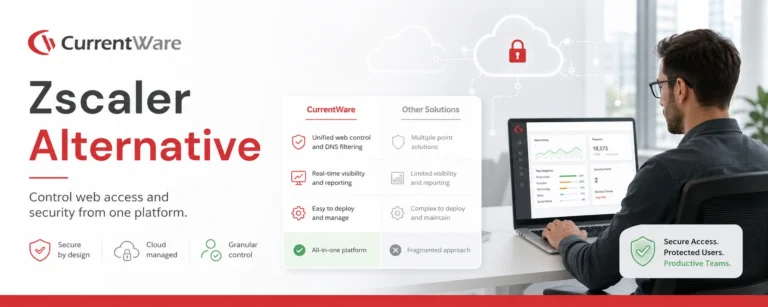
Zscaler Alternative
-
Product Comparisons
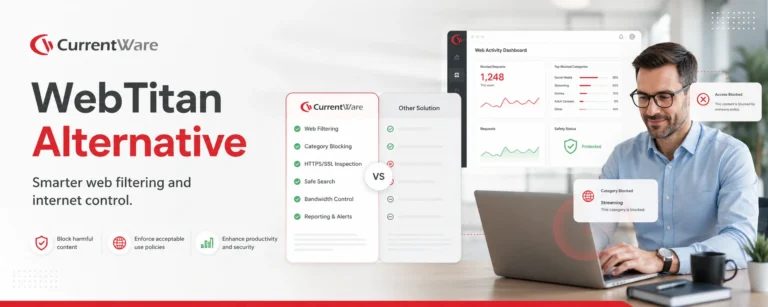
WebTitan Alternatives
-
Product Comparisons
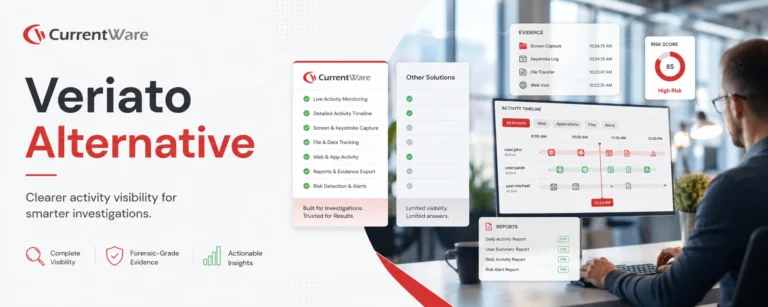
Veriato Alternatives
-
Product Comparisons
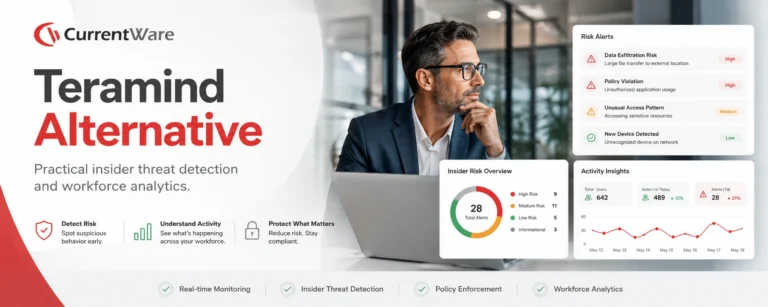
Teramind Alternatives
-
Product Comparisons
SafeConsole Alternative
-
Product Comparisons
ManageEngine Alternative
-
Product Comparisons
InterGuard Alternative
Built to Support Your Compliance Program
Discover how organizations use CurrentWare’s employee monitoring software to improve visibility, strengthen compliance efforts, and manage employee activity more effectively.
-
CMMC Compliance →
CMMC
Endpoint Restriction to Protect CUI & FCI
-
NIST 800-171 Compliance →
NIST 800-171/53
Protect Controlled Unclassified Information
-
ISO 27001 Compliance →

ISO 27001
Increase the Maturity of Your ISO27K ISMS
-
HIPAA Compliance →

HIPAA
HIPAA protects sensitive patient data
-
Cyber Essentials Compliance →

Cyber Essentials
Critical Security Controls For Your Assessment
-
GDPR Compliance →
GDPR
EU’s data protection and privacy law
-
NERC CIP Compliance →

NERC CIP
Protect TCAs & BCSI From Insider Threats
-
CIPA Compliance for Education →

CIPA for Education
Qualify for the FCC’s E-Rate Program
Pick & Plug Into Your Existing Stack
CurrentWare works alongside the identity, security, and directory tools you already use, including support for SAML, OIDC, and CEF standards. Cloud connectors are on the way.
- Tested & supported
- Generic standards (SAML, OIDC, CEF)
- On the roadmap (Cloud)





Keep reading
Articles
-
Workplace Tracking
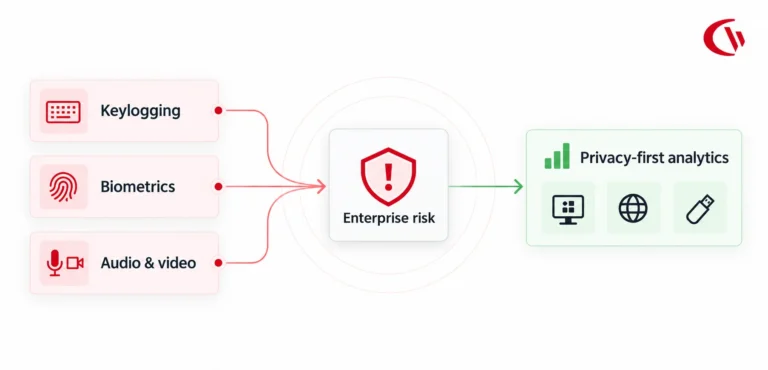
Workplace Biometric Keylogging Risks and Laws
For years, employers assumed that owning the laptop and the network meant unlimited monitoring rights. In 2026, that assumption no…
-
Remote & Hybrid Work
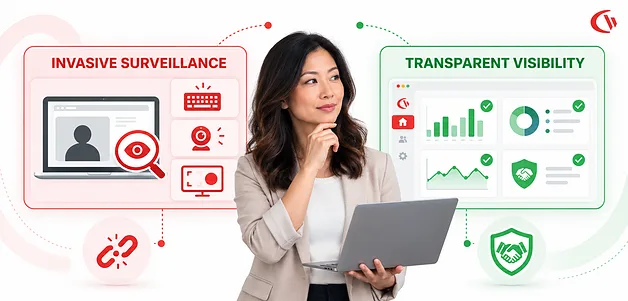
Computer Activity Tracking vs. Invasive Spyware
In 2026, as hybrid and remote work continue to affect the modern workplace, small and mid-sized businesses (SMBs) are once…
-
Workplace Tracking
Privacy at Work
Navigating the line between workplace privacy restrictions and employee rights is getting more complicated as employees shift to hybrid and…
-
Workplace Tracking
Microsoft Viva Insights Alternative
Searching for a workplace analytics tool to improve productivity, security, and business intelligence? This article will compare Microsoft Viva Insights…
-
Workplace Tracking
Time Theft in the Workplace
Whether through maliciousness or negligence, time theft at work is a pervasive practice among salaried and hourly employees alike. A…
-
Workplace Tracking
Shopping at Work
69% of the 2000 consumers surveyed by OpenX and The Harris Poll in 2019 admitted to shopping at work. With…



Try enPowerManager for Free
Fully functional. Easy to use. $6 USD user/month