
Schedule internet access in your business
Schedule internet access for your employees with a variety of time-based internet access control features.
BrowseControl’s web filter can completely block specific users, devices, and workgroups from accessing the internet or implement a custom block or allow lists during special events and lunch breaks.
*No credit card required · 14-day free trial · Easy setup
700+ organizations trust CurrentWare for workforce visibility & control







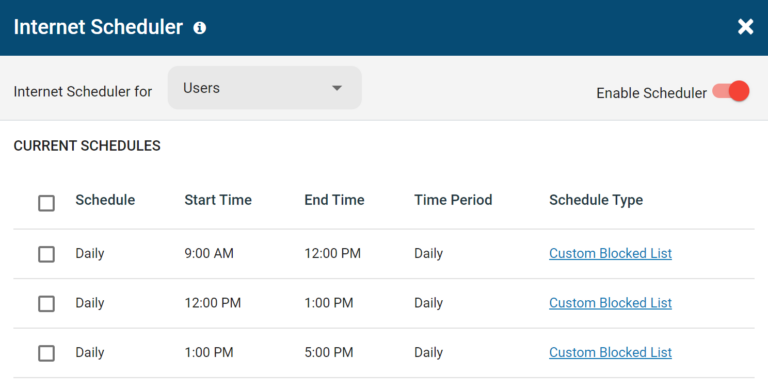
Internet Scheduler
The internet scheduler lets you create flexible internet restrictions based on set schedules. Configure unique internet access restrictions for each day of the week, during lunch hours, on holidays, and even for specific months of the year.
- Internet Off: Completely block internet access during the set time period
- Custom Blocked List: Implement a unique URL blacklist during the set time period
- Custom Allowed List: Implement a unique URL whitelist during the set time period
- Custom Category Blocked List: Implement a unique category blacklist during the set time period based on website categories
How Should I Use This Feature?
- Breaks and Lunches: Automate less strict internet access control measures during break periods, after office hours, and on special occasions.
- Remote Workers: Release productivity-related content control restrictions after work hours to allow remote workers and other employees to freely use company devices during their personal time.
Internet Quota
Use the internet quota limit feature to turn off internet access after the internet has been used for a total accumulated time period.
With the quota enabled your users can start and stop their internet browsing sessions as they see fit and BrowseControl will turn off their internet access once their total browsing time is exceeded.
Advanced quota options allow you to configure the Internet quota limit with default session period, quota limit message, and notification period.
How Should I Use This Feature?
- Limit Internet Access: Provide employees that do not require the internet for their roles with limited daily internet access for personal use during slow periods and breaks.
- Shared Workstations: Set cumulative time restrictions to prevent employees from hogging internet access on shared workstations. Automatically disable the internet and notify them when they’ve exceeded their permitted usage.
- School Computers: Prevent students from abusing internet privileges on school computers by limiting their browsing time throughout the school day.

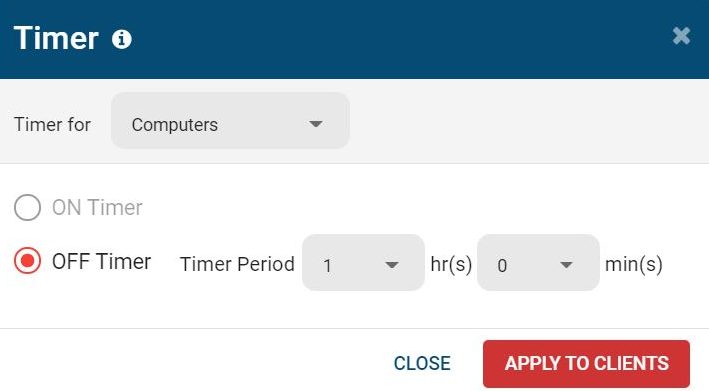
Timer to Limit Internet Access Time
Use the internet usage timer to toggle the internet on or off after a specified period of time. Once the timer has expired, the Internet settings will return to the previous Internet mode (ON/OFF or Schedule). The timer can be set for a whole group or an individual client.
How Should I Use This Feature?
- Internet and Gaming Cafes: Set hourly internet limits to automatically disable your customer’s internet access after their prepaid session is complete
- Temporary Access: Use the timer to provide temporary and time-limited internet access to guests, contractors, students, and employees
Try BrowseControl for Free
Fully functional. Easy to use. $6 USD user/month
BrowseControl Web Filtering Features
Category Filtering
Block websites based on specific web content categories
URL Filter
Allowed list or Blocked list for specific URLs
Application Blacklisting
Block specific Windows applications from launching
Block Downloads/Uploads
Prevent uploading and downloading based on file type
Port Filter
Close unused and high-risk TCP/UDP ports
Customize Message
Display a customized warning message on blocked websites
Google Safe Search
Search engine filters prevent explicit results in search engines
Time-Based Policies
Schedule internet access and control browsing based on time
Central Web Console
Save time with a central admin console; optionally integrate Active Directory OUs or security groups
Platform Security
Protect your CurrentWare console with 2FA, passwords, privilege management, and more
Offsite Management
Extend onsite security policies to computers running outside the corporate network
SQL Server Supported
Database scaled for enterprise and large business operations using
Solutions That Work Across Industries
Tailored controls that help you meet industry standards, boost efficiency, and protect sensitive data across remote and in-office teams.
Healthcare
HIPAA-ready controls to protect PHI with USB management and insider-threat visibility.
Government
Cybersecurity and policy enforcement aligned to NIST 800-171 and CMMC.
Legal Services
Keep client data protected, billable hours productive, and software costs in check.
Manufacturing
Productivity monitoring and internet visibility for both the shop floor and back office.
Financial Services
Enforce access policies and protect sensitive financial data with audit-ready trails.
Schools & Libraries
CIPA-compliant web filtering to qualify for E-Rate and keep students safe online.
Small Business Employee Productivity
Track unproductive web browsing and idle time to detect time-wasting
Built to Support Your Compliance Program
Discover how organizations use CurrentWare to improve visibility, strengthen compliance efforts, and manage employee activity more effectively.
-
Learn More

CMMC
Endpoint Restriction to Protect CUI & FCI
-
Learn More

NIST 800-171/53
Protect Controlled Unclassified Information
-
Learn More

ISO 27001
Increase the Maturity of Your ISO27K ISMS
-
Learn More

HIPAA
HIPAA protects sensitive patient data
-
Learn More

Cyber Essentials
Critical Security Controls For Your Assessment
-
Learn More

GDPR
EU’s data protection and privacy law
-
Learn More

NERC CIP
Protect TCAs & BCSI From Insider Threats
-
Learn More

CIPA for Education
Qualify for the FCC’s E-Rate Program
Pick & Plug Into Your Existing Stack
CurrentWare works alongside the identity, security, and directory tools you already use, including support for SAML, OIDC, and CEF standards. Cloud connectors are on the way.
- Tested & supported
- Generic standards (SAML, OIDC, CEF)
- On the roadmap (Cloud)









Keep reading
Articles
-
Web Filtering & Internet Control
Tips How to Use CurrentWare Web Filter Internet Monitor Software
Use the Allowed list with Internet OFF to limit your user’s Internet access to a handful of websites only. Set…
-
Web Filtering & Internet Control
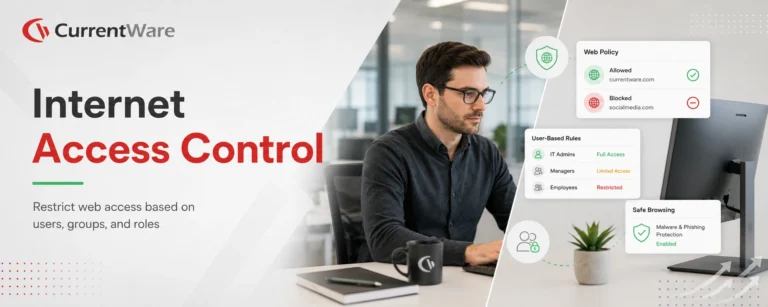
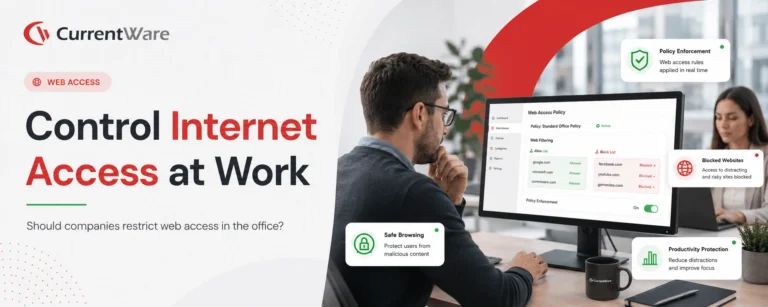
Internet Access Control
Would you like to learn how to control internet access based on users? This article will provide a quick and…
-
Web Filtering & Internet Control
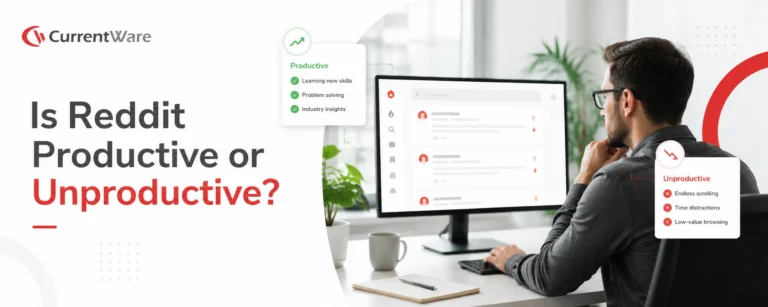
Is Reddit Productive or Unproductive
What is Reddit used for? Reddit calls itself “the front page of the internet”. This description is not far from…
-
Web Filtering & Internet Control
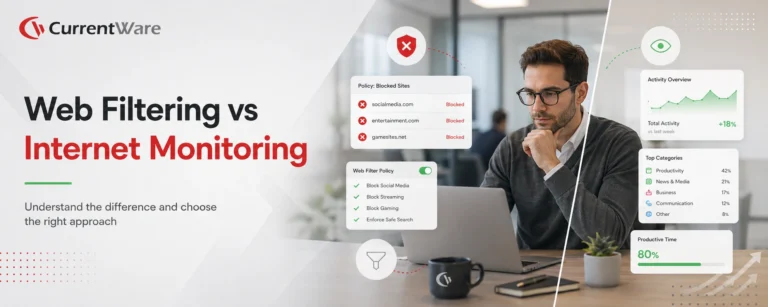
Internet Filtering or Internet Monitoring
Internet filtering and internet monitoring are unique forms of web content management that are used for managing the internet usage…
-
-
Web Filtering & Internet Control
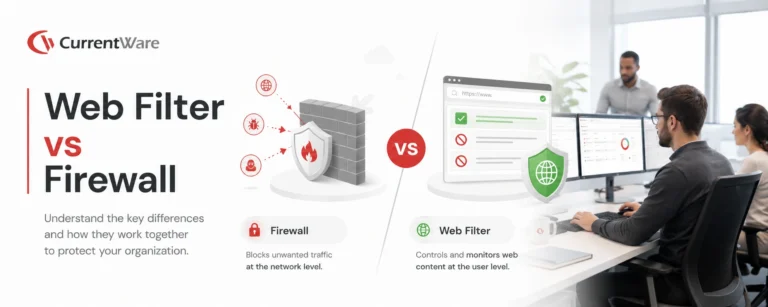
Web Filter vs Firewall
If you want to control access to specific websites, you need a web filter – not a firewall. In this…


Try BrowseControl for Free
Fully functional. Easy to use. $6 USD user/month