Productivity Monitoring Feedback
“Easy tracking of employee productivity. Seamless transition from person to person on the back end. Easy to update.”
We’ve updated our Subprocessor List, effective October 6, 2026. Please review the update to our Data Processing Addendum
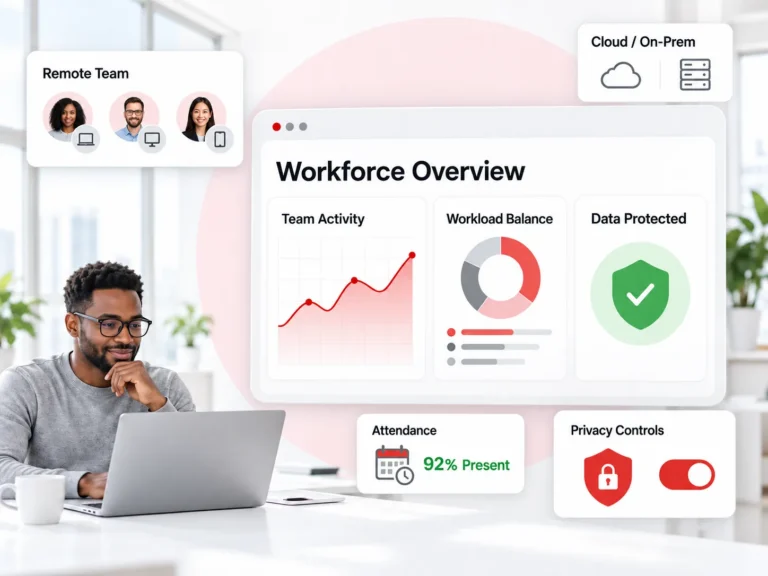
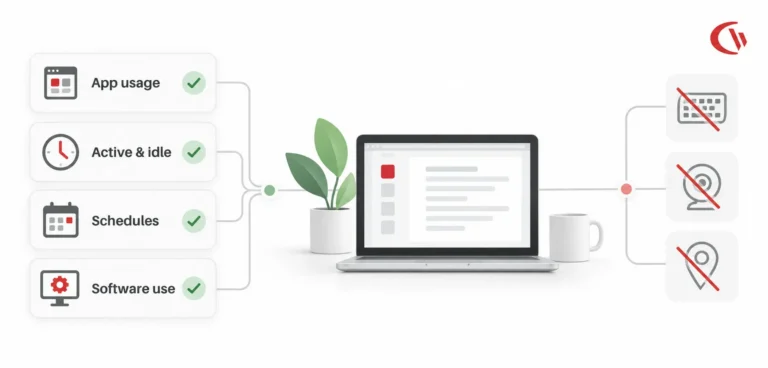
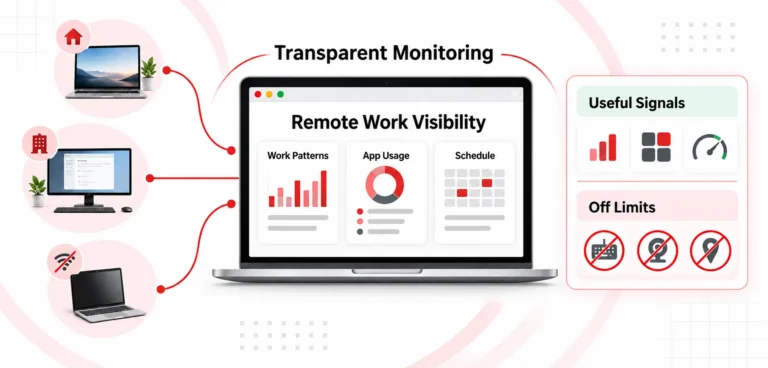
See how your remote and hybrid teams actually work with remote employee monitoring software that helps you improve productivity, balance workload, protect company data, and manage distributed endpoints across all company devices, all in one platform. No keylogging, webcams, or GPS.
*No credit card required · 14-day free trial
Remote employee monitoring software, sometimes called remote staff monitoring software or remote worker monitoring software, gives employers full visibility and control over activity on company devices. It tracks applications used and websites visited, compares idle time with active time, and enforces policies such as web filtering and USB device control.
Traditional Remote Employee Management Software focuses on scheduling, tasks, and HR workflows. Remote work monitoring software focuses on how work actually happens on the endpoint.
Most importantly, it helps you answer three questions:
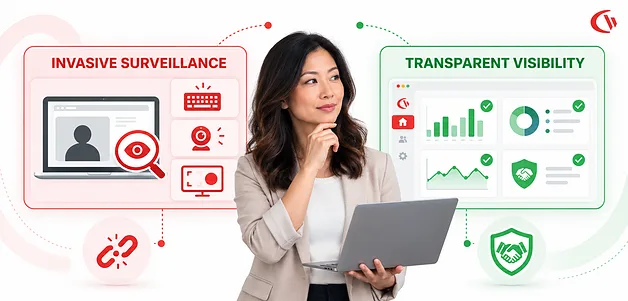
CurrentWare answers all three from one console, without keystroke logging, webcam access, covert screen recording, or GPS tracking. That is a design choice, not a missing feature.
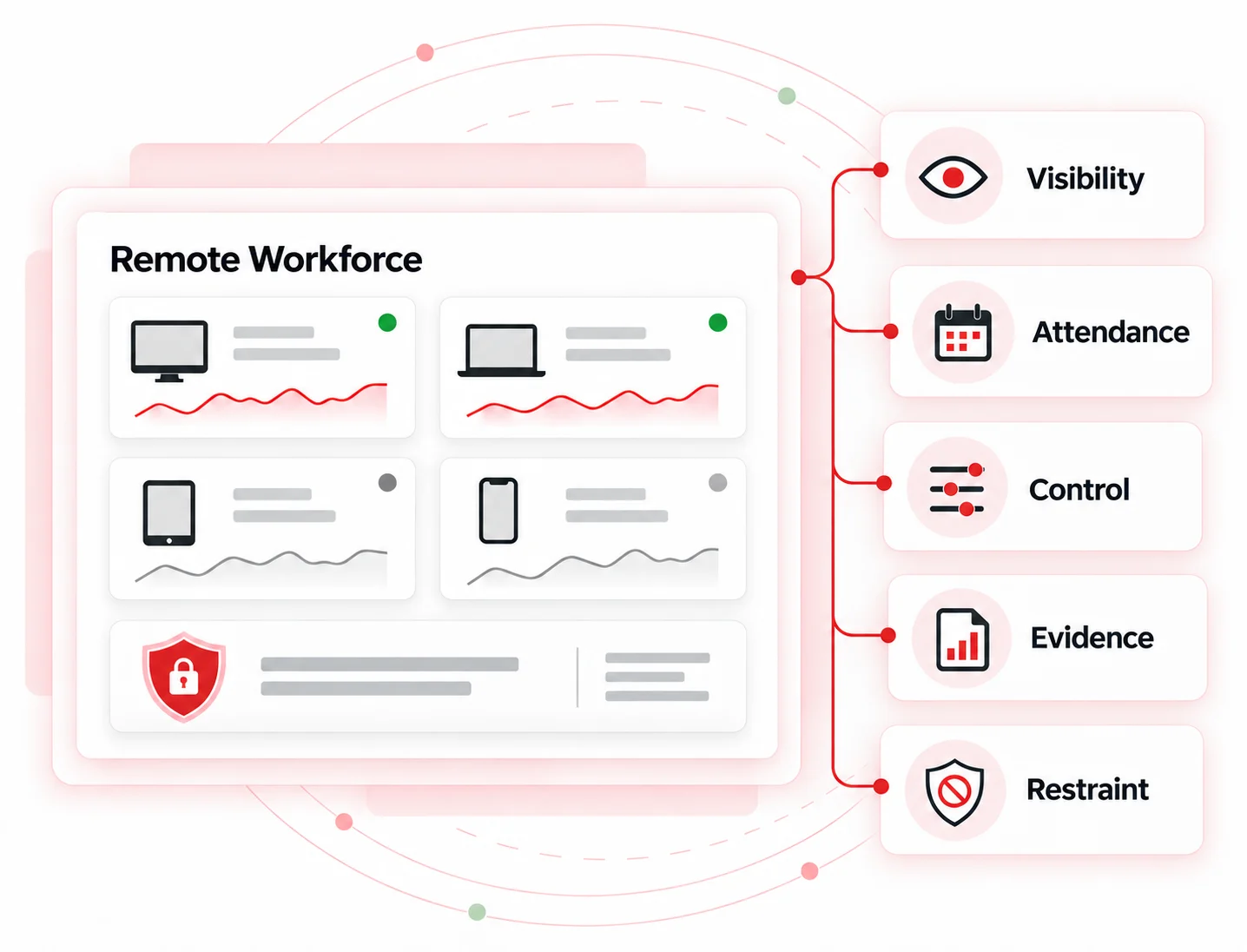
01 | Visibility
Application and website activity, active versus idle time, and how workload is distributed across the team.
02 | Attendance
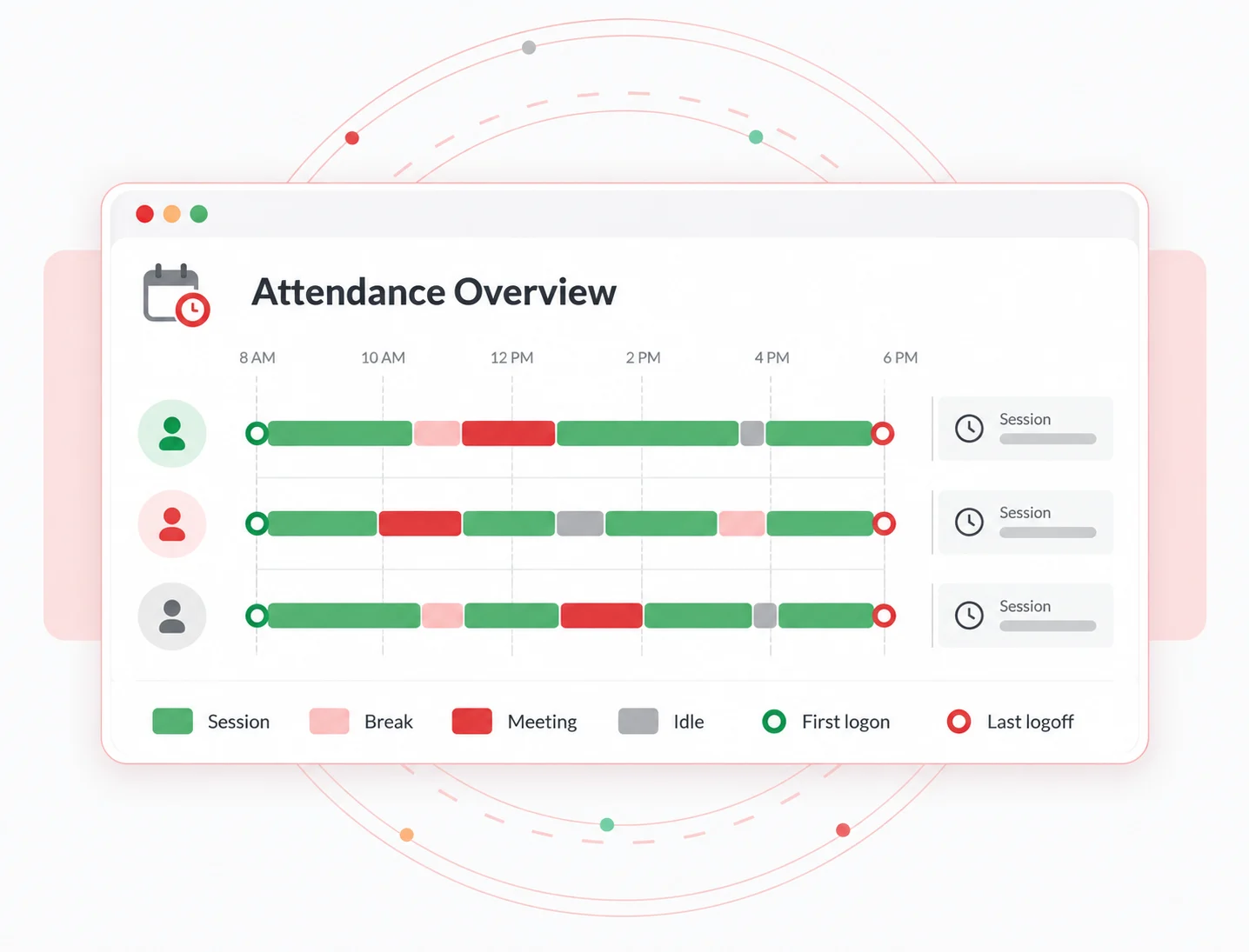
Remote employee attendance tracking based on first logon, last logoff, session length, and break patterns, without asking employees to punch a clock.
03 | Control
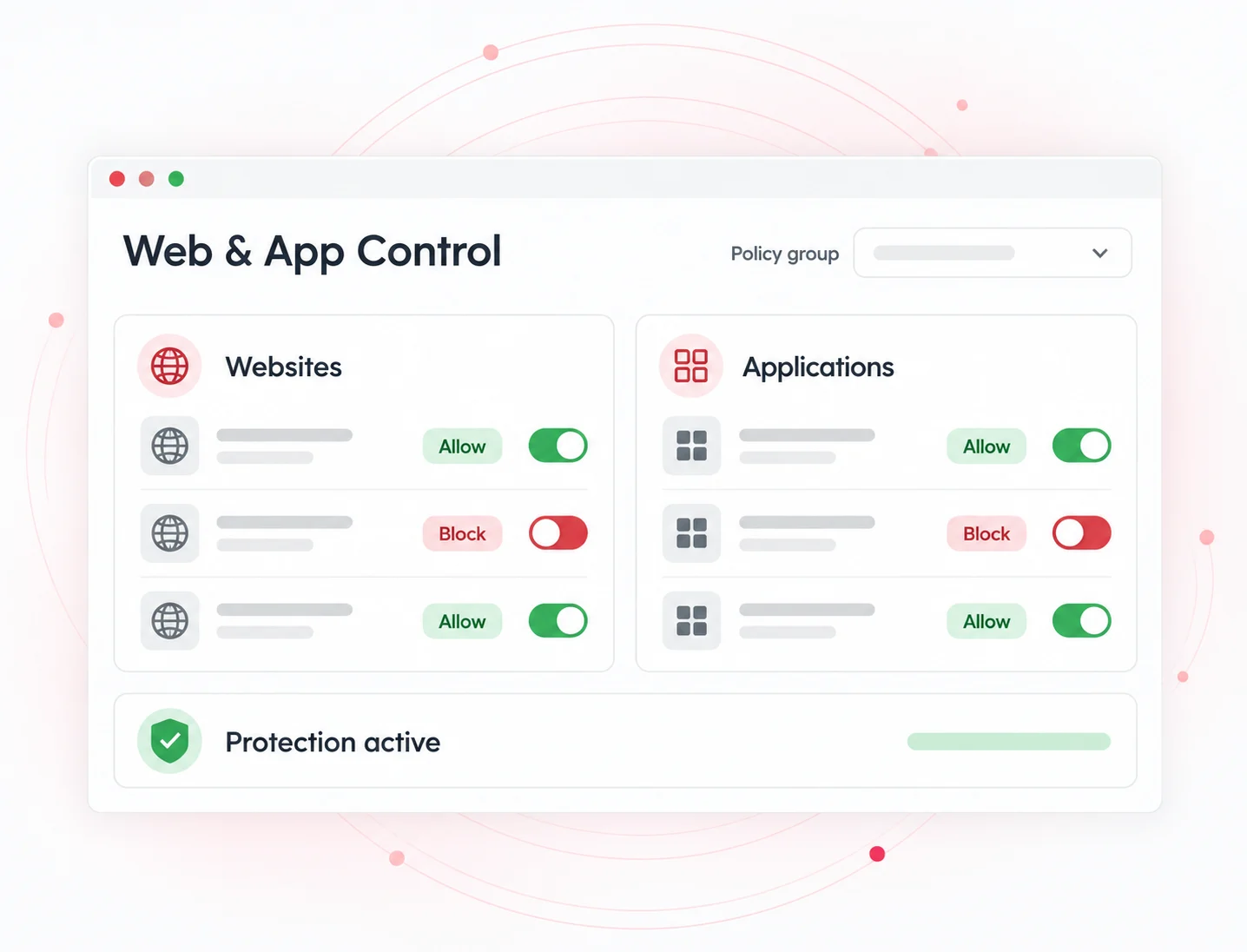
Web and application policies, USB and peripheral restrictions, and instant access revocation during offboarding.
04 | Evidence
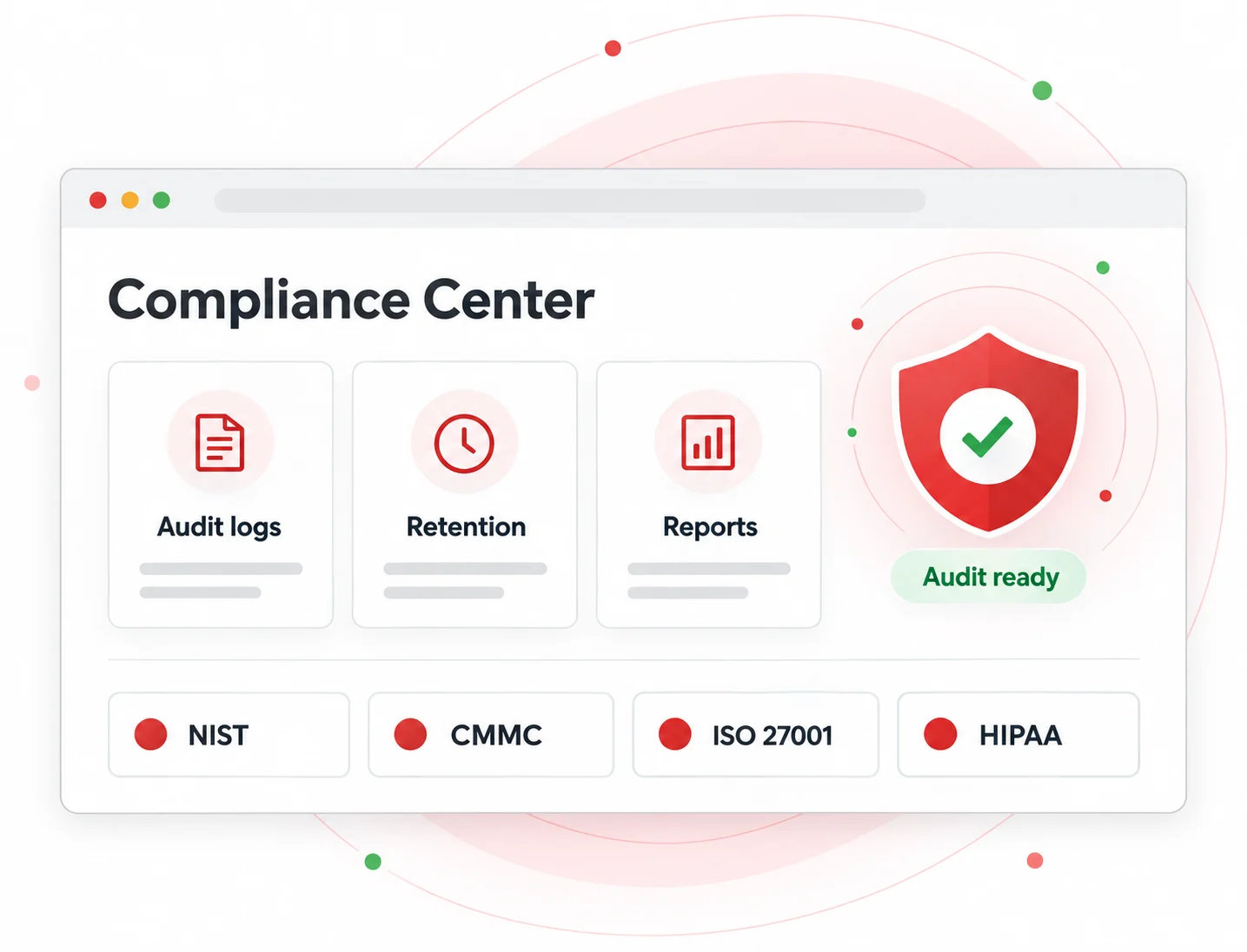
Retained activity logs, file transfer records, and scheduled reports to support HIPAA, ISO 27001, CMMC, and NIST reviews.
05 | Restraint
Configurable collection, data minimisation, and employee-facing dashboards that help the deployment stand up to legal review.
of companies that implemented monitoring software reported an increase in employee productivity.
of employers found an employee working a second job on the clock after deploying monitoring software.
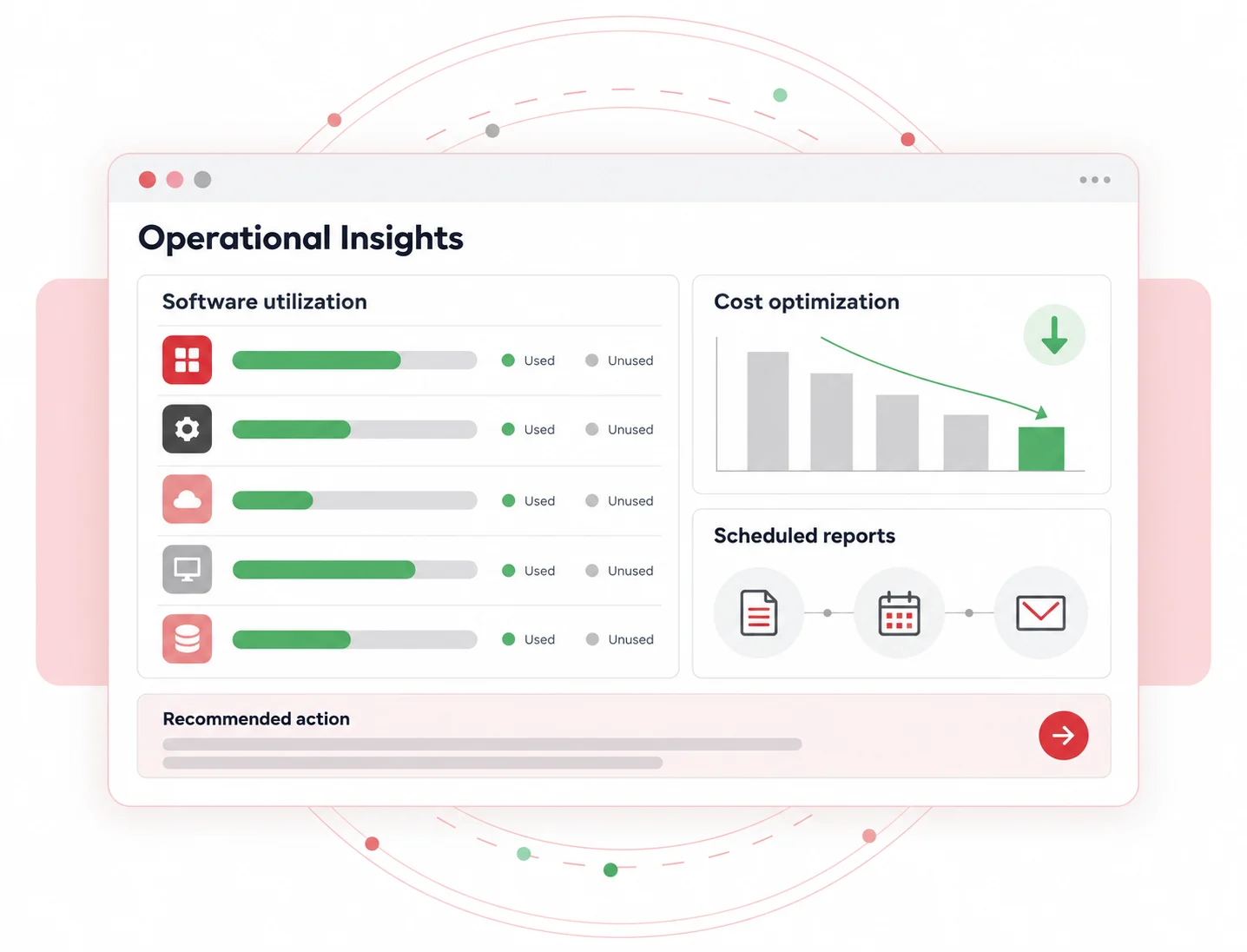
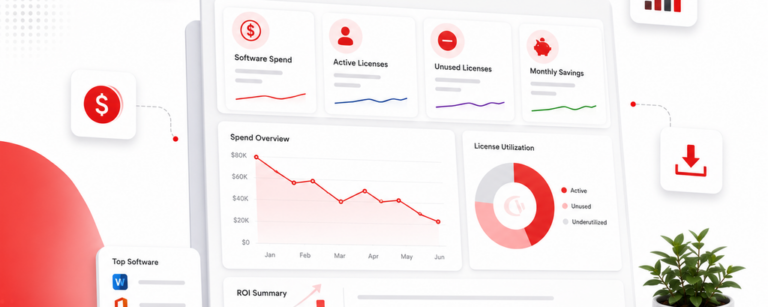
of desktop software and 29% of SaaS spend is underutilised or wasted, according to Flexera’s State of ITAM 2023 report.
One agent, four modules, and seven capabilities. Explore what each part of our remote work tracking software does and which module delivers it.
See how your remote workforce actually works
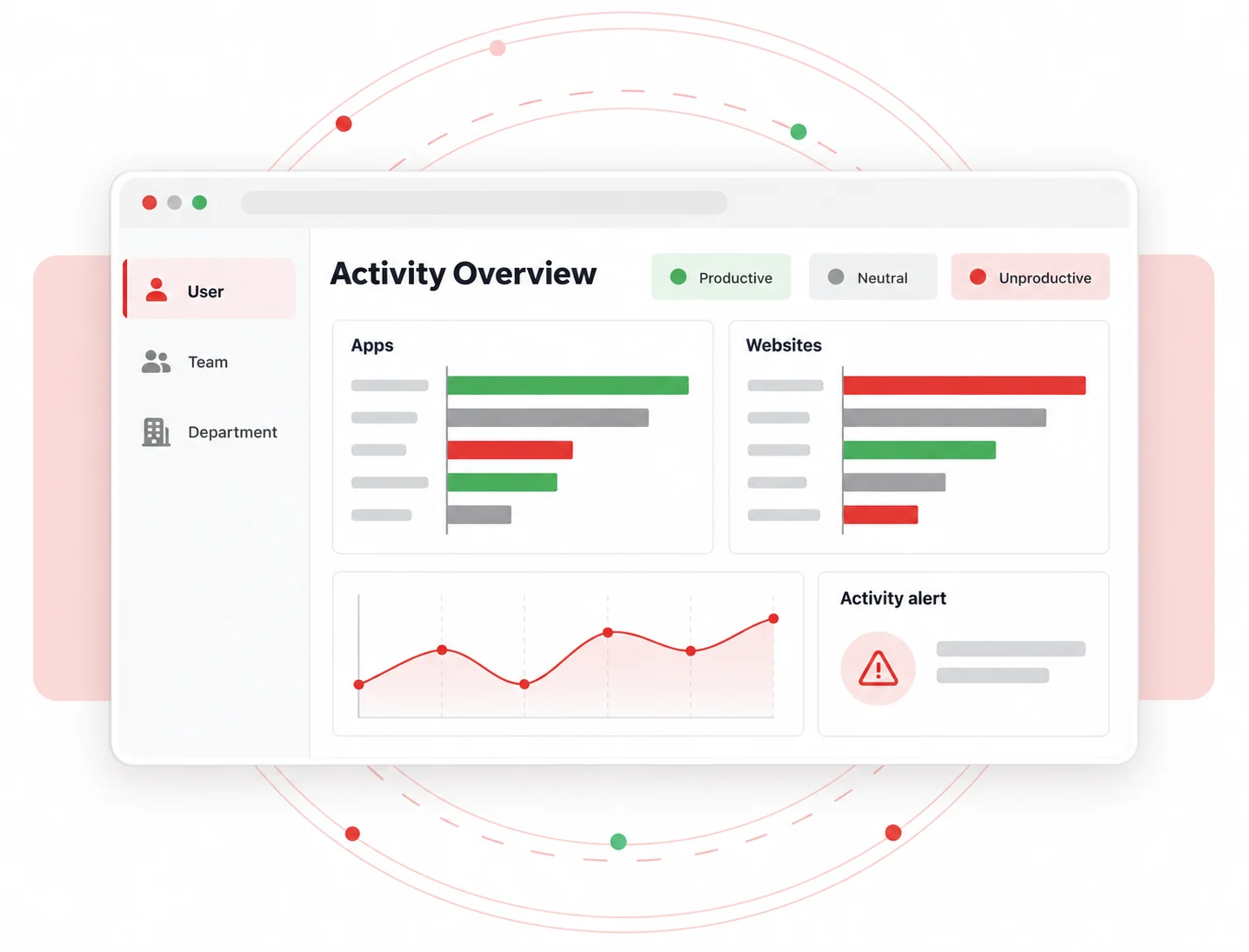
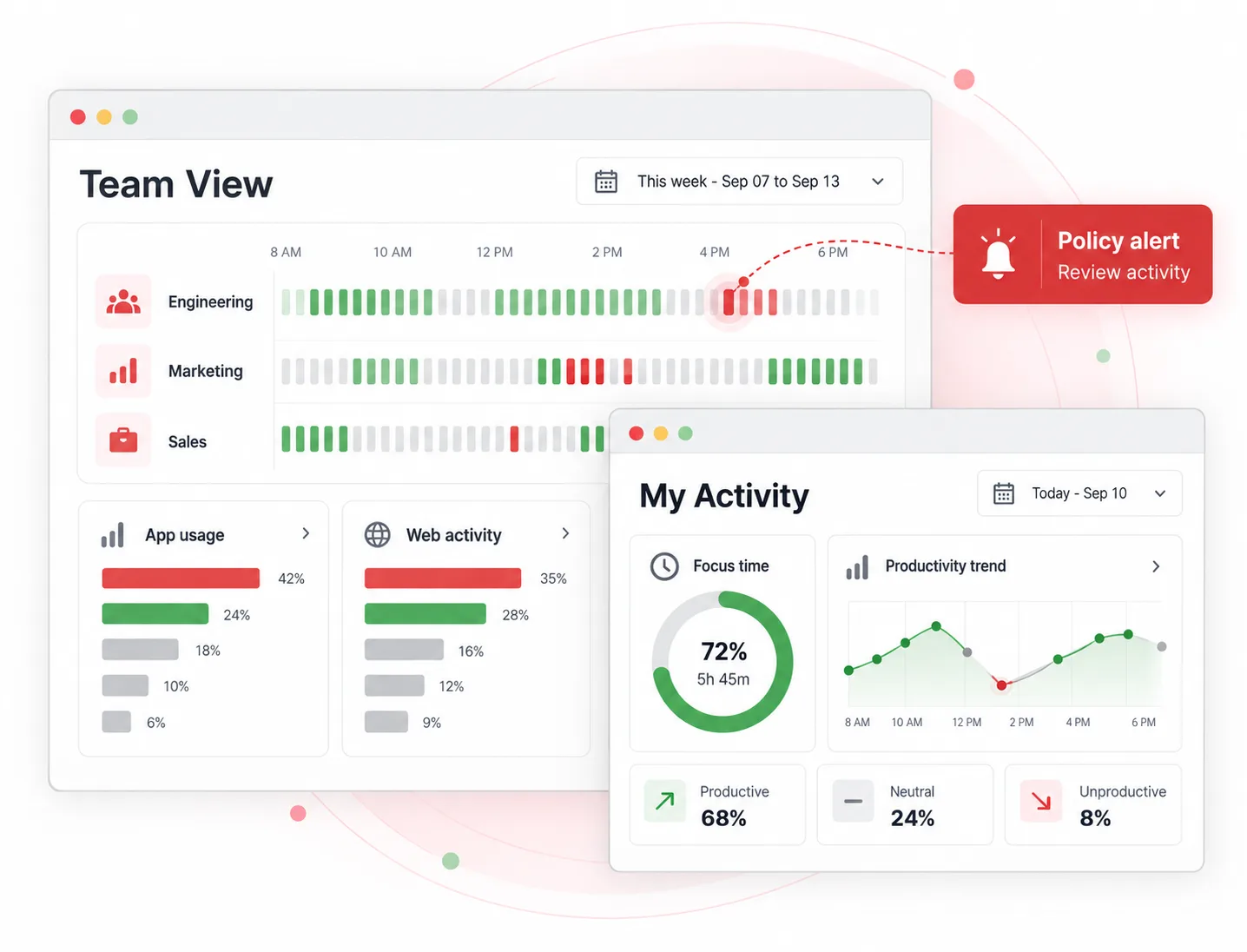
Remote work changes where work happens, but it shouldn’t leave you guessing about how work gets done. CurrentWare’s remote employee desktop monitoring software gives you clear, actionable visibility into application and website activity without relying on invasive monitoring. Turn everyday activity into meaningful patterns your managers can act on, not assumptions they have to make.
Know when your remote team is working, without micromanaging
Remote attendance shouldn’t come down to whether someone appears online. Unlike remote worker tracking software that relies on GPS or screenshots, CurrentWare’s remote employee time tracking turns logon, logoff, session, and idle-time data into a clearer picture of daily attendance and work patterns. Give managers the information they need to support flexible work while maintaining accountability.
Turn remote workforce data into smarter decisions
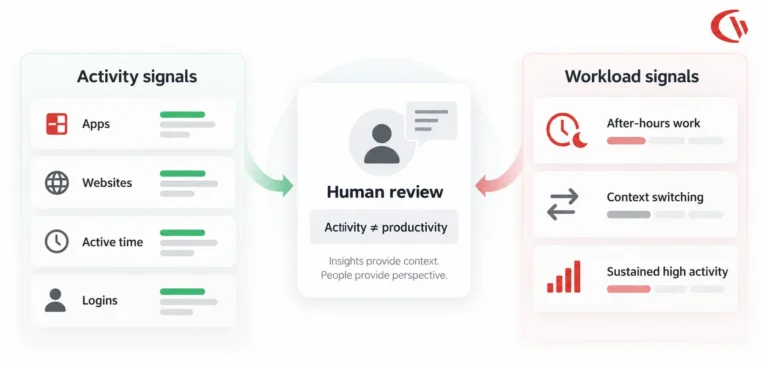
Monitoring is only the beginning. The real value comes from understanding what the data means.
CurrentWare’s remote employee productivity monitoring software helps you uncover productivity trends, workload imbalances, software waste, and workflow bottlenecks, so you can make better decisions about how your remote workforce operates.
Keep remote teams focused and your digital workplace safer
Remote employees face more distractions, and organizations face a broader digital attack surface. Good software to monitor remote employees should also help you act on what you see. CurrentWare gives you the controls to manage web and application access across distributed endpoints, so you can set clear digital boundaries while giving teams the flexibility they need to work effectively.
Protect company data wherever remote work happens
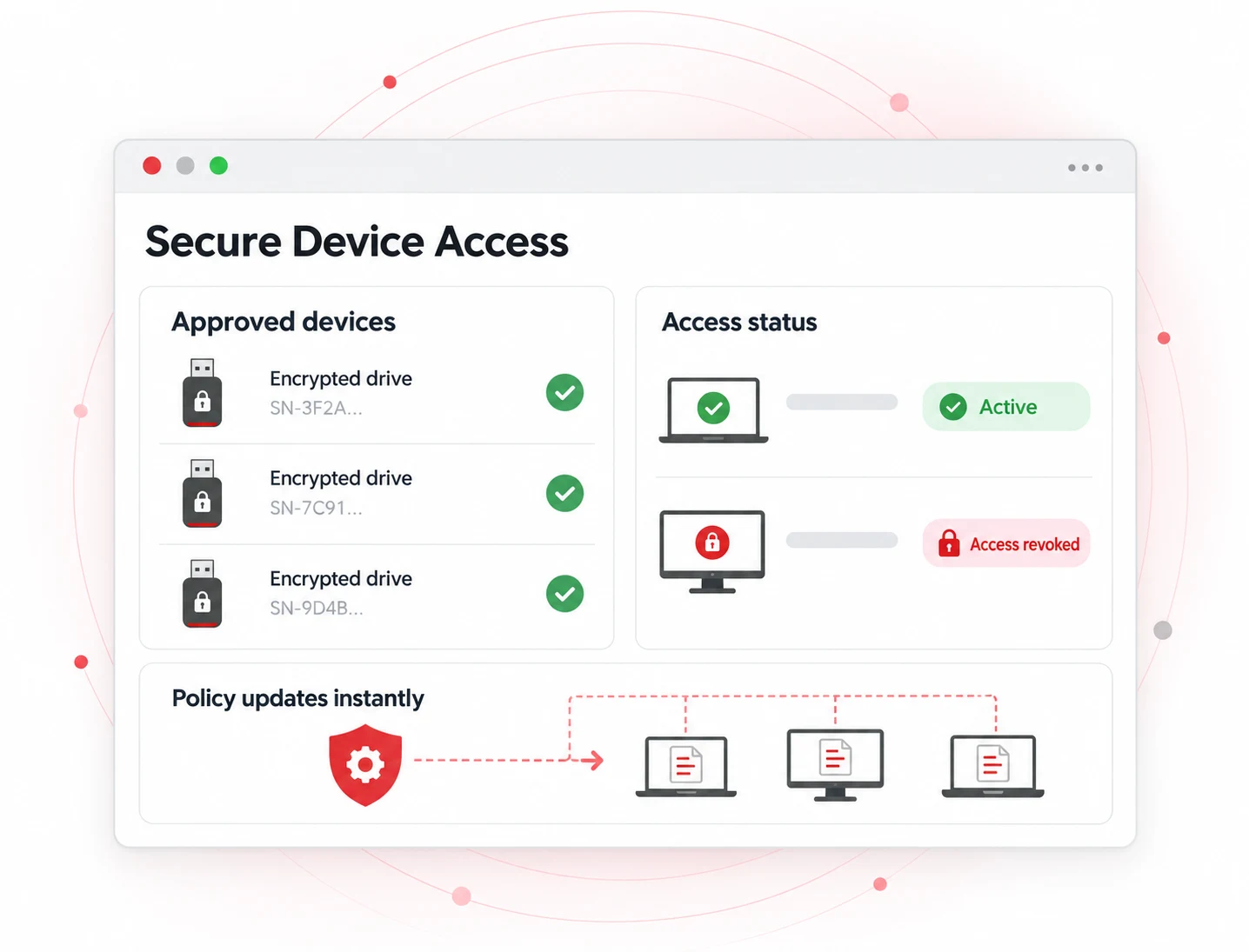
Your security perimeter doesn’t stop at the office. With employees working from home and across distributed locations, USB devices, cloud storage, and file transfers can create new paths for sensitive data to leave the organization. CurrentWare’s remote computer monitoring system helps you control those endpoints and identify risky data movement before it becomes a bigger problem.
Deploy quickly. Manage remote endpoints from one place.
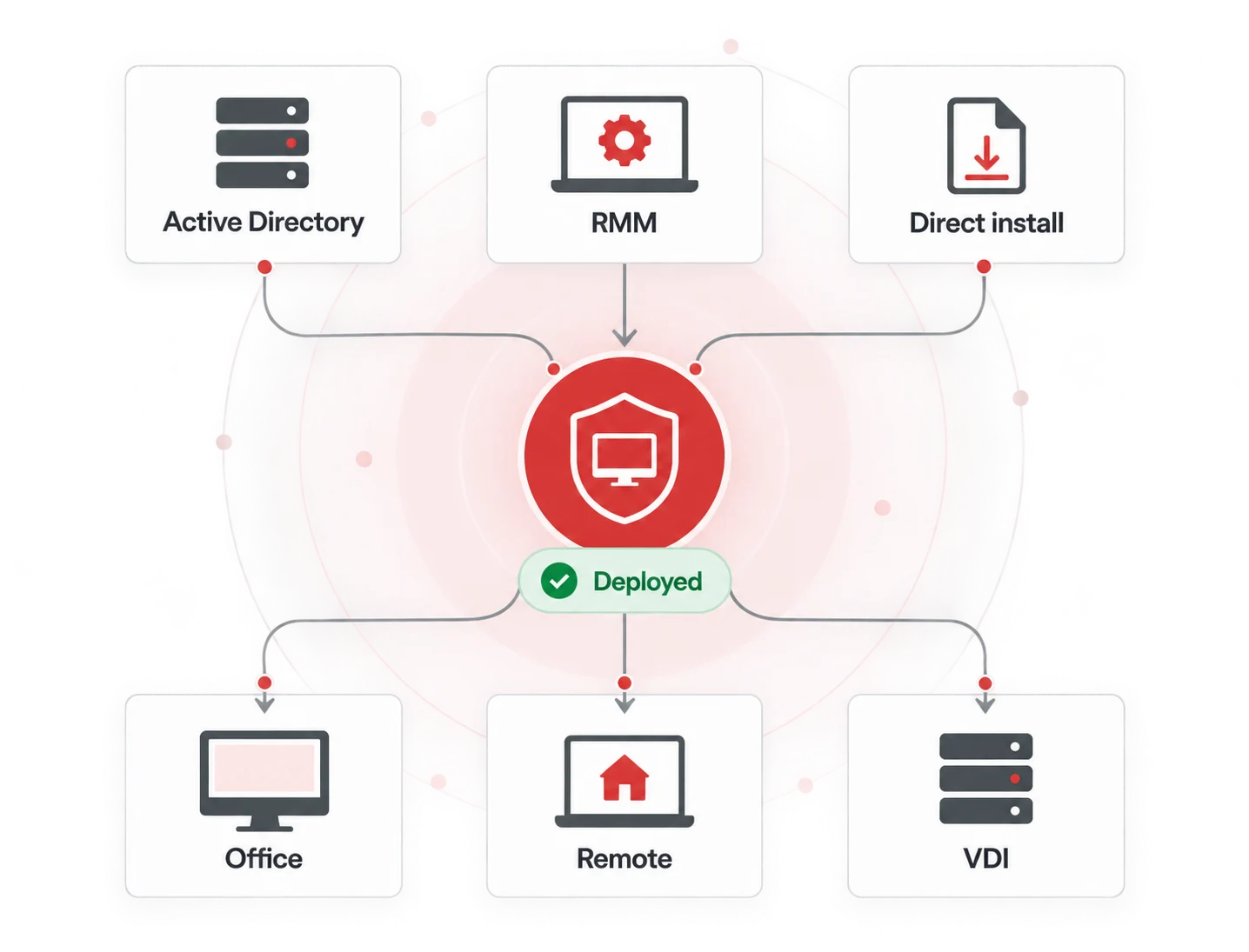
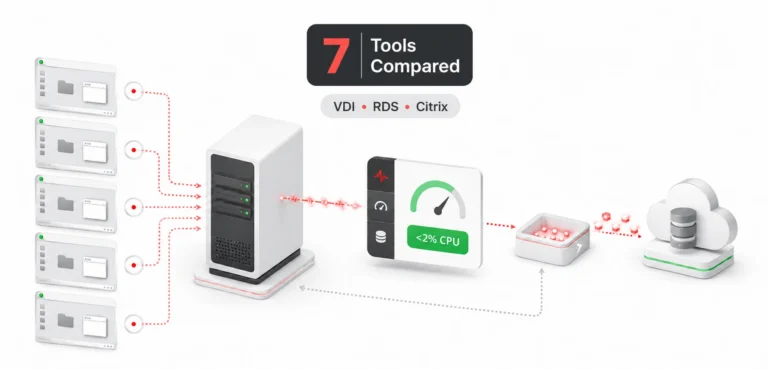
Remote work monitoring software shouldn’t require a complicated infrastructure project. CurrentWare is designed to deploy through the tools your IT team already uses, giving you centralized visibility across distributed endpoints. Spend less time managing the platform and more time managing your workforce.
Remote work removed the walls around the office. Our remote employee monitoring software brings back the context without crossing privacy boundaries. Activity becomes something you can understand and act on, rather than something you have to guess about.
Stay audit-ready while keeping monitoring transparent
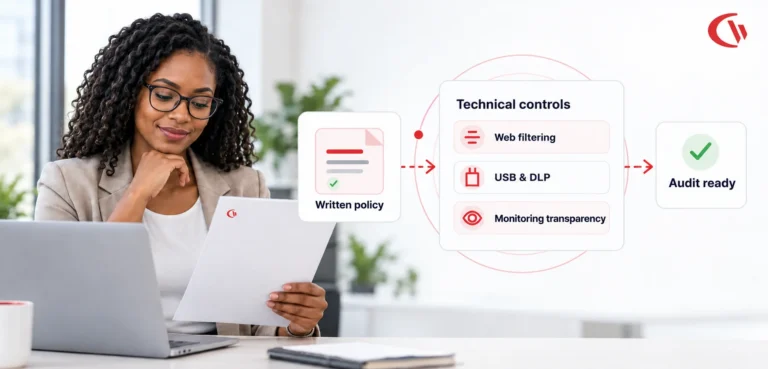
Remote work tracking software shouldn’t come at the expense of privacy or compliance. CurrentWare combines continuous activity visibility with configurable controls, retention, and audit reporting. Get the evidence you need for compliance without turning your program into covert surveillance.
Most remote employee tracking software competes on how much it can capture. CurrentWare focuses on how much you can defend. Here is the difference in plain terms.
| Capability | CurrentWare | Typical remote monitoring tools |
|---|---|---|
| Application and website activity tracking | Yes | Yes |
| Attendance, logon and idle time tracking | Yes | Yes |
| Keystroke logging | Never. Excluded by design | Commonly included |
| Webcam capture | Never. Excluded by design | Offered by several vendors |
| Continuous or stealth screen recording | Not used. Optional screenshots only, with policy controls | Often always-on |
| GPS and location tracking of employees | Not collected | Common, often marketed as geofencing |
| USB and peripheral device control | Yes, block, allow or read-only by device | Rarely included |
| Web filtering and application blocking | Yes, by URL, category, keyword and schedule | Limited or add-on |
| File transfer tracking to removable media | Yes | Rarely included |
| On-premises self-hosted deployment | Yes, full feature parity | Cloud only for most vendors |
| Regional data residency (North America, UK, EU) | Yes, on request for cloud | Varies, often US-only |
| Employee access to their own data | Yes, optional self-service dashboards | Sometimes |
| Works without an always-on VPN | Yes | Yes |
| SIEM forwarding over CEF | Yes, Splunk, QRadar, LogRhythm, Elastic | Enterprise tier only |
| Vendor headquarters | Toronto, Canada. 20+ years in endpoint software | Varies |
Every remote team functions differently. CurrentWare delivers the same thing across all with clarity & without any compromise. License only the modules you need, or go for the full suite.
For hands-on IT leaders, BrowseReporter turns speculation into evidence. It shows which applications support productive work and which ones are wasting time, then gives you the reports to prove it.
CurrentWare saved us a lot of time and money. If we didn’t have them we would’ve never known what was going on. I can’t thank all of you enough for this software.
Vincent Pecoreno,
Network Administrator, Viking Yachts
Remote work can create more opportunities for distraction. BrowseControl lets teams set digital boundaries that protect focus and compliance without limiting employee autonomy.
Being able to identify negative browsing trends and put a stop to them within a couple of hours has meant that our employees are focused on the job almost all of the time. We have become an extremely efficient workforce.
Operations Management,
Shady Maple
Small devices can create big risks. AccessPatrol helps prevent sensitive data from leaving through removable devices and peripherals.
We never have to worry when someone plugs in a device. AccessPatrol made our lives easy. We just set it, forget it, and it works.
Nicholas Scheetz,
IT Service Desk Supervisor, First Choice Health
Hospitals protect PHI. Financial firms safeguard client records. Manufacturers protect CAD files and IP. The control is the same, but the stakes are different.
When the CFO looks at the ledger, enPowerManager helps turn IT from a cost centre into a source of savings.
CurrentWare has been nothing but supportive of us since we started. This is probably one of the best systems that we’ve ever invested in. Once we got CurrentWare installed it opened the door for remote work for us; we could control the equipment and make sure our people were being productive and safe.
Boston Centerless
One regional healthcare client saved $12,000 in a single quarter while also reducing its carbon footprint.

Not adjectives. Numbers from organisations using CurrentWare across distributed and hybrid teams.
less power wasted on idle workstations
Automated shutdown schedules removed overnight and weekend idle draw across managed endpoints. One regional healthcare client saved $12,000 in a single quarter.
enPowerManager
Healthcare, North America
from spotting a browsing trend to stopping it
Shady Maple moved from monthly guesswork to same-day intervention on unproductive browsing. The result, according to the organisation, was an extremely efficient workforce.
BrowseControl
Shady Maple, retail and hospitality
USB risk removed from the IT worry list
First Choice Health no longer has to treat every plugged-in device as an incident. Device policy is enforced automatically, and access is revoked as soon as someone leaves.
AccessPatrol
First Choice Health, healthcare
Remote worker monitoring software is rarely purchased by one person. Here is what each stakeholder gets from the platform.
Most competitors in this category are cloud-only. If your data cannot leave your infrastructure, that can end the conversation. With CurrentWare, deploying your remote employee monitoring software is a configuration choice with full feature parity.
Managed by CurrentWare. Live the same day.
Self-hosted on your server. Data never leaves.
Day 0: Install and connect
Deploy the CurrentWare Client through Group Policy, RMM, or direct installer. Most teams can finish the installation in under an hour.
Day 1: Publish the policy
Send employees the written monitoring policy. It is required in Ontario and expected elsewhere.
Week 1: Tune by team
Set idle thresholds, web and app rules, and USB permissions for each department instead of applying one blanket policy.
Day 30: Act on the data
Review the first full month, reclaim unused licences, rebalance workloads, and close your riskiest data paths.
There is no mandatory annual contract just to see the product, no forced sales call before you can try it, and no surprise per-feature upsells once you are in. Get the full suite, or only the module you need.
USD $ | GBP £ | CAD $ | EUR €
Discover how organizations use CurrentWare’s employee monitoring software to improve visibility, strengthen compliance efforts, and manage employee activity more effectively.
Join 100,000+ professionals across 55 countries.
Across the whole CurrentWare Suite.
90% of reviewers would recommend BrowseReporter (average likelihood to recommend: 9 out of 10).
Tailored controls that help you meet industry standards, boost efficiency, and protect sensitive data across remote and in-office teams.
HIPAA-ready controls to protect PHI with USB management and insider-threat visibility.
Cybersecurity and policy enforcement aligned to NIST 800-171 and CMMC.
Keep client data protected, billable hours productive, and software costs in check.
Productivity monitoring and internet visibility for both the shop floor and back office.
Enforce access policies and protect sensitive financial data with audit-ready trails.
CIPA-compliant web filtering to qualify for E-Rate and keep students safe online.
Track unproductive web browsing and idle time to detect time-wasting
Get multi-tenant visibility and device control that you can resell across your client base.
CurrentWare works alongside the identity, security, and directory tools you already use, including support for SAML, OIDC, and CEF standards. Cloud connectors are on the way.
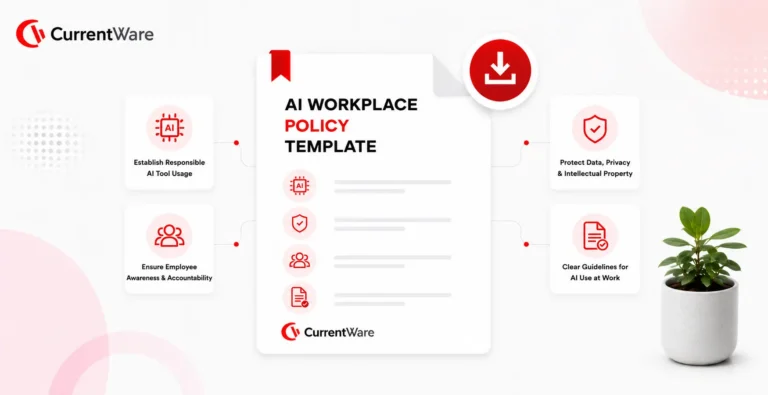
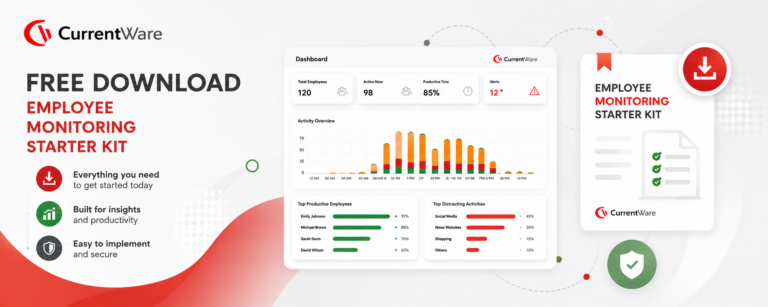
Every successful rollout starts with a written policy, not an installer. These templates are free, with no strings attached.
Frequently asked
Remote employee monitoring software is monitoring software for remote employees that records how company devices are used outside the office. It shows which applications and websites employees use, how much time is active versus idle, and when the workday starts and ends. Most platforms also include controls such as web filtering and USB blocking, so employers can manage productivity and data security from one place.
A lightweight agent is installed on each company computer. It collects activity data such as application use, website visits, idle time, and file transfers, then sends it to a central console in the cloud or on your own server. Unlike tracking software for remote workers that depends on GPS or webcams, CurrentWare works entirely from endpoint activity, and it caches data on offline devices until they reconnect.
Remote Employee Management Software usually covers scheduling, task assignment, onboarding, and HR workflows. Remote employee monitoring software focuses on what happens on the device itself: activity, attendance, policy enforcement, and data protection. Many organizations use both, with monitoring providing the objective data that management decisions rely on.

With software to monitor remote employees like CurrentWare, you can see application and website usage, active and idle time, first logon and last logoff, bandwidth consumption, search terms, and file transfers to USB drives and cloud destinations. CurrentWare does not capture keystrokes, webcam footage, or GPS location.
Yes. Work from home employee monitoring software can monitor company-owned devices wherever they are used, as long as employees are informed and the monitoring is proportionate to a legitimate business purpose. CurrentWare connects remote endpoints without requiring an always-on VPN, so home-based computers report just like office machines.
Remote employee productivity monitoring software classifies applications and websites as productive, unproductive, or neutral based on standards you set for each team. It then combines that with active and idle time to show trends by user, department, or time period. The goal is to spot workload imbalances and bottlenecks, not to score individuals on raw activity alone.
No. CurrentWare deliberately excludes keystroke logging, webcam access, covert screen recording, and GPS tracking. These features increase legal and employee-relations risk without adding much operational value, so we built the platform around data you can defend.
In most jurisdictions, remote workforce monitoring of company-owned devices is legal when it serves a legitimate business purpose and employees are properly notified. Requirements vary: Ontario requires a written electronic monitoring policy for many employers, UK GDPR and PIPEDA require proportionality and transparency, and states such as New York, Connecticut, and Delaware have notice laws. Speak with legal counsel to confirm what applies to your organization.
Choose remote work monitoring software that limits collection to what you need, avoid invasive features like keylogging and webcam capture, publish a clear written policy, and give employees access to their own productivity dashboards. CurrentWare supports configurable collection, data minimisation, and role-based access so managers only see their own teams.
CurrentWare provides remote employee time and attendance tracking based on first logon, last logoff, total session time, and break patterns. Employees don’t need to clock in manually, and managers get an accurate picture of working hours for both remote and in-office staff.
When there is no keyboard or mouse input for a set period, CurrentWare marks that time as idle. You can configure different idle thresholds for different roles, and Idle Exclusion prevents meeting-heavy employees from being unfairly flagged while on calls.
Remote work tracking software can surface patterns that suggest time theft, such as long stretches of activity with no meaningful application use. CurrentWare identifies inactivity patterns that may indicate mouse jiggler use, giving managers a reason to have a conversation rather than an automatic verdict.
Yes. CurrentWare works as remote worker monitoring software and in-office monitoring from the same agent and console. You can compare remote and in-office attendance and productivity side by side, which is useful when evaluating hybrid work policies.
Software for monitoring remote employees should include data loss prevention. CurrentWare lets you block or allow USB devices, make storage read-only, allowlist approved encrypted drives, monitor file transfers to removable media and cloud destinations, alert on unusual transfers, and revoke device access immediately during offboarding.
Both, with full feature parity. The cloud version is managed by CurrentWare with regional data residency in North America, the UK, and the EU. The on-premises version keeps all monitoring data inside your infrastructure and supports air-gapped environments.
Cloud pricing is a per-user subscription that scales with your headcount, and perpetual licensing is available for on-premises deployments through sales. You can try our software to monitor remote employees free for 14 days with no credit card required. Visit our pricing page for more details.
Talk to a CurrentWare specialist who has deployed monitoring at 200+ law firms.