From Visibility to Action: Smarter Workforce Intelligence and Real-Time Signals
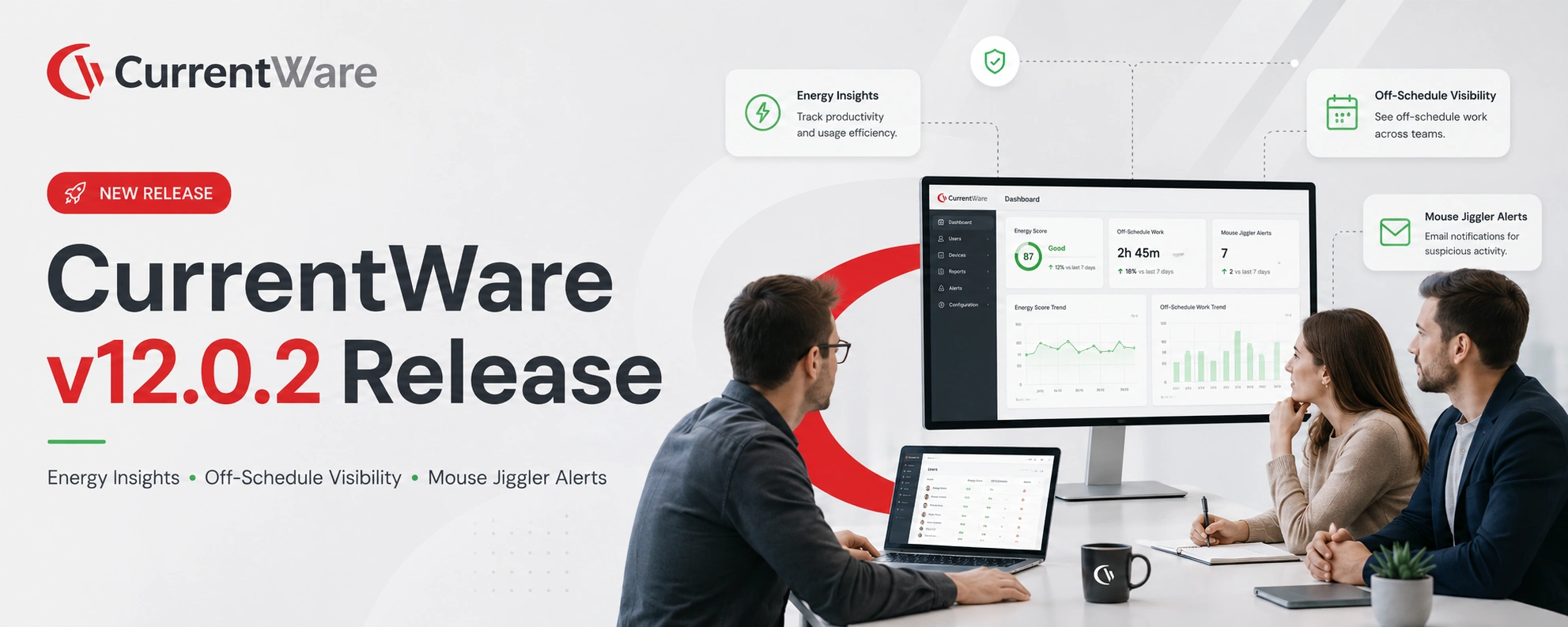
CurrentWare v12.0.2 release focuses on a single shift: Turning passive visibility into decision-ready intelligence. From energy cost visibility to fair productivity measurement, from real-time behavioral alerts to cloud first deployment, this update helps IT, security, HR, and operations leaders act faster, with more confidence and less friction.
What’s New in v12.0.2
- Reflect Off-Schedule Work in Utilization
- Energy Insights Dashboard
- Mouse Jiggler Email Alerts
Reflect Off-Schedule Work in Utilization
Fix the Productivity Blind Spot That Penalizes Overtime
Traditional utilization models have a flaw: They often penalize employees for working more. When users work on unscheduled days, existing models can dilute productivity by increasing the working day count, making performance look worse, not better. This update fixes that.
What’s New
- Schedule-aware utilization logic: Working days are now aligned with assigned schedules, not inferred activity
- Off-day productivity is included: Productive time on unscheduled days contributes to utilization
- Fair weekly productivity calculations: Prevents artificial drops caused by overtime distribution
- Full transparency remains: Off-day utilization still appears in daily and trend reports
Energy Insights Dashboard
Turn Endpoint Activity into Measurable Cost and Sustainability Impact
Most organizations can control power policies. Very few can prove their impact. The new Energy Insights Dashboard transforms endpoint telemetry into clear, defensible metrics for cost, efficiency, and sustainability. Instead of guesswork, you now get a centralized, data-driven view of how devices consume energy, and where optimization opportunities exist.
What This Solves
- No clear visibility into endpoint energy consumption
- Inability to quantify savings from power policies
- Fragmented or outdated reporting tools
- Missed cost and sustainability opportunities
What’s New
- Power usage estimation at scale: Uses CPU/GPU utilization and hardware profiles to estimate energy consumption without complex system dependencies
- Fleet-wide energy and cost visibility: Track total energy consumed, cost savings, and policy compliance in one place
- Device and display context: Understand how monitors, power states, and usage patterns impact consumption
- Scorecards for leadership reporting: Translate technical telemetry into business metrics like cost savings and compliance rates
- Trend analysis and drill-downs: Identify top energy consumers across departments, users, and devices
Mouse Jiggler Email Alerts
Move from Detection to Immediate Action
Detecting suspicious activity isn’t enough. If no one sees it in time, it doesn’t matter. Until now, mouse jiggler detection lived inside dashboards, useful, but passive. With v12.0.2, it becomes proactive and operational.
What’s New
- Real-time alerting layer on detection: Get notified when suspicious activity crosses defined thresholds
- Configurable alert rules: Set thresholds, recipients, and delivery frequency based on risk tolerance
- Hourly or daily alert delivery: Align alerts with your operational workflows
- Group and device-level targeting: Fine tune sensitivity based on roles or departments
- Noise reduction with de-duplication: Alerts stay meaningful, not overwhelming
The Bigger Picture: v12.0.2 is not a feature release. It’s a capability shift. Across this update, a pattern emerges:
| Before | After |
|---|---|
| Passive dashboards | Actionable alerts |
| Raw data | Decision-ready insights |
| Misaligned productivity metrics | Schedule-aware accuracy |
Get Started