
4.8/5 on G2 Trusted by 100,000+ professionals in 55 countries
Employee Monitoring Software With Complete Data Control.
Take complete control of how work gets done across every device.
- See all employee activity, instantly across every endpoint.
- Boost productivity, security, and compliance from one place.
- Your data, stored your way.
*No credit card required · 14-day free trial · Cloud and on-premise available
Trusted by local and state government agencies , healthcare organizations, professional services firms, and more.



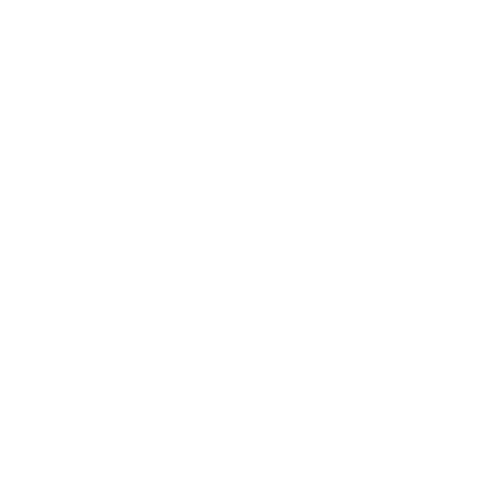




Employee monitoring software is a workforce analytics and security tool that tracks employee activity websites, applications, active versus idle time, and file transfers across company devices, then turns it into dashboards and audit-ready reports.
- Real-time visibility into activity across every endpoint
- Covers remote, hybrid, and in-office teams from one console
- Powered by BrowseReporter – productivity insights, prove compliance, protect data
- Host it on-premise or in your own cloud, so your data stays under your control
New to employee monitoring? Start with the beginner’s guide →
Why Businesses Use Employee Monitoring Software
81%
of companies that deployed monitoring tools saw an increase in productivity.
$500K
A failed software compliance audit can cost as much as $500K in fines per violation.
83%
of IT pros reported employees stored company data on unsanctioned cloud services.
The complete CurrentWare Monitoring Suite
Employee monitoring is only the starting point. Add filtering, device control, and power management from the same console – buy only what you need.
| Module | What it does | Activity monitoring | Web & app control | Device control / DLP | Power & logon |
|---|---|---|---|---|---|
| BrowseReporter | Workforce analytics, productivity & user-activity monitoring, screenshots | - | - | - | |
| BrowseControl | Web filtering and application blocking | - | - | - | |
| AccessPatrol | USB / device control and data loss prevention | - | - | - | |
| enPowerManager | Remote power control with logon/logoff & attendance tracking | - | - | - | |
| CurrentWare Suite | All four modules, one console |
Every Workforce Monitoring Feature You Need
Activity, web, and application monitoring, screenshots, idle-time tracking, and reporting – every BrowseReporter capability in one place.
Internet Monitoring
Track websites visited, searches, and time spent online across your workforce.
Track Application Usage
Report time spent in each application across users, teams, and departments.
Screenshot Monitoring
Capture screenshots on a schedule or trigger for visual context during reviews.
OCR Screenshot Search
AI-assisted OCR extracts and indexes text from screenshots, so you can search captured screens by keyword, user, group, and date.
Idle Time Tracking
Separate active work from idle time for accurate, fair productivity data.
Mouse Jiggler Detection
Detect mouse-jiggler and idle-spoofing tools that fake on-screen activity.
Computer Activity Reports
Turn raw activity into clear, shareable productivity and usage reports.
Employee monitoring for IT, HR, security & compliance teams
HR & Operations
Replace hunches with documented activity. Idle time and usage patterns make performance conversations fact-based, surface workload problems early, and tell you whether the answer is coaching or escalation.
IT & Security
Confirm whether internet, application, AI-tool, and removable-device policies are actually being followed. Pair BrowseReporter with BrowseControl and AccessPatrol to block unsafe sites, catch insider threats early, and stop data leaving on USB drives.
Compliance
Stay audit-ready with retained activity logs, controlled data retention, and on-demand evidence for investigations. Configure monitoring to support frameworks like HIPAA, SOC 2, PCI DSS, and GDPR – and prove what happened when a regulator or auditor asks.
Operations
Spot bottlenecks and underused software, then redesign workflows on real data instead of anecdotes – including a clear read on remote versus in-office output.
On-premise & cloud deployment, your way
Most platforms make you send employee data to their cloud. CurrentWare doesn’t have to. Run it on-premise, in your own cloud tenant, or across VDI – and combine that control with a console that’s genuinely simple to stand up and a fair per-user price.
On-premise
Your servers, your rules
Best for regulated industries – government, healthcare, legal, finance, manufacturing. Monitoring data never leaves your control.
Cloud
Fast to stand up
Lower infrastructure overhead with automatic updates to new versions and features, while keeping full visibility.
Self-managed cloud & VDI
Citrix, Azure, AWS, GCP
Combine cloud scalability with control over hosting and retention across enterprise and virtual desktop environments.
Built to support compliance across regions
- USA · ECPA & state laws (CCPA/CPRA, BIPA)
- Canada · PIPEDAUK ·
- UK GDPR & ICO guidance
How Teams Use Currentware
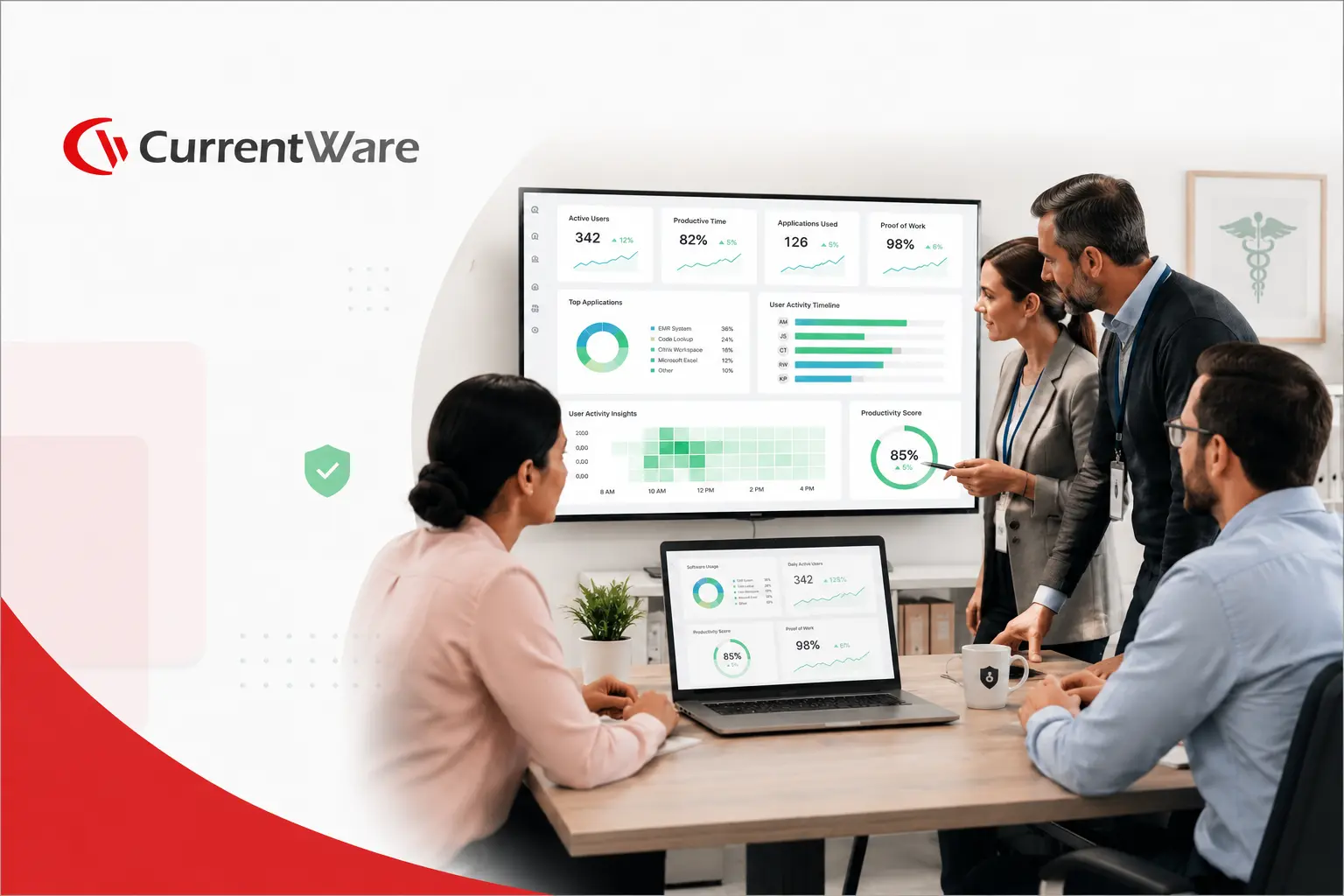
Trusted by teams across the United States, Canada & the United Kingdom
“CurrentWare is a gamechanger! We use it nearly every day to get insights into things like software adoption rates, employee productivity, and proof of work for our clients.”
 Kristen S.
Associate IT Director
The Coding Network
“Since we’ve let employees work from home we’ve had to have them connect remotely to the office. Thanks to BrowseReporter we know exactly what they’re doing during work hours.”
 Aaron Siegel,
Network Admin
Sessions & Kimball LLP
“It was going onto the employee’s machine and hoping that they didn’t clear out their history, things of that nature.
The more requests I got from our HR department requesting to know what the user was doing at a particular point in time, it became apparent that we needed to get a central management system in place for monitoring web activity.”
 Kevin Porsche
IT Admin
Shady Maple
Simple per-user pricing, cloud or on-premise
Start free for 14 days – no credit card. Or talk to our team about volume, on-premise, and compliance deployments.
USD, CAD & GBP (£) pricing available · billed per user
Featured resources
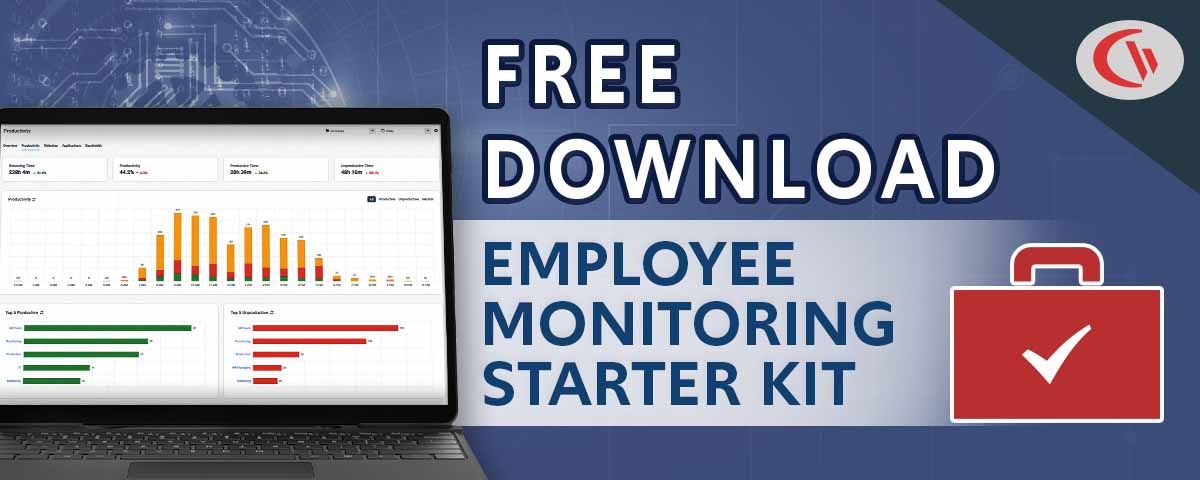
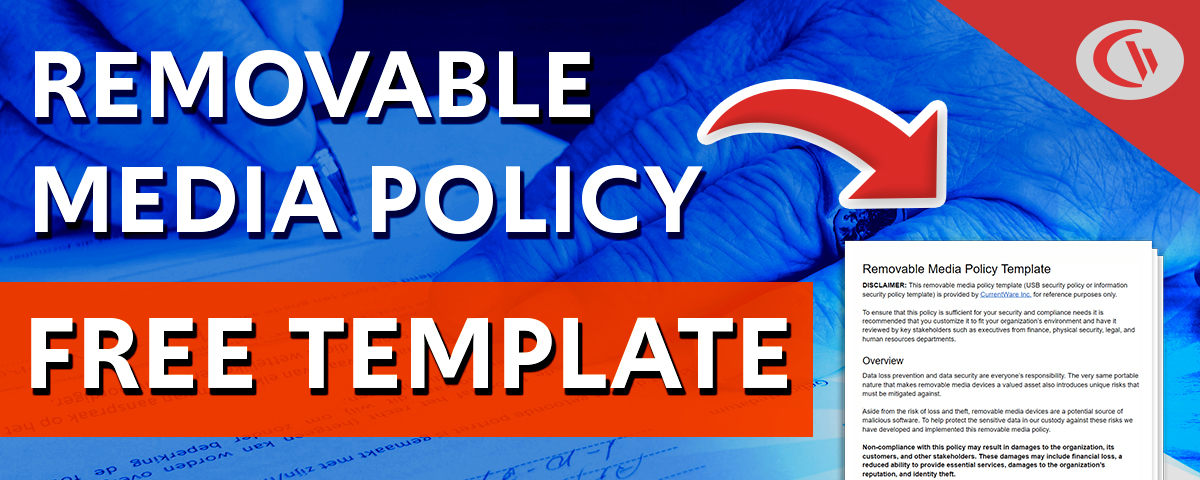
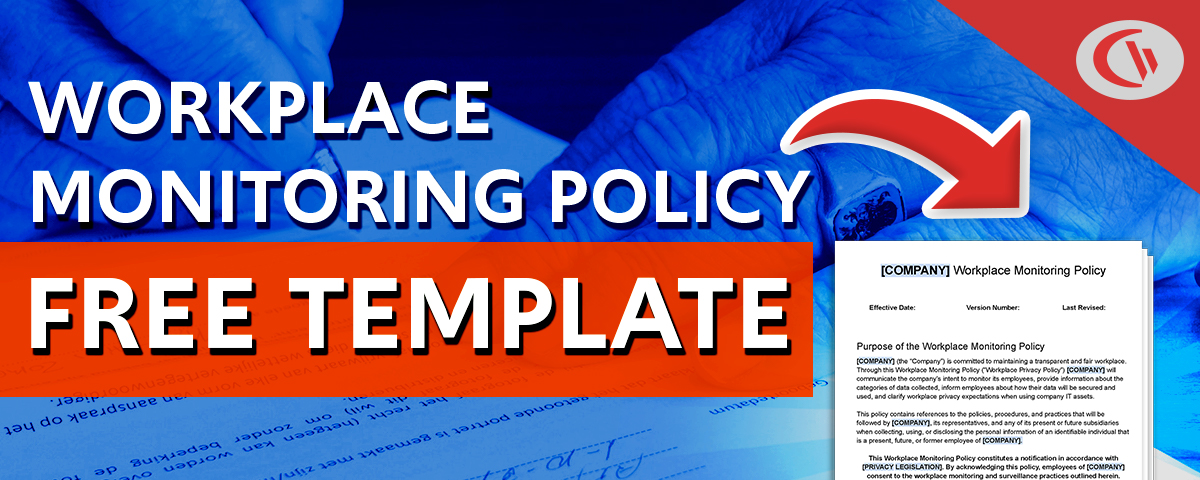
Policy templates, checklists, and tools to help you plan, justify, and roll out monitoring.


Understand Employee Monitoring
Explore technical guides and deep-dives to plan a monitoring program with confidence – start with the concepts, then explore specific monitoring scenarios.
Frequently Asked Questions
Get answers to common questions about employee monitoring and BrowseReporter
Employee monitoring software is a tool that tracks and analyzes employee activity on company systems, devices, and applications during work. It provides visibility into productivity, security risks, and compliance by capturing activity data such as application usage, web access, and work patterns. Organizations use it to improve operational efficiency, protect sensitive data, and support workforce accountability.
Employee monitoring software works by installing an agent on employee devices that records activity data and sends it to a centralized dashboard for analysis. It tracks events like application usage, login times, and file activity, then converts this data into reports, alerts, and productivity insights. Modern platforms also use analytics to identify trends, anomalies, and potential risks without requiring constant manual oversight.
Employee monitoring software tracks work related digital activity such as websites visited, applications used, login/logout times, file transfers, and device usage. Some tools also capture screenshots or generate behavioral insights based on activity patterns. The goal is to provide visibility into productivity and security while avoiding unnecessary collection of personal or unrelated data.
Yes, employee monitoring software is legal in most jurisdictions when implemented correctly, but it must comply with data protection and labor laws. Regulations like GDPR and similar frameworks require a lawful basis, transparency, and proportionality in monitoring practices. Employers must inform employees about what is being monitored and ensure the monitoring is necessary for legitimate business purposes.
You can monitor employees without invading privacy by focusing on transparency, necessity, and minimal data collection. Clearly communicate what is monitored, limit tracking to work-related activities, and avoid intrusive methods like personal communications or off-hours tracking. Privacy-first monitoring prioritizes aggregated insights, role-based access, and strict data retention policies to balance visibility with employee trust.
The best employee monitoring software for remote teams is one that provides visibility into productivity, supports compliance, and respects employee privacy. Look for solutions that offer real-time activity insights, remote device monitoring, flexible deployment (cloud or on-prem), and policy-based controls. Platforms that combine monitoring with workforce analytics and security features are typically better suited for distributed teams.
You should look for features such as activity tracking, productivity analytics, real-time dashboards, alerts for suspicious behavior, and detailed reporting. Strong solutions also include role-based access controls, data protection safeguards, and integration with IT and security systems. Deployment flexibility, scalability, and compliance support are equally important depending on whether your goal is productivity tracking, security enforcement, or both.
Companies use employee monitoring software to improve productivity, reduce inefficiencies, protect sensitive data, and support workforce accountability through measurable insights. It helps identify workflow bottlenecks, detect insider threats, ensure compliance with policies, and optimize resource utilization. Monitoring also supports data-driven decision making by providing measurable insights into workforce performance and system usage.
The main risks include privacy concerns, employee distrust, and potential legal exposure if monitoring is excessive or non-compliant. Overly intrusive tracking can harm morale and lead to reputational damage. Organizations must balance business needs with employee rights by ensuring monitoring is proportionate, transparent, and aligned with legal requirements.
You implement employee monitoring by defining clear objectives, establishing policies, and selecting a compliant solution aligned with your IT environment. Deployment typically involves installing agents on endpoints, configuring monitoring rules, and setting access controls. Successful implementation also includes employee communication, legal review, and ongoing governance to ensure transparency and accountability.
Employee monitoring software measures productivity by analyzing active time, application usage, task patterns, and work output signals. It distinguishes between active and idle time, identifies high and low efficiency activities, and generates productivity scores or trends. Advanced tools translate this data into actionable insights, helping organizations quantify performance and identify improvement opportunities.
You should choose on-premise deployment if you need full control over data and infrastructure, especially in highly regulated environments. Cloud deployment is better for scalability, faster setup, and reduced IT overhead. Many organizations adopt cloud or hybrid models to balance security, flexibility, and operational efficiency depending on their compliance and infrastructure requirements.
Yes, employee monitoring software can track the use of AI tools like ChatGPT, Copilot, or Gemini by monitoring application usage, browser activity, and URL access. It can show when and how frequently these tools are used, helping organizations assess adoption patterns, productivity impact, and potential data security risks.
Employee monitoring software is suitable for both small businesses and large enterprises. Small businesses use it to improve efficiency and manage limited resources, while enterprises rely on it for scalability, compliance, and security. Modern solutions are designed to scale with organizational size, offering flexible pricing and deployment options to match different business needs.
Try CurrentWare Today
Get started with an affordable per-user pricing model and volume discounts. Protect your business and boost productivity today.
No Credit Card Required
Join thousands of businesses using CurrentWare to enhance security and productivity
