
How To Prevent Files From Being Copied To USB Devices
With AccessPatrol’s USB drive file transfer blocker you can prevent files from being transferred to a USB flash drive based on filename, extension, or removable device type.
- Block Unauthorized Portable Storage
- Audit File Transfer Activity
- USB Activity Alerts
- $12 user/month

 4.8/5 avg.
 Trusted by 100,000+ professionals in 55 countries.
*No credit card required · 14-day free trial · For on-prem pricing, contact Sales


Trusted by enterprises, healthcare organizations, financial and professional services firms, and government agencies at every level.


Block File Transfers to Portable Storage Devices
/AccessPatrol is a USB locker tool that prevents data theft via USB ports by restricting removable storage access and limiting the file types that can be copied to removable disks.
- Prevent copying files that are high-risk based on their filename, keywords in the filename, or file extension
- Restrict file transfers to external storage devices
- Manage custom file blocking policies for each department and endpoint device
- Enable the Allowed List to limit data transfers to storage devices to a set list of filetypes and filename keywords

Why Use a USB blocker ?
- USB Security: Enforce the exclusive use of authorized USB drives. Combine AccessPatrol’s software-based policies with existing administrative safeguards to prevent employees from using personal USB drives.
- Prevent Data Breaches: A flash drive is portable and easy to hide. AccessPatrol’s technical safeguards stop insider threats from transferring sensitive data to all forms of removable media.
The Types of Devices You Can Control With AccessPatrol
As part of a multi-layered data loss prevention strategy you need to protect against any storage devices and peripherals that are capable of transmitting data such as a USB drive, Bluetooth, SD/MM cards, and Infrared ports.
AccessPatrol allows you to apply access rules for multiple classes of removable devices to prevent data loss and other security threats.
Click here for a full list of the devices you can control with AccessPatrol

AccessPatrol’s USB Drive Device Permission Settings
AccessPatrol includes various permission settings that a system administrator can use to improve data security without the need to use administrative templates in the local group policy editor.
- Full Access: The computer or user with this access permission has read and write access to the specified removable device that is connected to the computer.
- Read Only: USB copy protection will ensure that the user will not be able to copy any information to the specified storage devices; they will only have read access.
- No Access: AccessPatrol will prevent the users/PC from copying files to the storage devices and restrict access

Prevent Data Loss to Cloud Storage Services
Having sensitive data stored on unmanaged cloud services is a significant risk. Control access to cloud apps and websites with CurrentWare.
- Prevent malicious insiders from accessing cloud storage websites and apps
- Block the downloading and uploading of specific file types
- Track file transfers to/from cloud storage services for evidence of insider threats
Try AccessPatrol for Free
Fully functional. Easy to use. Install in minutes.
AccessPatrol’s USB Control & Data Loss Prevention Features
DLP Activity Reports
Track file transfers, storage device use, file operations, and more
File Transfer Monitoring
Monitor files that are copied to USBs, cloud storage, and more
Transparent & Stealth Modes
Run silently in the background or provide notice of monitoring
Centralized Console
Manage all your users from the centralized console with Active Directory import or syncing
Platform Security
Protect your CurrentWare console with 2FA, passwords, privilege management, and more
Offsite Management
Extend onsite security policies to computers running outside the corporate network
SQL Server Supported
Database scaled for enterprise and large business operations using Microsoft SQL Server
Keep reading
Articles
Web Filtering & Internet Control
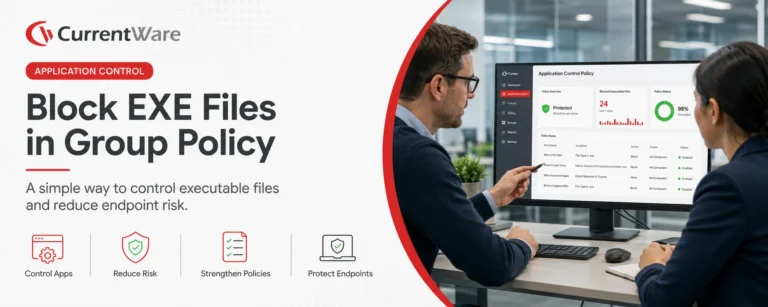
How To Block EXE Files In Group Policy (& Other Methods!)
In today’s digital landscape, safeguarding your organization’s network from unauthorized applications is paramount. One effective strategy is blocking executable (.exe)…

Web Filtering & Internet Control
The State of the Web Browser in 2020
They say millennials are the first generation born with information in the palm of their hands. If they need to…

Employee Monitoring
AI Employee Monitoring Software: How to Track AI Usage – A Complete Guide
Why AI Usage Monitoring Is Now Mission-Critical AI adoption is exploding but most businesses are flying blind. According to Deloitte’s…
Employee Monitoring
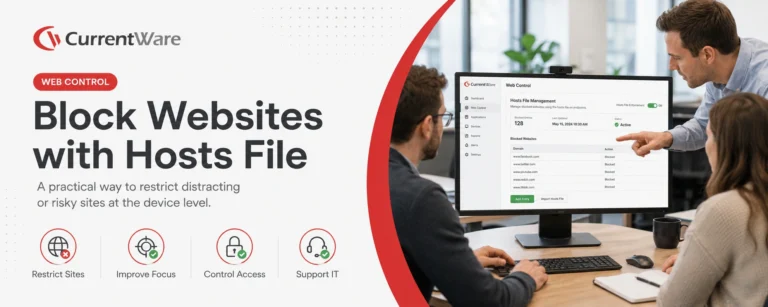
How to Block Websites Using the Hosts File on Windows 10/11
Editing the Hosts file to block a website on multiple devices is a time-consuming, inflexible, and labor-intensive process. For just…
Employee Monitoring
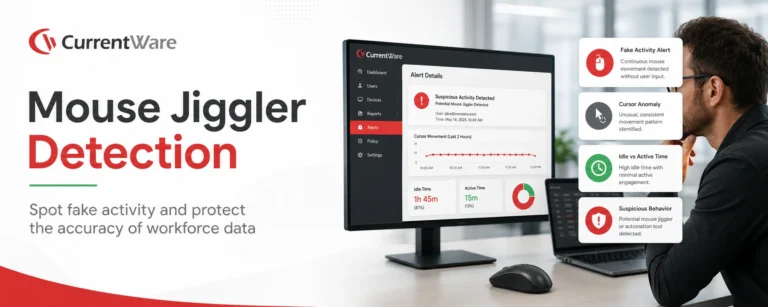
Mouse Jiggler Detection: How Businesses Can Identify Fake Activity and Protect Workforce Productivity
This article explains how mouse jigglers work and the dangers they can pose for businesses. According to Gallup, just 20…
Try AccessPatrol for Free
Fully functional. Easy to use. $12 USD user/month (*For on-prem pricing, contact Sales)