
USB Access Control Software to Block Removable Storage
AccessPatrol is a convenient removable media control software for blocking and restricting portable storage devices.
From the central console you can effortlessly enable or disable access to removable storage devices for policy groups based on users or computers.

 4.8/5 avg.
 Trusted by 100,000+ professionals in 55 countries.
*No credit card required · 14-day free trial · Easy setup


Trusted by enterprises, healthcare organizations, financial and professional services firms, and government agencies at every level.


Simple USB Security
All of CurrentWare’s products continue to enforce policies even when managed devices lose connection to the CurrentWare server, allowing users to be monitored and managed when they are working offline or on another network.
- Assign full access, read-only, and no access permissions for flash drives, external hard drives, optical media, and more.
- Protect sensitive data from theft and mismanagement by unauthorized users.
- Manage device permissions to enforce the exclusive use of authorized USBs.

AccessPatrol’s Device Permissions
AccessPatrol lets administrators easily control USB device permissions for the users and endpoints in their network by assigning Full Access, Read Only, and No Access permissions.
Effortlessly get precise and granular control over untrusted removable devices, mobile connection technologies, mobile devices, bluetooth devices, and more.
Create device whitelists with specific USB devices that can be used in USB ports on managed endpoints.
- Full Access: No restriction. The user/computer can read and write to the specified external devices that are connected to the computer.
- Read Only: Partial restriction. They can only read the information from the storage device; copying is disabled.
- No Access: Full restriction. The user/computer cannot read or write to the external device.

Why Use USB Device Control Solutions?
As part of a multi-layered data loss prevention strategy you will need security controls to protect data against theft to USB ports.
AccessPatrol’s USB blocking tool provides the critical security controls you need to prevent employees, guests, and contractors from stealing sensitive data such as personally identifiable information (PII), trade secrets, and financial records.
- USB Security: Block unauthorized devices as a critical security control for enforcing your removable media policy.
- Prevent Data Breaches: Flash drives are portable and easy to hide. AccessPatrol’s technical safeguards stop insider threats from transferring data to all forms of removable media.
- Endpoint Security: USB devices can unknowingly infect company computers with ransomware and other malicious software. AccessPatrol protects these endpoints against rogue USB devices by proactively preventing the transmission of data.

Monitor USB Ports for Data Leakage to Removable Devices
With AccessPatrol’s USB device usage and data transfer monitoring features you can ensure compliance with your removable media policy.
- Investigate potential data security incidents with advanced insights into which parties transferred which files to what devices
- Understand what unauthorized devices are being used such as firewire, Android/Apple phones, removable devices
- Improve your data theft prevention efforts with evidence of every data transfer to storage devices
Try AccessPatrol for Free
Fully functional. Easy to use. $12 USD user/month (*For on-prem pricing, contact Sales)
AccessPatrol’s USB Control & Data Loss Prevention Features
DLP Activity Reports
Track file transfers, storage device use, file operations, and more
File Transfer Monitoring
Monitor files that are copied to USBs, cloud storage, and more
Transparent & Stealth Modes
Run silently in the background or provide notice of monitoring
Central Web Console
Save time with a central admin console; optionally integrate Active
Directory OUs or security groups
Platform Security
Protect your CurrentWare console with 2FA, passwords, privilege management, and more
Offsite Management
Extend onsite security policies to computers running outside the corporate network
SQL Server Supported
Database scaled for enterprise and large business operations using Microsoft SQL Server
Keep reading
Articles
Web Filtering & Internet Control
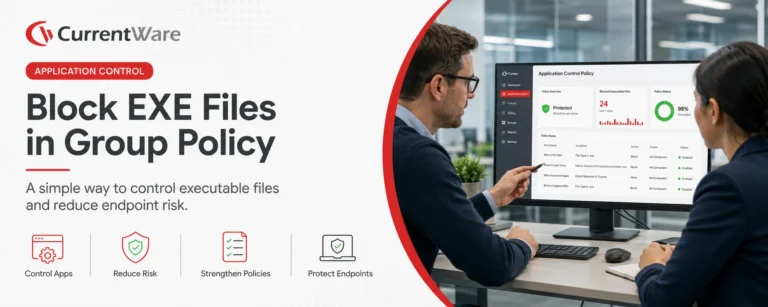
How To Block EXE Files In Group Policy (& Other Methods!)
In today’s digital landscape, safeguarding your organization’s network from unauthorized applications is paramount. One effective strategy is blocking executable (.exe)…

Web Filtering & Internet Control
The State of the Web Browser in 2020
They say millennials are the first generation born with information in the palm of their hands. If they need to…
Employee Monitoring
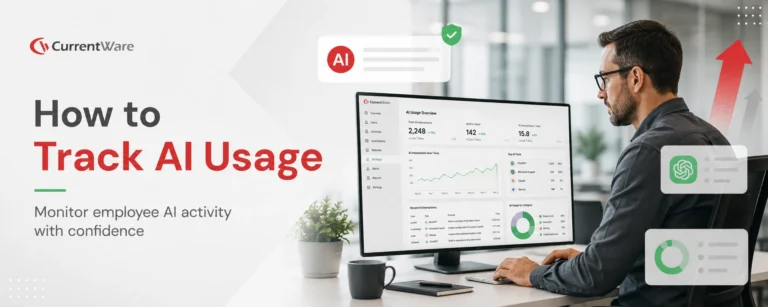
AI Employee Monitoring Software: How to Track AI Usage – A Complete Guide
Why AI Usage Monitoring Is Now Mission-Critical AI adoption is exploding but most businesses are flying blind. According to Deloitte’s…
Employee Monitoring
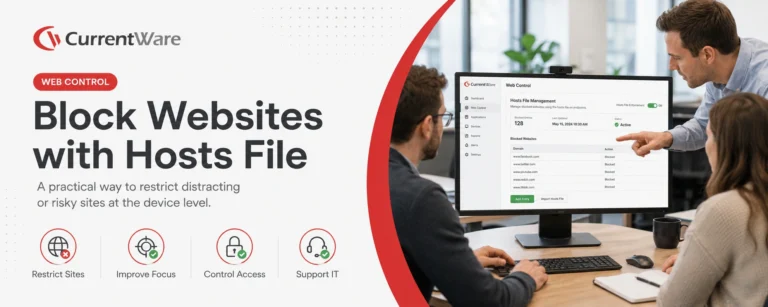
How to Block Websites Using the Hosts File on Windows 10/11
Editing the Hosts file to block a website on multiple devices is a time-consuming, inflexible, and labor-intensive process. For just…
Employee Monitoring
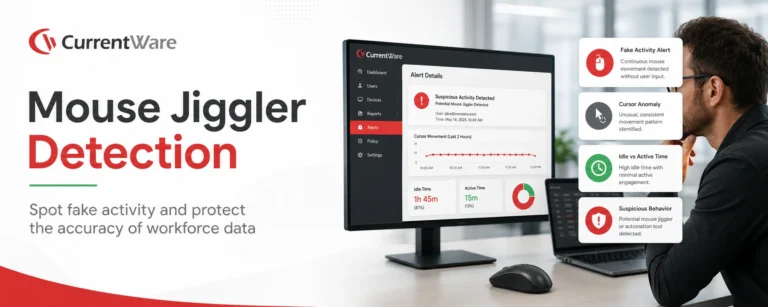
Mouse Jiggler Detection: How Businesses Can Identify Fake Activity and Protect Workforce Productivity
This article explains how mouse jigglers work and the dangers they can pose for businesses. According to Gallup, just 20…
Try AccessPatrol for Free
Fully functional. Easy to use. $12 USD user/month (*For on-prem pricing, contact Sales)