
4.8/5 on G2 Trusted by 100,000+ professionals in 55 countries
Search Your Screenshots With AI-assisted OCR Text Extraction
BrowseReporter extracts and indexes text from every screenshot, transforming captured screen activity into searchable, exportable records instead of static image files.
No credit card required · 14-day free trial





Trusted by local and state government agencies , healthcare organizations, professional services firms, and more.








How screenshot OCR text extraction works in BrowseReporter
Screenshot OCR (Optical Character Recognition) is a BrowseReporter capability that identifies and indexes text that shows within screenshots. This makes it possible to search, review, and act on information that would otherwise remain locked inside image files.
- Searchable screenshots.
Extract and index text from every screenshot, so captured screen activity becomes searchable and easier to work with. - Find content fast.
Locate relevant screenshots using keywords, users, groups, or date ranges instead of opening captures one at a time. - Built for review.
Speed up investigations, productivity reviews, and compliance checks with fast and accurate search results. - AI-assisted foundation
An OCR-enabled framework that delivers text extraction today while supporting future capabilities such as sensitive data detection and redaction.
Why Screenshots Are Hard to Search Without OCR
Without OCR, screenshots function primarily as visual records. Finding specific information across thousands of screenshots can be slow and time-consuming, limiting the value of the data you’ve captured.
Text remains inaccessible to search when it exists only within screenshot images.
Reviewers often need to open and inspect screenshots individually to find relevant information.
Compliance, security, and operations teams need a faster way to search content across users, groups, and time periods.
Text extraction can vary slightly between screenshots. Flexible search options help surface relevant results even when exact matches aren’t available.
Built to Make Screenshot Text Searchable
Turn screenshot content into searchable records instead of depending solely on visual reviews.
Help reviewers find relevant screenshots through extracted text rather than manually scanning images.
Unlock more value from screenshot data across compliance, productivity, security, and business workflows.
So, What’s Included?
AI-assisted OCR extracts and indexes screenshot text within real time while providing the search flexibility and administrative controls teams need. Filter by area below.
Benefits of OCR Screenshot Text Extraction
OCR search turns image content into searchable, filterable data, while administrators keep control over when and where it runs.
Indexed text helps users find relevant screenshots in seconds instead of manually reviewing large volumes of images.
Multiple search methods, including exact, partial, fuzzy, and regex matching, support the way people naturally search for information.
Cloud deployment makes OCR accessible across more environments devoid of requiring additional infrastructure.
Enable OCR through administrative settings and group-level controls whilst maintaining dependency on screenshot capture policies.
OCR data follows configured retention policies to help organizations support compliance and data governance requirements.
Teams can work from searchable evidence instead of sharing and reviewing screenshots manually.
Built on the differentiators teams choose CurrentWare for
Every capability ships on the same foundation, flexible deployment, privacy-first oversight, and pricing you can see before you talk to sales.
Deployment
On-premises or cloud
Keep monitoring inside your own network or run it in the cloud. Your data stays where your policy requires.
Privacy-first
Proportionate by design
Role-based access, granular controls, and configurable retention keep oversight transparent and defensible.
Transparent pricing
Published up front
Pricing is public. See plans and pricing without waiting on a quote.
Built to support compliance across regions
- USA · ECPA & state laws (CCPA/CPRA, BIPA)
- Canada · PIPEDA
- UK · UK GDPR & ICO guidance
Searchable evidence, with compliance built in
Convert screenshots into searchable, exportable evidence for investigations, audits, and compliance reviews. Role-based permissions, configurable retention settings, and detailed activity records help organizations control who can access captured data and how long it is retained.
Configure monitoring to support frameworks such as HIPAA, SOC 2, PCI DSS, and GDPR while continuing the documentation necessary for audits and regulatory reviews.
Configurable to support
- HIPAA
- SOC 2
- PCI DSS
- GDPR / UK GDPR
How Customers Use Currentware
Discover how organizations use CurrentWare to improve visibility, strengthen compliance efforts, and manage employee activity more effectively.


Trusted by teams across the United States, Canada & the United Kingdom
“CurrentWare is a gamechanger! We use it nearly every day to get insights into things like software adoption rates, employee productivity, and proof of work for our clients.”
 Kristen S.
Associate IT Director
The Coding Network
“Since we’ve let employees work from home we’ve had to have them connect remotely to the office. Thanks to BrowseReporter we know exactly what they’re doing during work hours.”
 Aaron Siegel,
Network Admin
Sessions & Kimball LLP
“It was going onto the employee’s machine and hoping that they didn’t clear out their history, things of that nature.
The more requests I got from our HR department requesting to know what the user was doing at a particular point in time, it became apparent that we needed to get a central management system in place for monitoring web activity.”
 Kevin Porsche
IT Admin
Shady Maple
Featured resources
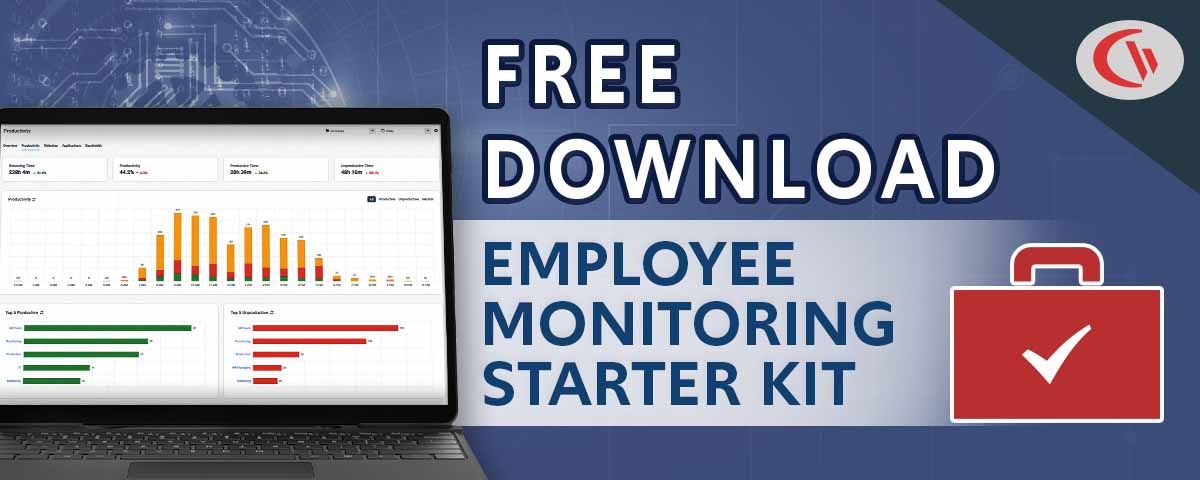
Helpful guides, templates, checklists, and planning resources to support your monitoring strategy and rollout.


Learn More About Screenshot Monitoring and OCR
Explore guides and articles on reviewing screen activity, detecting insider threats, and building a defensible monitoring strategy.
How to Check Activity on a Computer
Learn different ways to review computer activity, from built-in operating system tools to enterprise monitoring solutions, and understand what separates basic tracking from enterprise-grade visibility.
Examples of Data Theft by Employees
Explore real-world insider data breach examples and learn how monitoring and device control strategies can help reduce risk.
Insider Threat Program Guide
A workable framework covering program structure, stakeholder responsibilities, monitoring practices, and legal considerations.
Popular Support Articles
Capture Screenshots
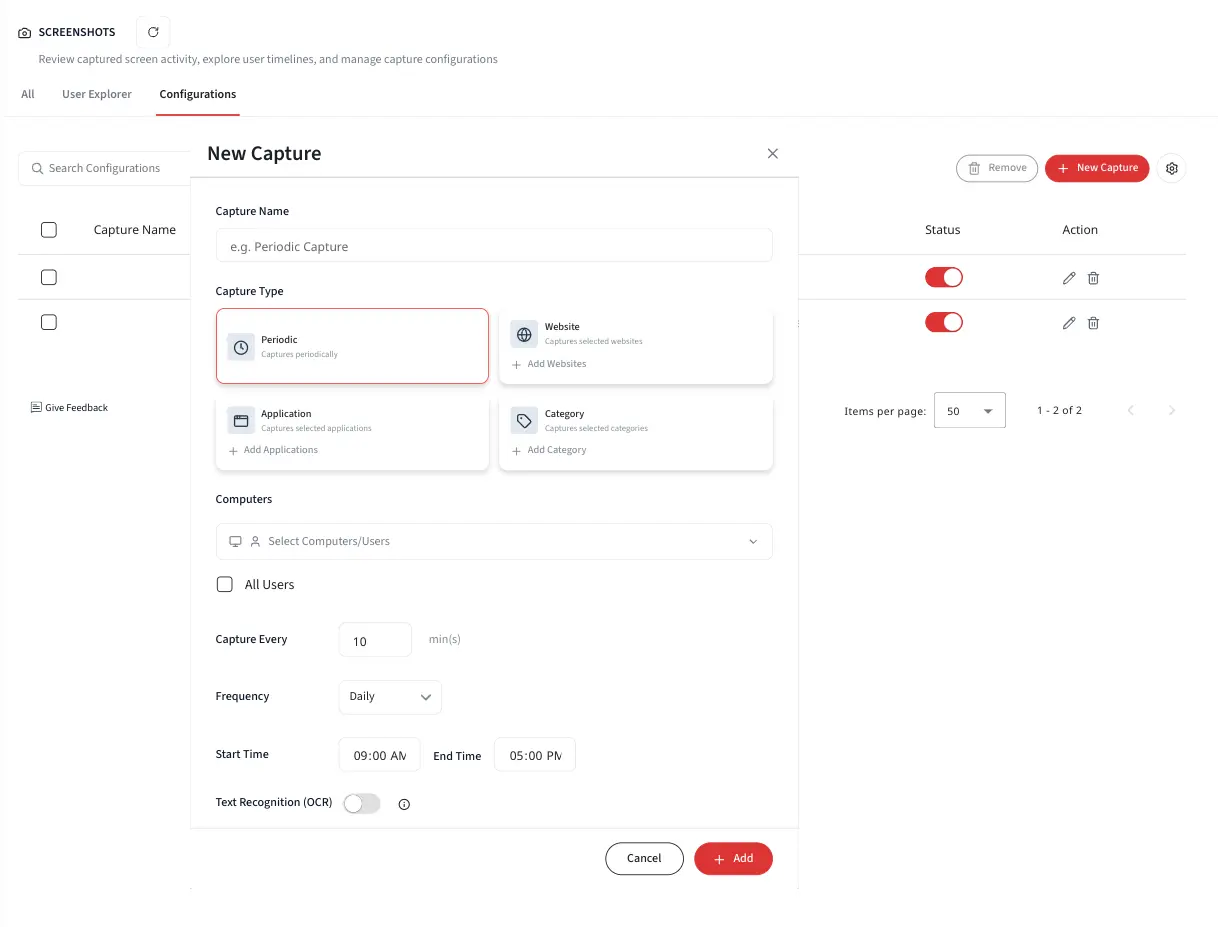
Configure website, application, and scheduled screenshot captures, review screenshots in different views, and manage storage with automatic cleanup settings.
Live Capture
View user screens on demand in near real time and save images for later review.
How Much Data Does BrowseReporter Keep?
Learn how retention settings work and how captured data, including OCR text, is stored and managed over time.
Frequently Asked Questions
Get answers to common questions about employee monitoring and BrowseReporter
It uses AI-assisted OCR to extract and index the text inside screenshots, so captured screen activity becomes searchable and filterable rather than static image evidence.
This release is cloud-specific.
Exact, contains all, contains any, partial, fuzzy, and regex-based matching.
Yes, results and screenshots can be exported to PDF for audit, compliance, or case documentation.
Yes, OCR search can be combined with group and user filters and narrowed by date range.
Yes, OCR is governed by feature toggles, admin configuration, and group-level enablement, and depends on screenshot capture being enabled.
No, PII redaction is a separate future initiative; current screenshot functionality does not redact any PII.
No, OCR of past screenshots is out of scope for this release.
OCR text and related artifacts follow your configured retention periods, keeping the feature aligned with data governance.
Roll out screenshot policies by category
Start a free trial or book a demo to apply screenshot rules across whole categories of sites in a single configuration.
