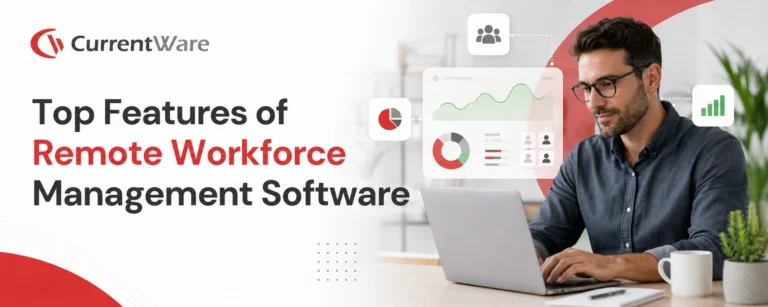
Remote work is evolving and has become quite complex. The best remote employee management software heading into 2026 has taken a huge leap forward with advanced analytics and automation features that are perfectly integrated with employee experience capabilities to bring the team together.
The Essential Features of Remote Workforce Management Software

Time Tracking and Productivity Monitoring
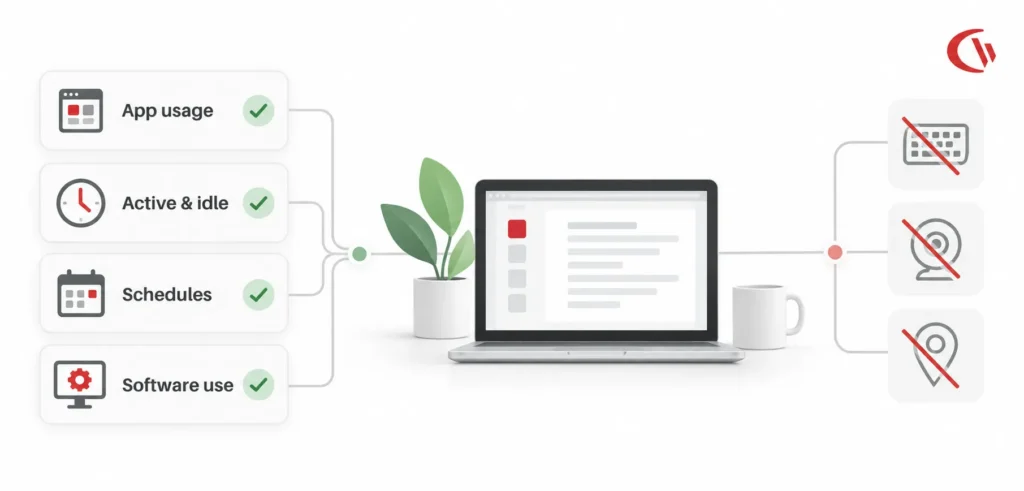
Time tracking and employee productivity monitoring tools give you a super clear picture of how everyone is performing. Most tools include features such as: simple in and out timekeeping, integrations with payroll processors, online activity tracking, and the ability to categorize work time as either productive or unproductive – all based on your company’s definition of course.
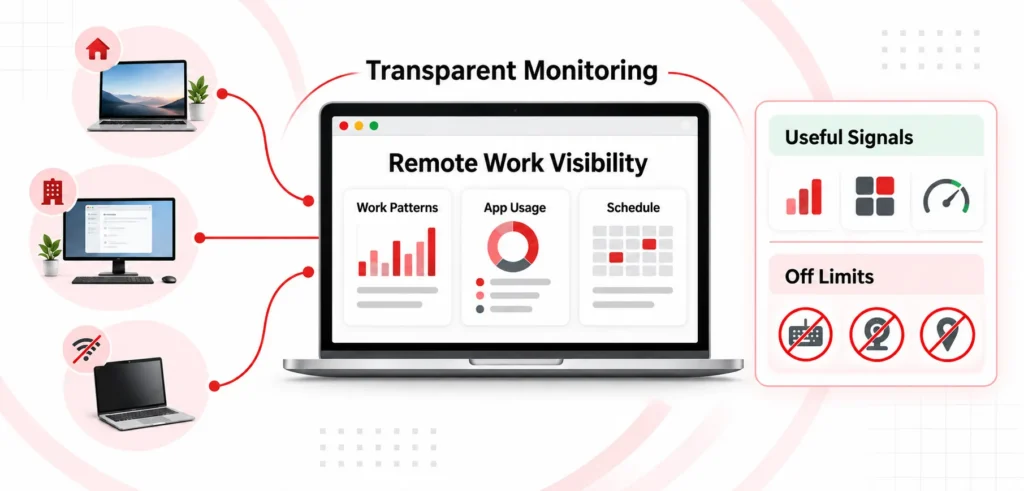
Getting a handle on how employees spend their time is absolutely crucial to understanding their activity levels, and time tracking tools that can monitor remote employees provide real-time insights into workforce productivity in seconds. Productivity monitoring tools give remote team managers the flexibility they need to ensure their team is properly engaged in their tasks, without sacrificing accountability. They allow you to see if your team is on track to meet their goals and maintain high levels of efficiency.
Time tracking and productivity management tools do a lot more than just provide detailed productivity reports – they support team productivity and help you identify if there are any inefficiencies in your workflows. By tracking task completion, you can also stay on top of missed deadlines and see exactly how time was spent.
Also Read: What Is a Remote Workforce? Benefits & Management Tips

Communication and Collaboration Tools
Effective communication is the key to successfully managing a remote team. Communication and collaboration tools bring your remote employees together with chat functionality, video conferencing, and shared spaces for collaboration. Video calls and team collaboration features are essential for building a productive team by allowing for real-time face to face interactions and seamless collaboration.
Communication and collaboration tools bridge the gap between employees, allowing them to work together as a team. They also help foster a better company culture through effective collaboration, and by streamlining workflows.
Build a Connected, Compliant, and Happy Remote Culture
Project Management and Task Distribution
Project management tools for remote workers make it easy to organize and distribute tasks amongst the team. To-do lists are essential to track and manage tasks in a remote team, making sure everyone knows what’s expected of them and that deadlines are met. Some super powerful project management software includes Jira and Basecamp – these applications give you visibility into real-time project progress, making it easy to track progress without having to hold synchronous meetings.
Employee Schedules and Attendance
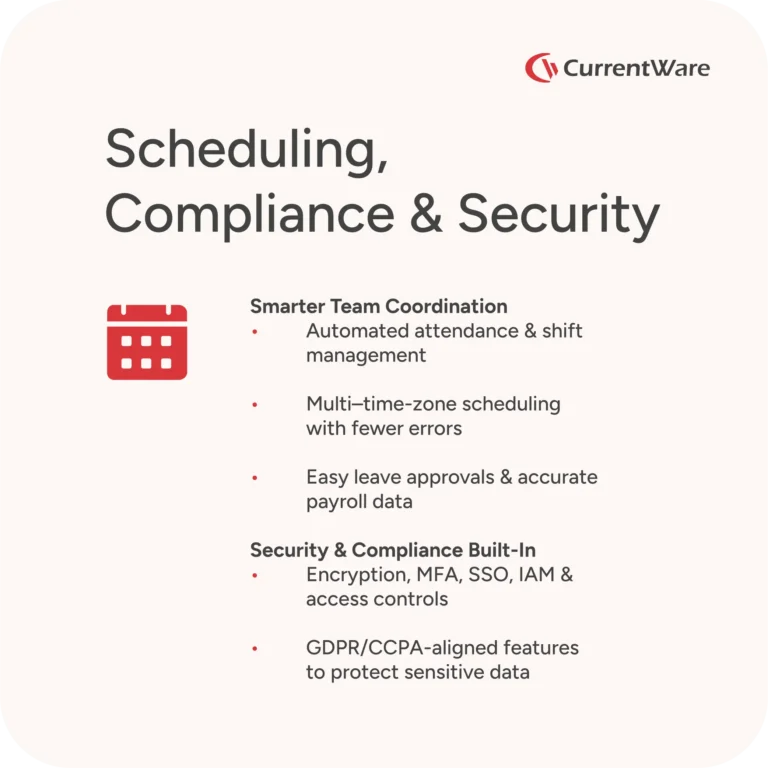
Scheduling and attendance tracking tools play a huge role in ensuring the right people are available at the right times, no matter where they are in the world. These systems automate and simplify attendance management, making it easy for managers to avoid scheduling conflicts and reduce manual errors. They also help coordinate shift schedules and manage employees working across multiple time zones, making sure everyone has an equal workload and can communicate effectively.
These systems also make it easy for employees to submit time off requests, making it a breeze for managers to review and approve leave efficiently. That level of organization is absolutely essential for remote teams – it not only improves the efficiency of operations, but also helps you keep track of payroll data and stay compliant with labour laws in different regions.
Also Read: Leading Employee Monitoring Software to Protect & Optimize Teams
Security and Compliance
Data security is a top priority when choosing workforce management software – make sure any vendor you choose lets you protect sensitive information, manage access and maintain regulatory standards. Common features to look for include data encryption, MFA, SSO, robust IAM for user validation and risk reduction, and seamless integration with other security measures.
Protecting Your Data
Encryption and secure access methods ensure that data collected by remote workforce management software is safe from unauthorized access and breaches. Make sure the software provider has adequate safeguards in place to prevent data breaches.
Staying Compliant
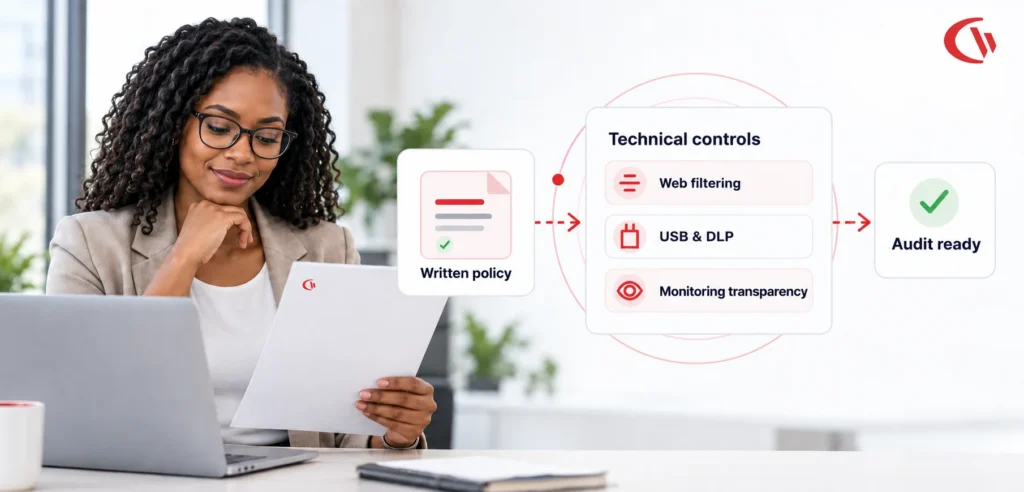
If you’re capturing sensitive information with your remote workforce management software, you may have obligations under data protection and privacy laws such as GDPR and CCPA. Ideally, the vendor should provide features and safeguards that let you use the software in a way that keeps you compliant with applicable legislation.
User Authentication and Access Control
Features such as user authentication and access control are a must to prevent unauthorized people from accessing sensitive data held in remote workforce management systems. Make sure MFA, single sign-on support, and role-based access control are all present. Software for remote workforce management helps you manage users by setting permissions, inviting new users, and regularly reviewing user roles and access.
Integration Capabilities
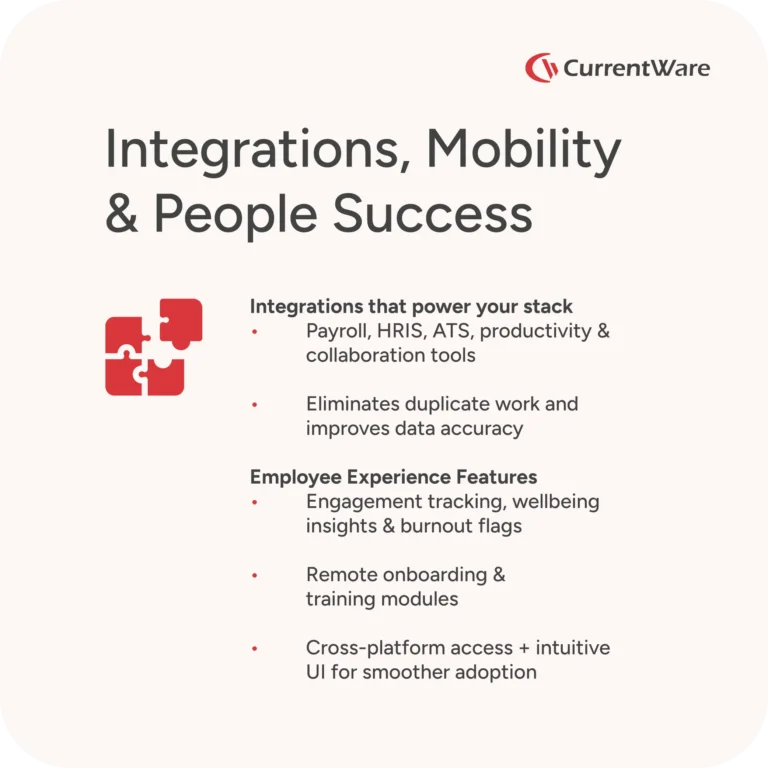
Look for integrations with diverse business systems, ensuring seamless connectivity and data sharing across HR, payroll, SIEM, communication, productivity, and financial platforms. Integrating remote work tools makes workflows smoother and ultimately leads to better collaboration, especially when managing distributed or hybrid teams. For example, if your software tracks employee work hours, direct integration with your payment processing provider will save you a lot of time.
Payroll and Financial SystemsPayroll Integrations
Automating your payments and ensuring correct financial reporting is a major advantage of using payroll integrations. And let’s be honest – automating payroll processing is a no brainer, as it saves the company a ton of time and reduces errors to an absolute minimum. This integration will actually decrease payroll errors by eliminating the need for duplicate entries, which means that employees will get their payments on time and with the right amount, no matter where they are in the world.
HRIS and Applicant Tracking Systems – The Powerhouse of Remote Workforce Management
Integrating a human resources information system (HRIS) and applicant tracking systems (ATS) makes this software a real powerhouse when it comes to managing your remote workforce, as it makes the whole lifecycle of an employee a breeze – from recruitment to ongoing management.
The integration of an HRIS consolidates the storage and updating of employee profiles, including personal info, job roles, compenstation, benefits, and compliance documentation for accurate and up-to-date records. This means that you can be sure that you’re following consistent HR practices, keeping on top of documentation, and staying on the right side of labor regulations – all while your teams are working remotely.
Productivity and Collaboration Tool Integrations – Breaking Down Communication Barriers
Productivity and collaboration tool integrations are a big deal in remote workforce management software, as they offer continuous communication, tracking, and task management all in one place. IT teams have a lot to contribute to the development and maintenance of such integrations, so that all your productivity and collaboration tools work seamlessly to support your remote and hybrid workforces.
A consolidated view of collaboration and productivity data can help managers make better resource allocation decisions, give better performance evaluations, and even proactively support their team members – which all helps to sustain engagement and output in your remote teams.
Mobile Accessibility – Work from Anywhere, Anytime
Mobile accessibility within remote workforce management software is a game-changer, as it lets employees manage work tasks, schedules, and even communication from any location and at any time using either their smartphones or tablets.
Cross-Platform Compatibility – Seamless Experience on Any Device
Cross-platform compatibility is a must for remote employee management software, as it ensures that the tool runs seamlessly on any device no matter what operating system you’re using – providing a better user experience all round.
User-Friendly Interface and Support – Easy to Use, Hard to Forget
An intuitive interface is absolutely crucial in remote workforce management software, as it means better productivity and greater engagement with the remote workforce management software. It’s all about a simple design that lets people navigate without needing detailed instructions.
A well-thought-out UI minimizes the amount of learning required, so that employees can adapt quickly without needing to go through rigorous training. Simple navigation keeps frustration and distractions to a minimum, letting the user focus on what they do best.
Customer Support and Training – When You Need a Hand
Another important feature to look for is responsive and helpful customer support. If your team doesn’t get the right training and support, they may not get the most out of the platform.
Also Read: Software License Optimization to Save Money & Stay Compliant
Monitor with Confidence and Trust
Managing Remote Employees
Performance Management in Remote Teams – Getting the Best from Your People
Performance management is the key to successfully managing a remote workforce. While employees are working from different locations, managers need robust remote employee management tools to set expectations, monitor progress, and give timely feedback. Modern remote team management software gives you real-time visibility into project management, letting managers delegate tasks, track completion, and assess the performance of teams without needing constant check-ins.
These management tools allow managers to recognize top performers, address challenges before they get out of hand, and keep remote team members on track with the goals of the organization. With key features like performance dashboards, collaboration tools, and automated reporting, you can better manage your remote employees, ensure accountability, and develop a continuous improvement culture across your remote teams.
Employee Engagement and Wellbeing – Keeping Your Team Happy and Healthy
Employee engagement and wellbeing are absolutely crucial in successfully managing a remote workforce. Most modern remote management tools have added features to support virtual team building, peer recognition, and regular feedback to help remote team members feel valued and connected.
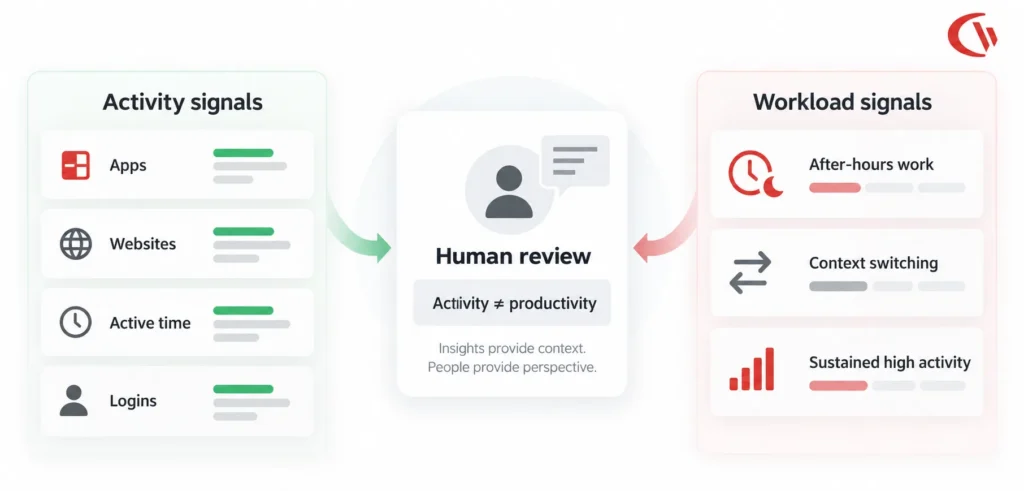
Management software can implement virtual team-building activities, encourage open communication, and provide places to celebrate achievements that help sustain morale across a remote work environment. On top of that, remote work management software can help managers keep an eye on work-life balance by tracking workloads and flagging signs of impending burnout to proactively support remote employees.
By making employee engagement and wellbeing a top priority in remote work management tools, you create a culture of support that enhances productivity, retention, and overall job satisfaction.
Remote Onboarding and Training – Get New Hires Up to Speed Fast
Effective remote onboarding and training are very important for integrating new remote employees and ensuring further development within the team. Various remote employee management tools, like online training platforms and video conferencing solutions, make onboarding a whole lot smoother by delivering training materials, hosting interactive sessions, and enabling real-time feedback.
Management software lets managers track the progress of remote hires, assign them relevant training modules, and ensure that they meet the standards of the organization. Remote team management software helps you provide consistent, quality training experiences no matter the location, which gets remote employees up to speed quickly and contributing to the success of the team fast.
Investing in comprehensive remote onboarding and training doesn’t just accelerate productivity, but also supports long-term employee engagement and professional growth within the remote workforce.
Conclusion
The top workforce management software for remote teams is a delicate balance of having a robust array of features and good old-fashioned customer support & training that actually helps. At its core, the best offerings include robust integrations, that help track productivity, manage projects and most importantly some top-notch security features to keep your data safe. When you’re in the market for a new provider, you need to make sure they’ve got the key integrations you need to get the best possible use out of their platform.
Start minimizing your software costs today.
Frequently asked
Frequently Asked Questions
-
Remote workforce management software is a digital platform that helps organizations monitor, manage, and engage employees working outside traditional office settings. It includes tools for time tracking, project management, communication, and security.
-
Key features include time tracking, productivity monitoring, project management, communication and collaboration tools, scheduling, security and compliance, payroll and HRIS integration, mobile access, cross-platform compatibility, and employee engagement tools.
-
It provides real-time insights into employee activity, tracks task completion, monitors performance, and identifies workflow inefficiencies. Integrated communication and collaboration tools ensure teams stay aligned and engaged.
-
Essential security features include data encryption, multi-factor authentication (MFA), single sign-on (SSO), role-based access control, secure VPN access, and compliance with regulations like GDPR and CCPA.
-
Modern platforms include virtual team-building activities, peer recognition, workload tracking, and regular feedback. These features help employees feel valued, connected, and prevent burnout in distributed teams. Monitoring tools provide visibility into employee activities, helping identify risky behaviors such as unauthorized access, data leaks, or use of unsafe websites and applications that could lead to security breaches. Conduct Regular Audits and Compliance Checks: Routinely review attendance logs for discrepancies, time theft, compliance with working hours and breaks, and audit policies to keep them aligned with changing regulations. Use Automated Tracking Systems: Implement reliable digital attendance tools like biometric scanners, GPS or geofencing apps, or integrated employee monitoring software to improve accuracy, reduce manual errors, and prevent time theft such as ‘buddy punching’.
-
Look for integrations with payroll systems, HRIS/ATS, project management tools, productivity apps, and communication platforms. These ensure seamless data flow, simplify workflows, and improve decision-making.
-
Remote onboarding tools provide online training modules, video conferencing sessions, and progress tracking. They help new hires get up to speed quickly and maintain consistent learning standards across locations.
-
Mobile access allows employees to manage tasks, schedules, and communications from anywhere. Cross-platform compatibility ensures the software works seamlessly across devices and operating systems, improving user experience and engagement.
-
It enforces secure access, manages user roles, maintains audit logs, and integrates safeguards to comply with labor and data privacy regulations, ensuring sensitive information is protected in distributed work environments.
Still have questions?
Talk to a CurrentWare specialist who has deployed monitoring at 200+ law firms.