BrowseControl Web Filter & BrowseReporter Internet Monitoring Software
Alternatives to GFI WebMonitor
Enforce Computer Use Policies
An employee computer use policy helps ensure that your team members are aware of their responsibilities, but it’s not enough.
To make your policies truly effective you need visibility into which employees are visiting high-risk, inappropriate, or unproductive websites.
Learn more →
Find Bandwidth Hogs On Your Network
Are bandwidth upgrades necessary, or is an employee’s misuse of the internet what’s causing bottlenecks?
With CurrentWare’s bandwidth monitoring features you can identify bandwidth hogs in your network, then block them to reduce unnecessary strain on your network’s bandwidth.
Learn more →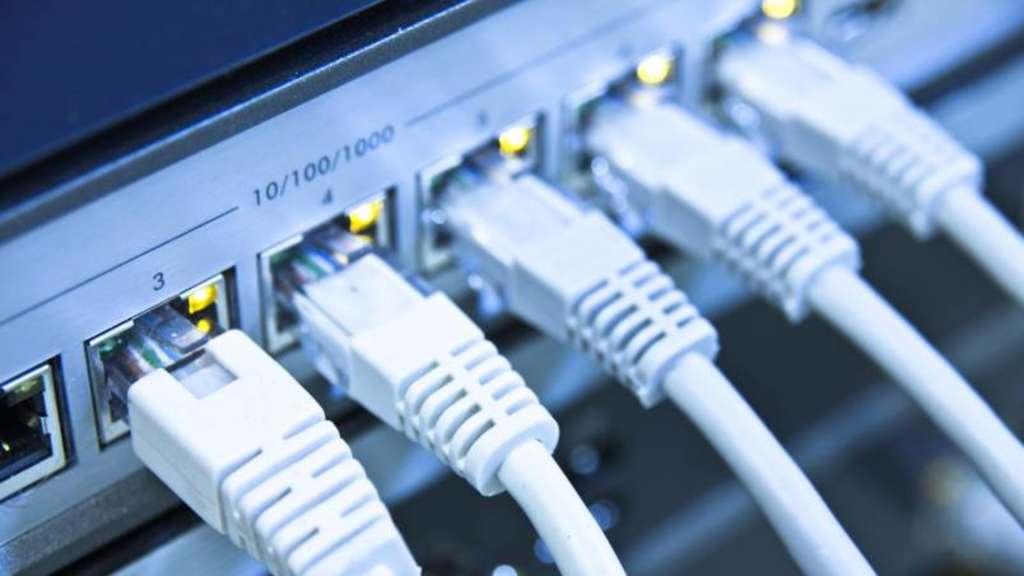
Manage Employee Productivity
While occasional web surfing might be okay so long as employees are getting their work done, workplace internet abuse can be a serious detriment to employee productivity.
The productivity insights provided by employee computer monitoring software allows you to identify inefficiencies so you can optimize work processes.

Protect Your Business From Liability Risks
Detect Software Piracy
Ensure only legitimately licensed software is being used on company computers.
Stop Workplace Harassment
Collect evidence of employees accessing pornographic, hateful, or crude websites at work.

Improve Visibility of Remote Workers
Identify poor performers, improve visibility into employee productivity, and provide high-performers an opportunity to demonstrate their efforts.
Using BrowseReporter’s productivity by location reports you can analyze employee productivity trends to see where they thrive and verify attendance.
Learn more →
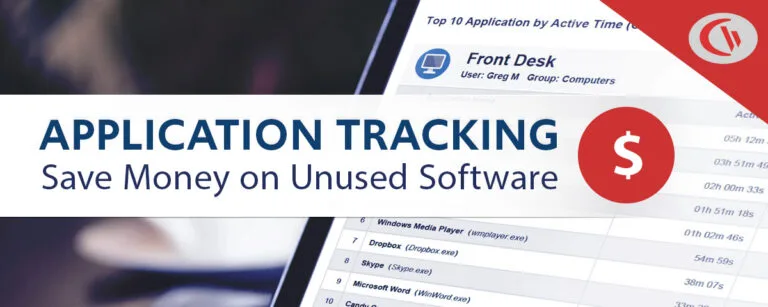
Save Money on Unused Software
36% of desktop software & 29% of SaaS spend is underutilized or wasted!
Track SaaS and desktop software usage to uncover insights into what applications can be decommissioned, consolidated, or reduced
Get Started Today With a Free Trial
Flexible Deployment Options
With CurrentWare’s cybersecurity, web filtering, data loss prevention, and user activity monitoring solutions you’re in complete control of how your data is stored, secured, and retained. Your employees' data cannot be accessed by CurrentWare.
On Premises
Keep Control of Your Data
Install the management software on a standard computer, then deploy the client software to your users’ computers
Remote Workers
Monitor & Manage on Any Network
Connect your remote employees’ computers to the management software with simple port forwarding rules
Self-Managed Cloud & VDI
Citrix, Azure, AWS, GCP, and More!
Enjoy the scalability and availability of the cloud alongside the security, control, and flexibility of our on-premises solution
CASE STUDY
Web Filtering Software Keeps Students & School Systems Safe From Internet-Based Threats
Exposing students to the digital world comes with a responsibility to protect them. Students love BrowseControl because it gives them a safe working environment and prevents potential bad actors from interrupting their educational experience.
Shady Maple Transforms Their Productivity With Internet Filtering and Monitoring Software
Being able to identify negative browsing trends and put a stop to them within a couple of hours has meant that our employees are focused on the job almost all of the time. We have become an extremely efficient workforce.
Get Started Today With a Free Trial
How to Manage Employee Internet Use With CurrentWare
Restrict Employee Internet Access BrowseControl is the best web filter for blocking internet sites at work Block websites based on category, URL, domain, or IP address Customize internet restrictions for each user, device, or department Schedule unique internet restrictions throughout the day

Monitor Employee Internet Use
BrowseReporter is the best employee monitoring software for tracking internet use
- See how much time is spent on unproductive web browsing
- Compare active time vs idle time to see which websites are being actively browsed and which are in the background
- Noisy data such as CDNs and advertisements are filtered out; the reports show actual employee internet usage
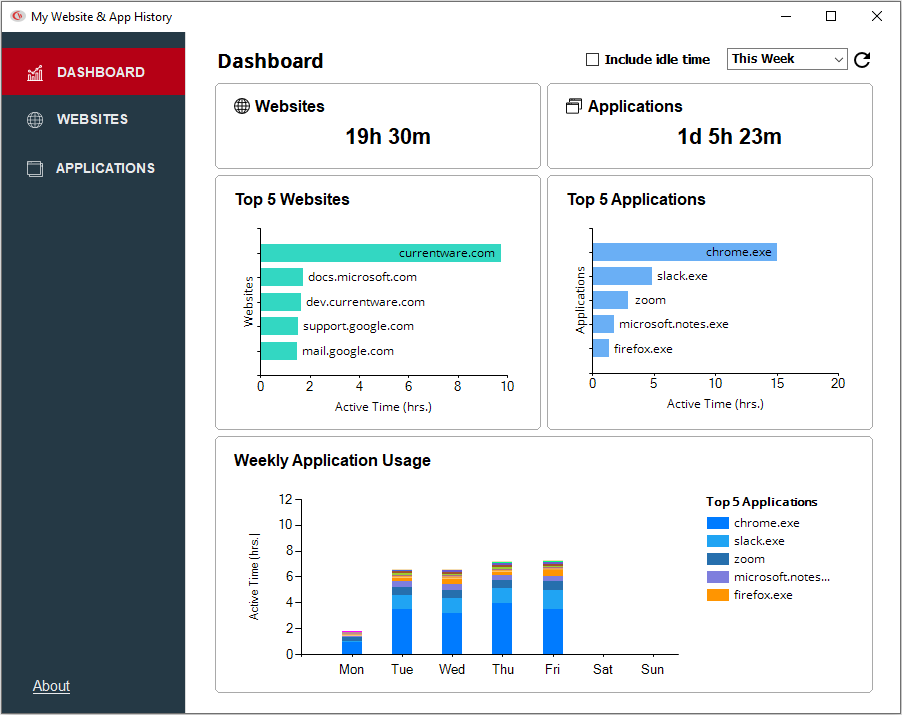
Empower Employees to Self-Monitor
With BrowseReporter’s End-User Reports feature your employees have on-demand access to their user activity data
- Allow employees to benefit from the same insights that will be used by managers and human resources
- Increase employee autonomy by allowing them to self-manage their internet and application usage
- Improve transparency of employee monitoring by showing employees exactly what data is being tracked
Manage Your Remote Workforce
CurrentWare’s employee internet management solutions allow you to monitor and restrict the internet usage no matter where your employees work
- Use the Productivity by Location report to compare productivity between time spent at home and in the office
- Use the offsite mode to continue monitoring and restricting internet access when portable devices leave the network
- Updates to internet restriction policies will sync with offsite devices once they reconnect to the server
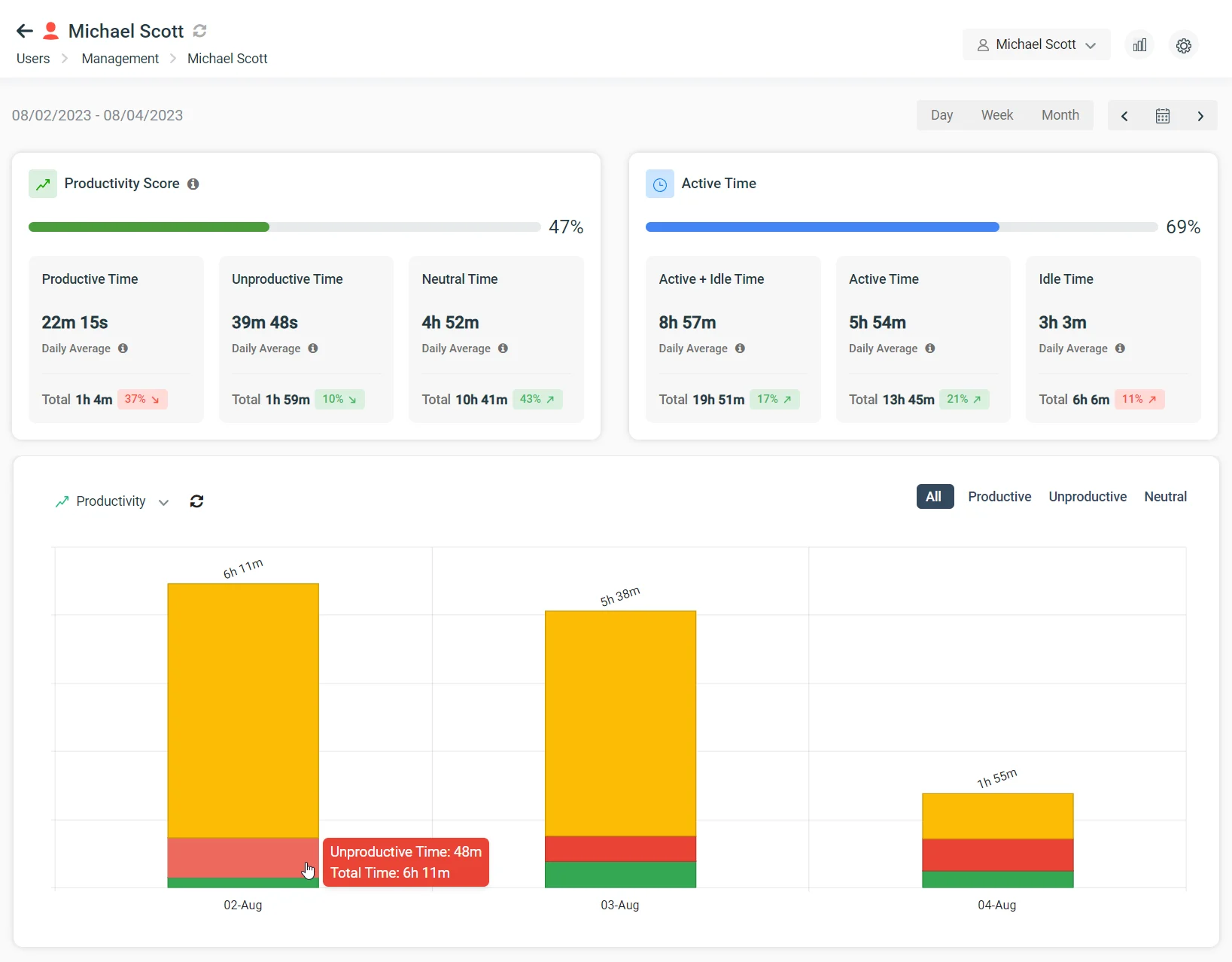
Real-Time Employee Computer Activity Dashboards & Reports
Improve business intelligence with advanced insights into web browsing, app usage, bandwidth consumption, productivity, and more!
- Identify productivity leaks
- Enforce company policies
- Detect software waste
Get Started Today With a Free Trial
What Happened to GFI WebMonitor?
GFI WebMonitor has reached End of Life (EoL) as of January 1, 2020.
“Based on the current product trending in the market and customer feedback, we have decided to initiate End of Life (EOL) for the GFI WebMonitor product.
Products reach EOL for several reasons, including changing market demands, technology innovation and development driving changes in the product, the product naturally maturing over time, etc. While this is an established part of a product life cycle, GFI recognizes that EOL product life milestones must be clearly stated to allow you and your customers to plan accordingly with your business operations.
GFI WebMonitor will not be offered within GFI Unlimited effective January 1, 2020.”
What Does End-of-Life Mean for Existing GFI WebMonitor Users?
No more security & compatibility updates
Now that GFI WebMonitor has reached End-of-Life, it is no longer being provided with critical security and compatibility updates. The most recent update was version 11, which was released on December 5, 2017.
Internet browsers such as Google Chrome, Internet Explorer, and Mozilla Firefox are constantly releasing updates. Any web filtering and internet monitoring products need to be continuously updated to effectively prevent web threats and manage internet activity.
Businesses that follow cybersecurity best practices also need a GFI WebMonitor alternative that is regularly updated to remain compatible with the latest version of Windows.
Reduced customer support
Support for GFI WebMonitor has been greatly scaled back. Without reliable customer support, GFI users have struggled to find a solution to their problems.
“They’ve essentially gotten rid of everyone, moved to a model where there is a support team who supports multiple companies and doesn’t provide working solutions.”
“I had a ticket open for 2 months that was never addressed. We just gave up and moved away from GFI.”
“I have had a ticket open with them for 7 weeks now that affects a production system we need for PCI compliance, but they don’t seem to care” – Spiceworks Community
CurrentWare Suite — Choose Your Solution
Get all 4 modules for the best value or choose the exact solutions you need
Get Advanced Activity Insights
BrowseReporter is a versatile computer activity monitoring software to track productivity, web browsing, and app use.
- Make informed decisions
- Enforce company policies
- Improve productivity

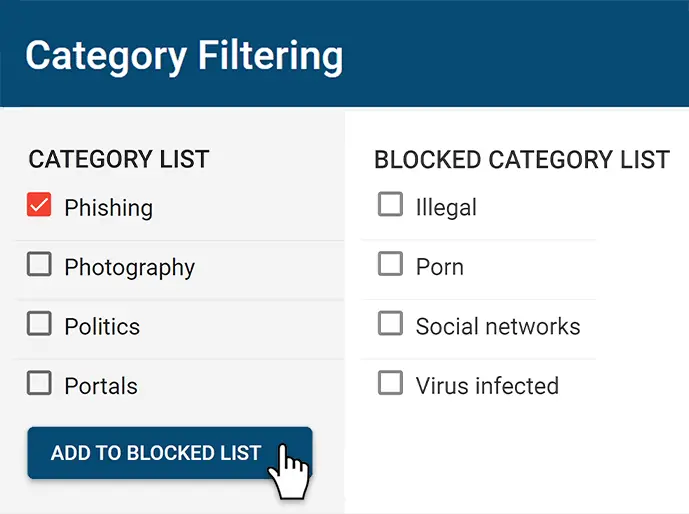
Block Harmful Websites
BrowseControl is an easy-to-use website blocking software for restricting internet access.
- Block URLs & categories
- Block unwanted apps
- Website allow & block lists
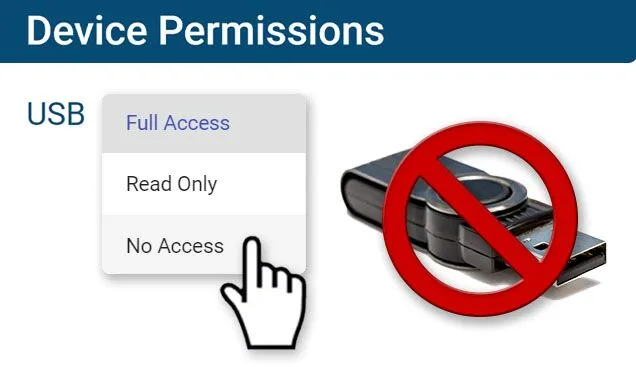
Stop Data Theft to USB Devices
AccessPatrol is USB control software to protect sensitive data against theft to portable storage devices.
- Block USB devices
- USB file activity alerts
- Block file transfers
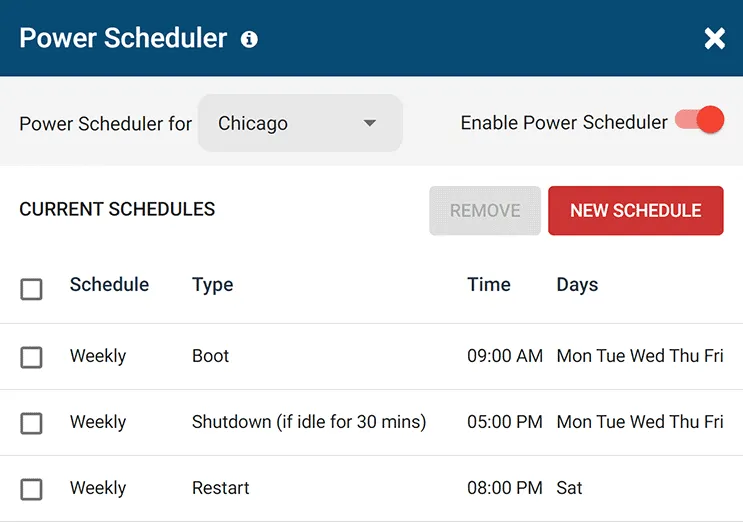
Control PC Power States
enPowerManager is a remote PC power manager for centrally managing power settings across all endpoints.
- Track logon and logoff times
- Log PC power event history
- Remotely shutdown PCs
CurrentWare's Key Features
User Activity Monitoring
Track web browsing, software use, search queries, and more
Screenshot Monitoring
Take automatic screenshots or remotely view desktops
Track Software Usage
Get insights into software usage trends in your organization
Transparent & Stealth Modes
Run silently in the background or provide notice of monitoring
Block USB & Other Devices
Set full access, read only or no access on storage devices
Allowed List Device Whitelist
Allow only authorized storage devices to be used
Block File Transfers
Prevent files from being transferred to portable storage
Reports DLP Activity Reports
Track file transfers, storage device use, file operations, and more
Block Websites
Block websites based on URLs & content categories
Block Downloads/Uploads
Prevent uploading and downloading based on file type
Application Blacklisting
Block specific Windows applications from launching
PC Power Management
Remotely track and control PC power states
Central Web Console
Save time with a central admin console; optionally integrate Active
Directory OUs or security groups
Platform Security
Protect your CurrentWare console with 2FA, passwords, privilege management, and more
Offsite Management
Extend onsite security policies to computers running outside the corporate network
SQL Server Supported
Database scaled for enterprise and large business operations using
Microsoft SQL Server
Get Started Today With a Free Trial
Trusted by teams across the United States, Canada & the United Kingdom
Join 100,000+ professionals across 55 countries.


















What customers say about CurrentWare
Across the whole CurrentWare Suite.
90% of reviewers would recommend BrowseReporter (average likelihood to recommend: 9 out of 10).
90% of reviewers would recommend BrowseControl (average likelihood to recommend: 9 out of 10).
90% of reviewers would recommend AccessPatrol (average likelihood to recommend: 9 out of 10).
See What Our customers Have to Say
-
★★★★★
"When we first saw the tracking reports we were totally surprised by some of the BEHAVIORS THAT HAD GONE UNDER THE RADAR."

See How CurrentWare Compares to Other Vendors.
Side-by-side comparisons with the monitoring, web filtering and device control tools buyers shortlist most. Each page covers features, deployment and pricing, including where another tool may suit you better.
-
Product Comparisons
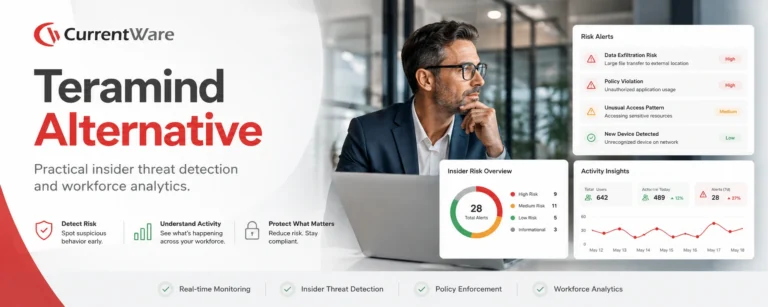
CurrentWare vs Teramind
-
Product Comparisons
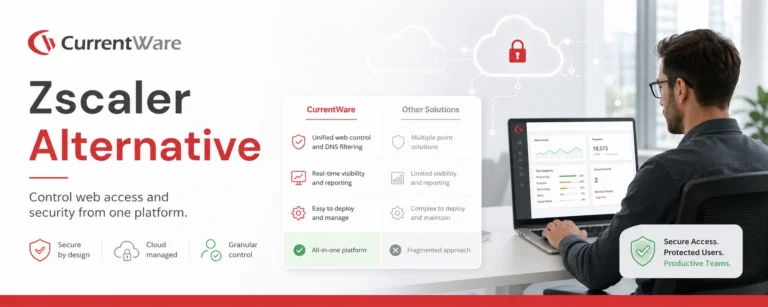
Zscaler Alternative
-
Product Comparisons
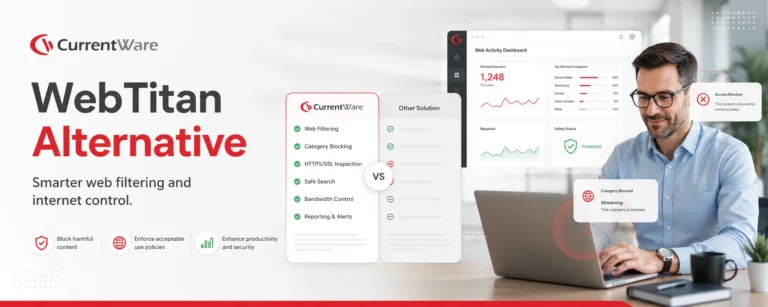
WebTitan Alternatives
-
Product Comparisons
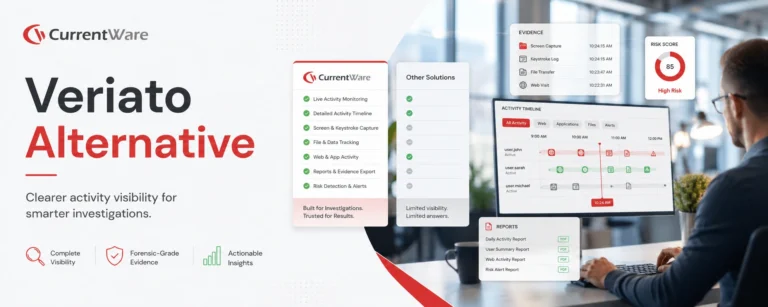
Veriato Alternatives
-
Product Comparisons
Teramind Alternatives
-
Product Comparisons
SafeConsole Alternative
-
Product Comparisons
ManageEngine Alternative
-
Product Comparisons
InterGuard Alternative